EN
EN
 AR
AR  DAN
DAN  IT
IT  ARM
ARM  FIN
FIN  SWE
SWE  NOR
NOR  MAY
MAY  NL
NL  TH
TH  KOR
KOR  PL
PL  JP
JP  RU
RU  PT
PT  SPA
SPA  FRA
FRA  DE
DE  CHT
CHT 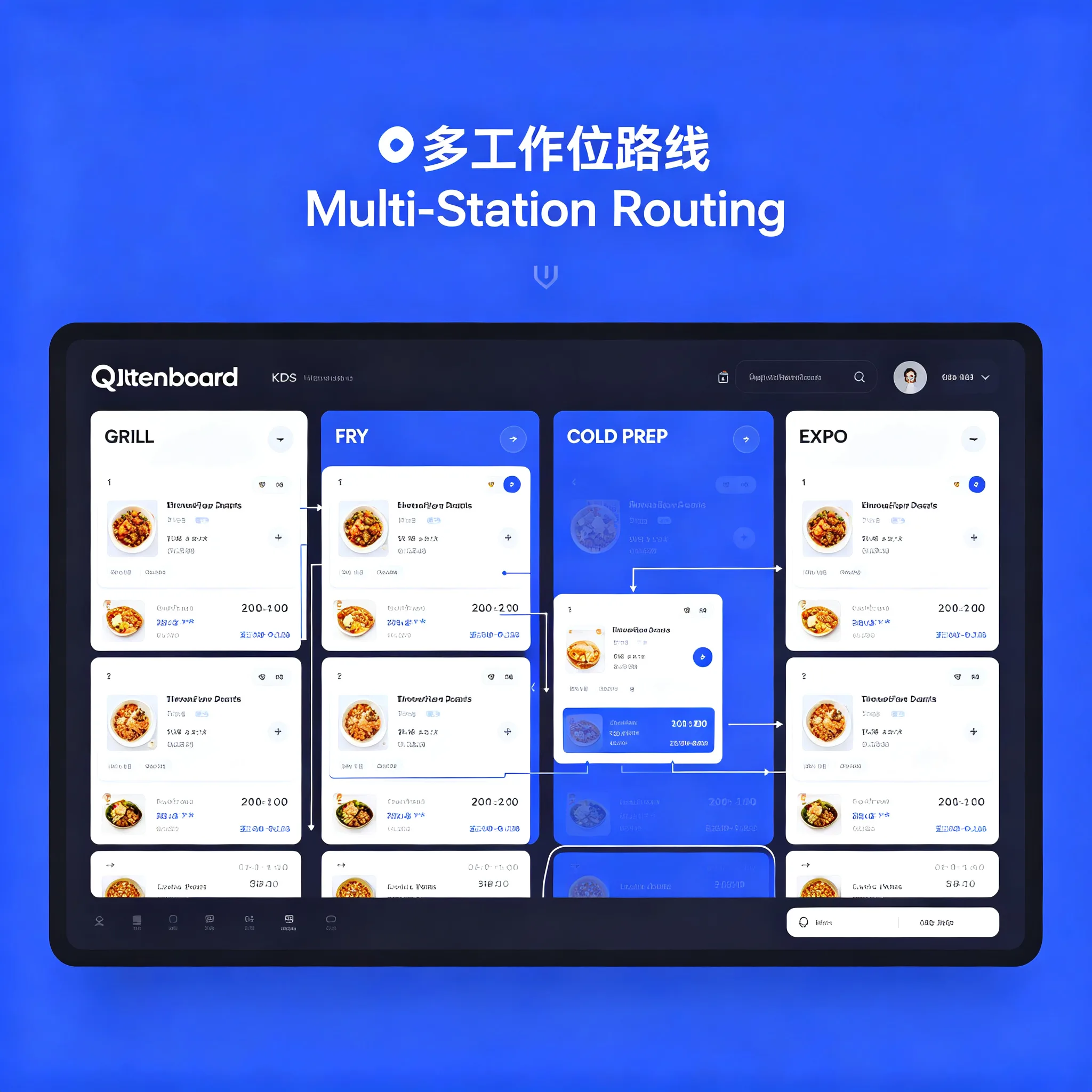
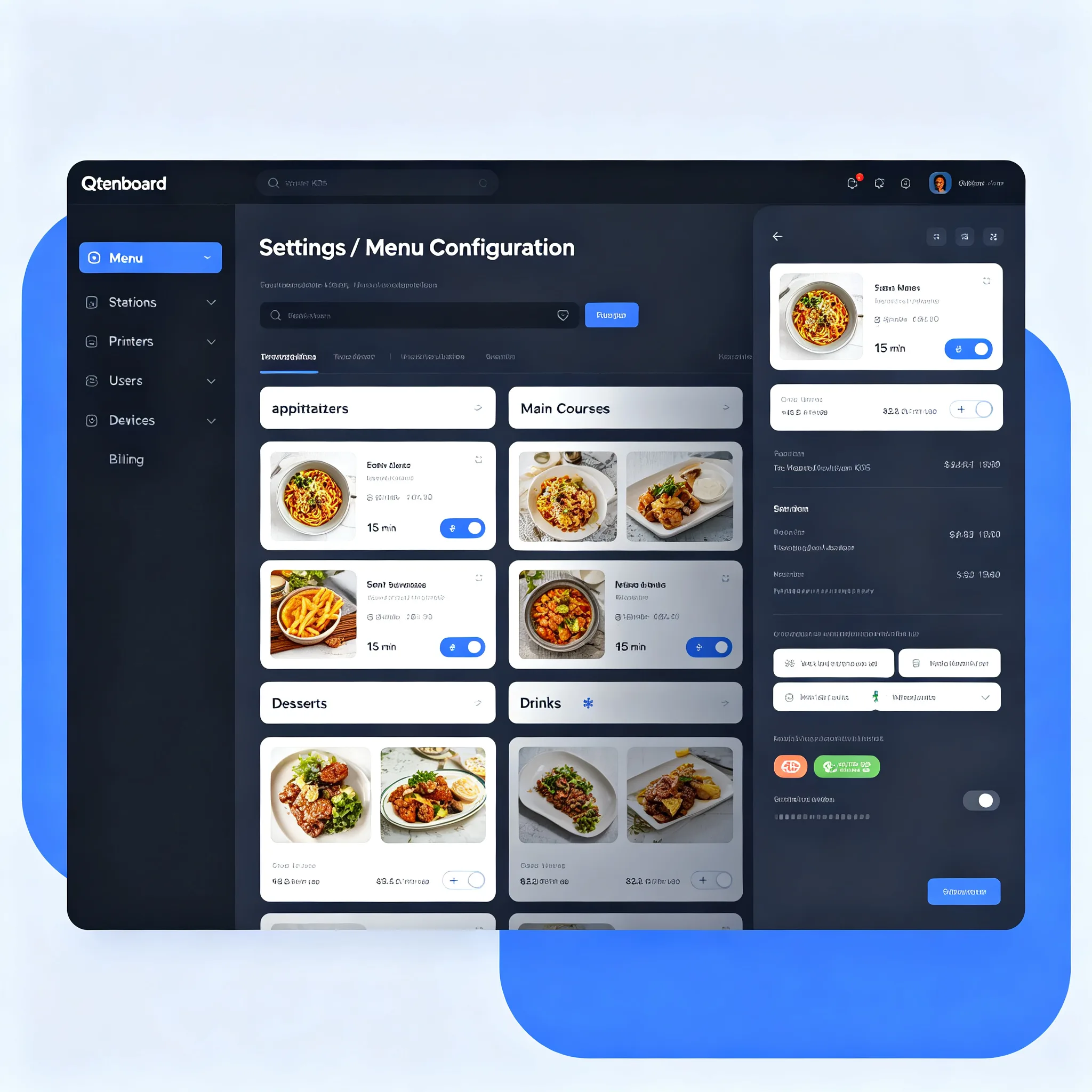
Kitchen Display System for Restaurants Qtenboard KDS
Technical specifications:
Why Qtenboard
Restaurant technology partner — in-house display engineering meets KDS software expertise
Trusted by chains, POS integrators, and hospitality groups worldwide, Qtenboard is a full-stack kitchen display system supplier. We combine in-house display engineering with deep KDS software expertise, so your restaurant kitchen display system runs on one tightly integrated stack.
Software and Hardware, One Team
Qtenboard builds the complete kitchen display system stack: our software team designs the order-flow engine, station routing logic, and analytics dashboard, while our hardware team engineers the IP65 fanless kitchen display terminals that run it. This vertical integration means fewer compatibility surprises and faster issue resolution for every kitchen display system deployment.
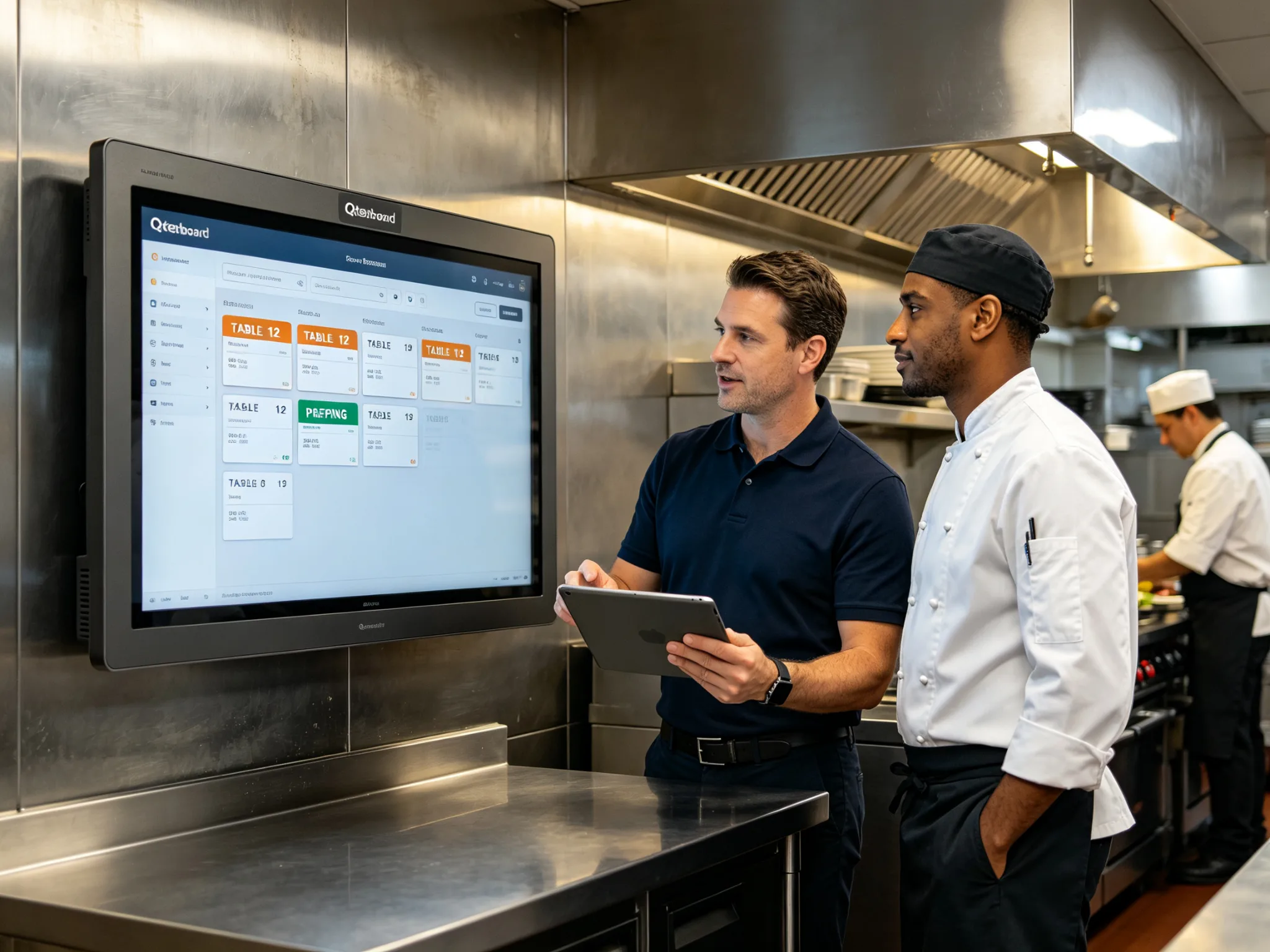
We work with restaurant chains, POS resellers, and system integrators to deploy our kitchen display system software across single stores and multi-location groups. Our team handles onboarding, menu configuration, staff training, and ongoing software updates — so your kitchen display system is productive from day one.
- 20+Years Restaurant Tech
- 2,000+Kitchens Deployed
- 40+Countries Served
Software Features
Every capability designed to cut prep time, eliminate order errors, and give managers full visibility
Real-Time Order Sync
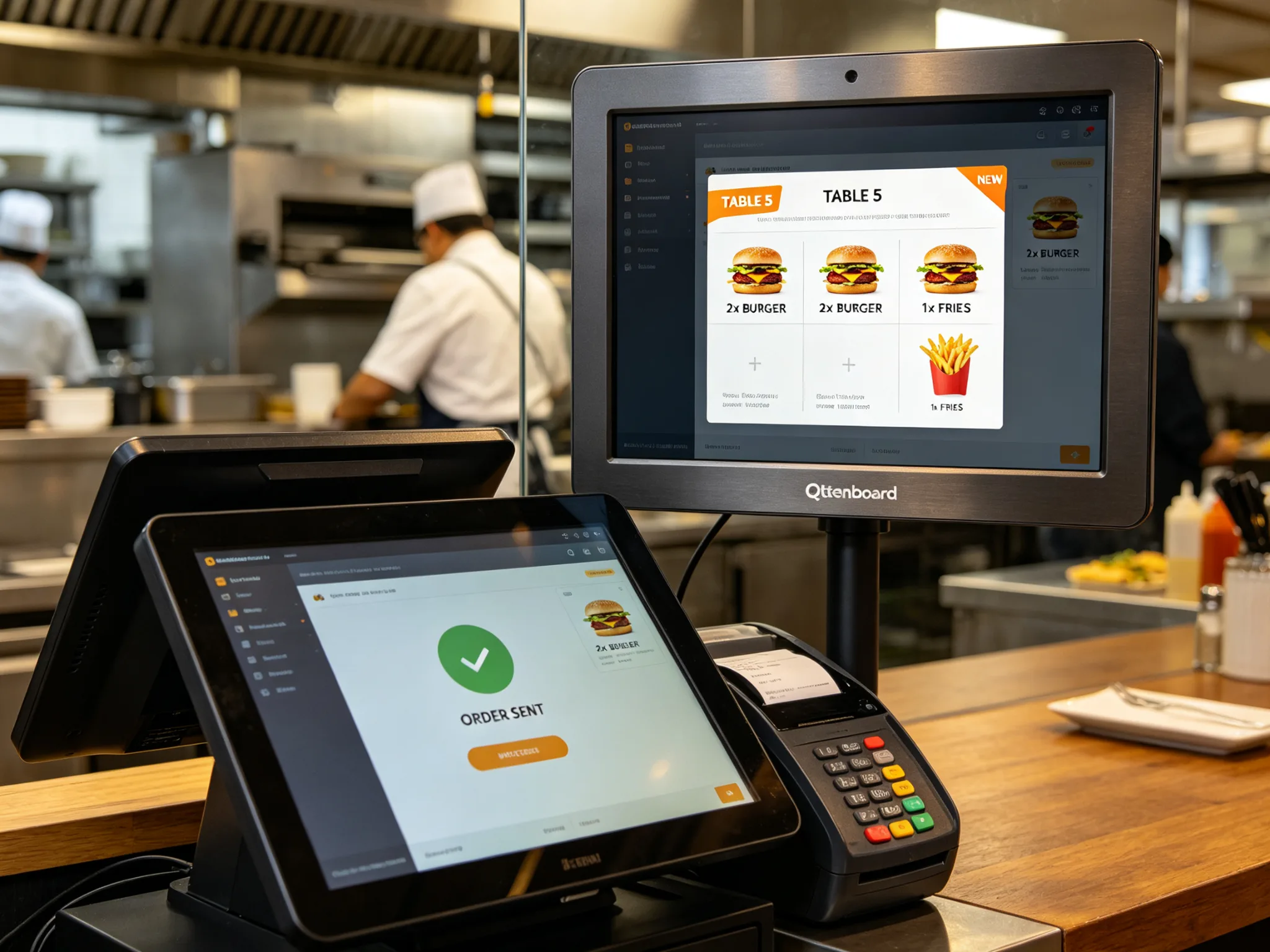
Orders from POS, self-service kiosk ordering, and delivery platforms appear on the kitchen display system screen in under one second. No lag, no lost tickets, no manual entry.
Color-Coded Priority
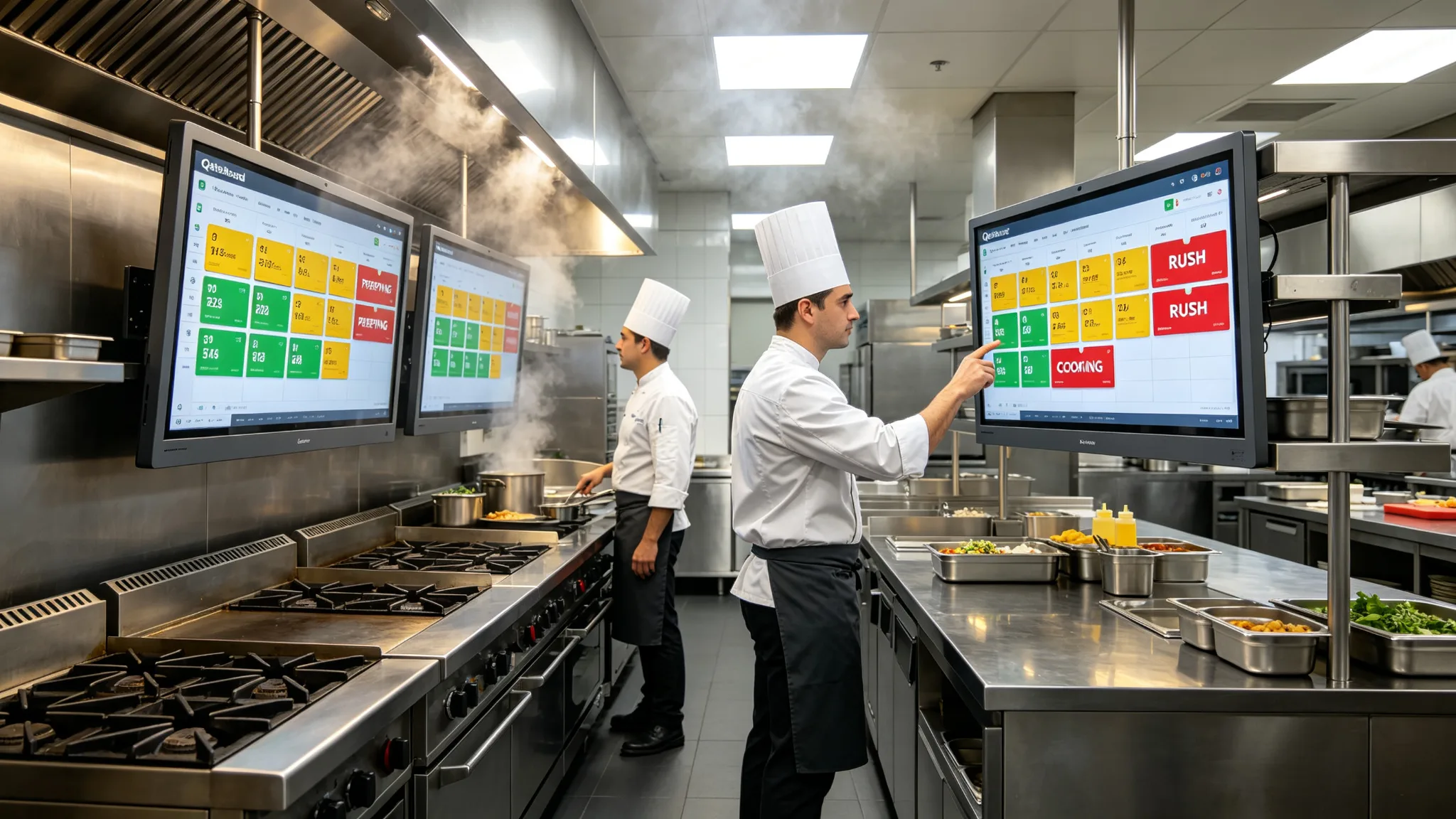
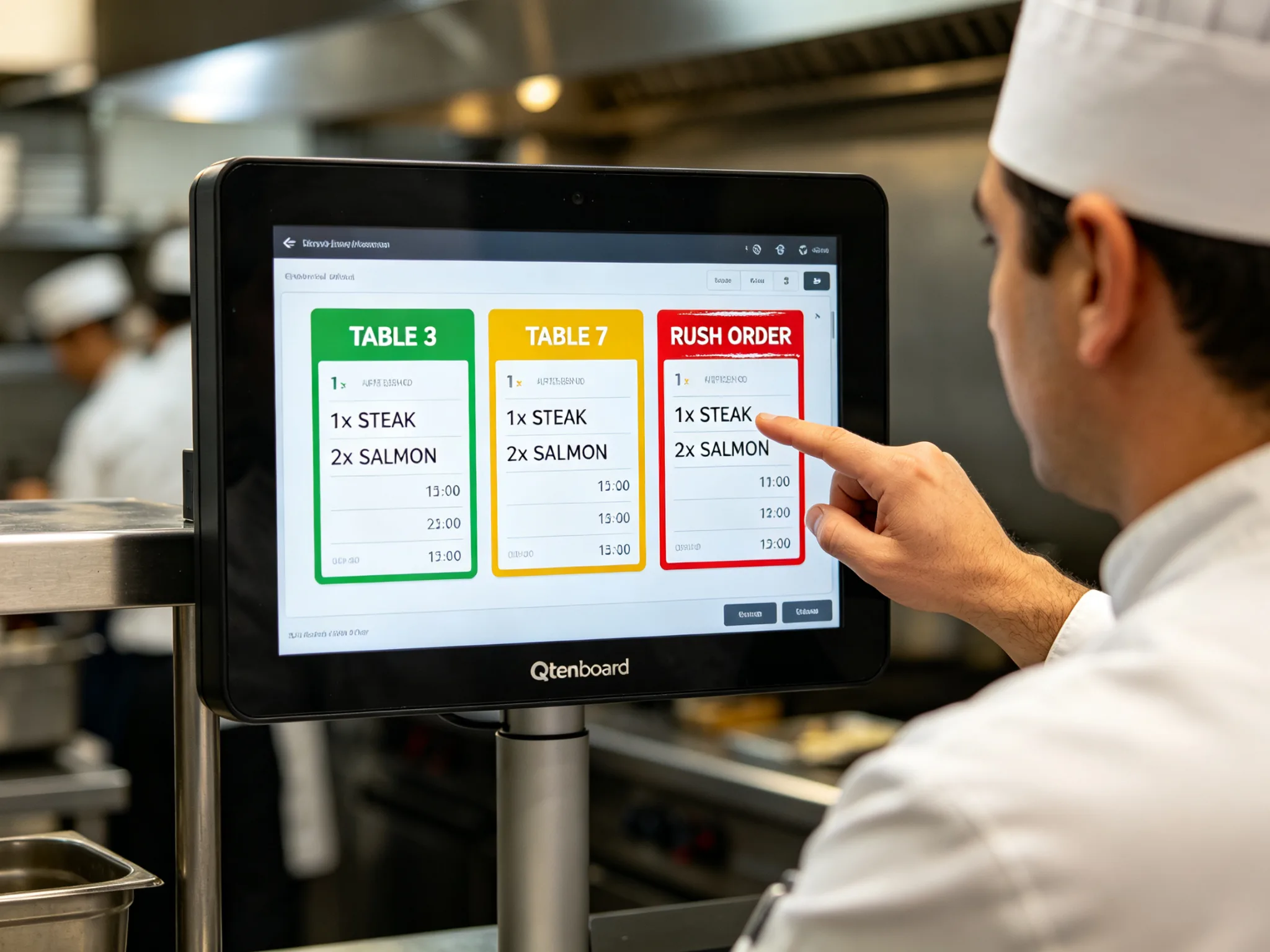
Green for fresh, yellow for waiting, red for delayed. At-a-glance urgency cues on the kitchen display system let chefs focus on the tickets that need attention now.
Multi-Station Routing
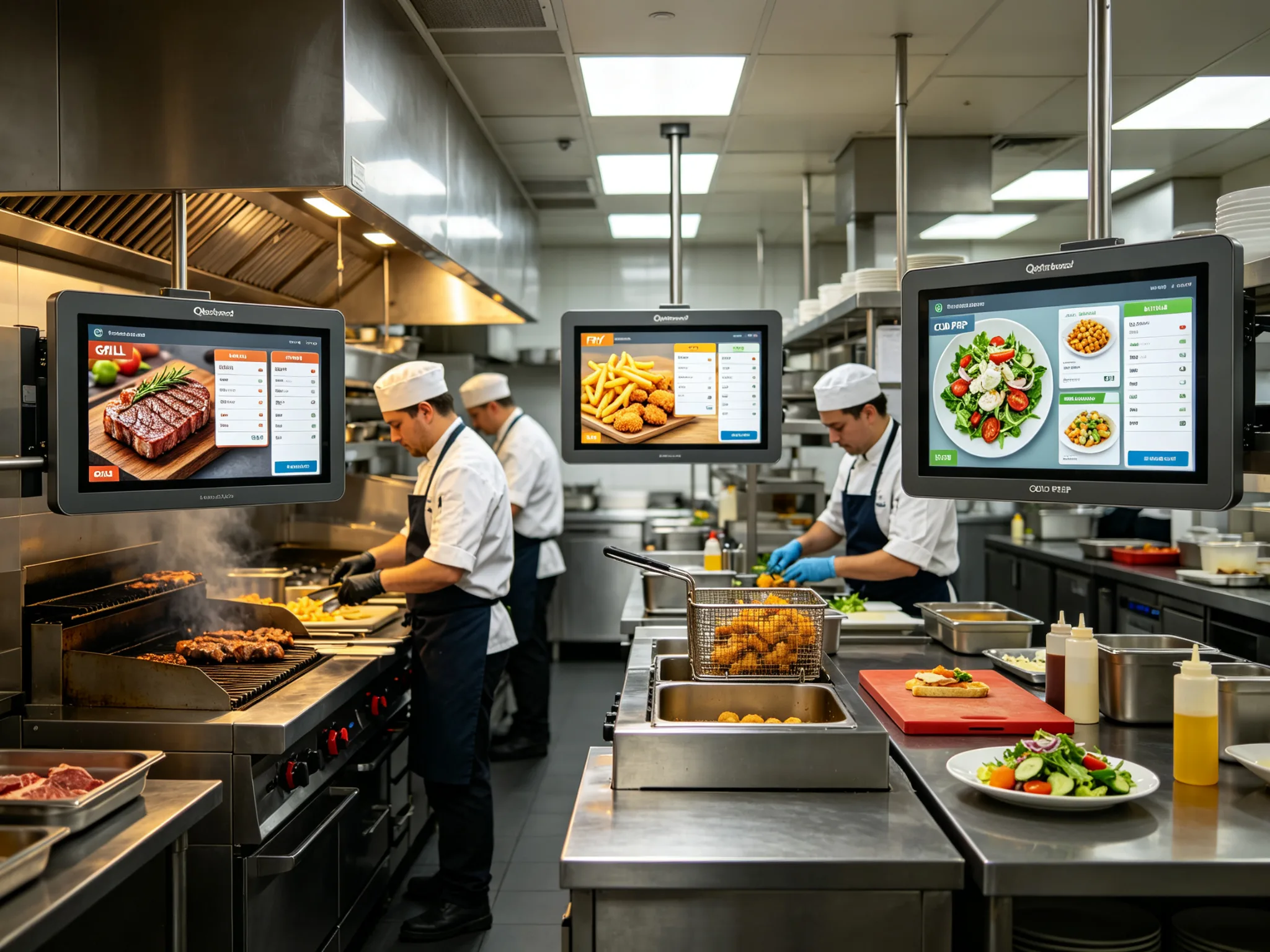
The kitchen display system automatically sends each item to the right station — grill, fry, cold prep, expo. Every kitchen display screen shows only the tickets its team needs to action.
Item-Level Timers
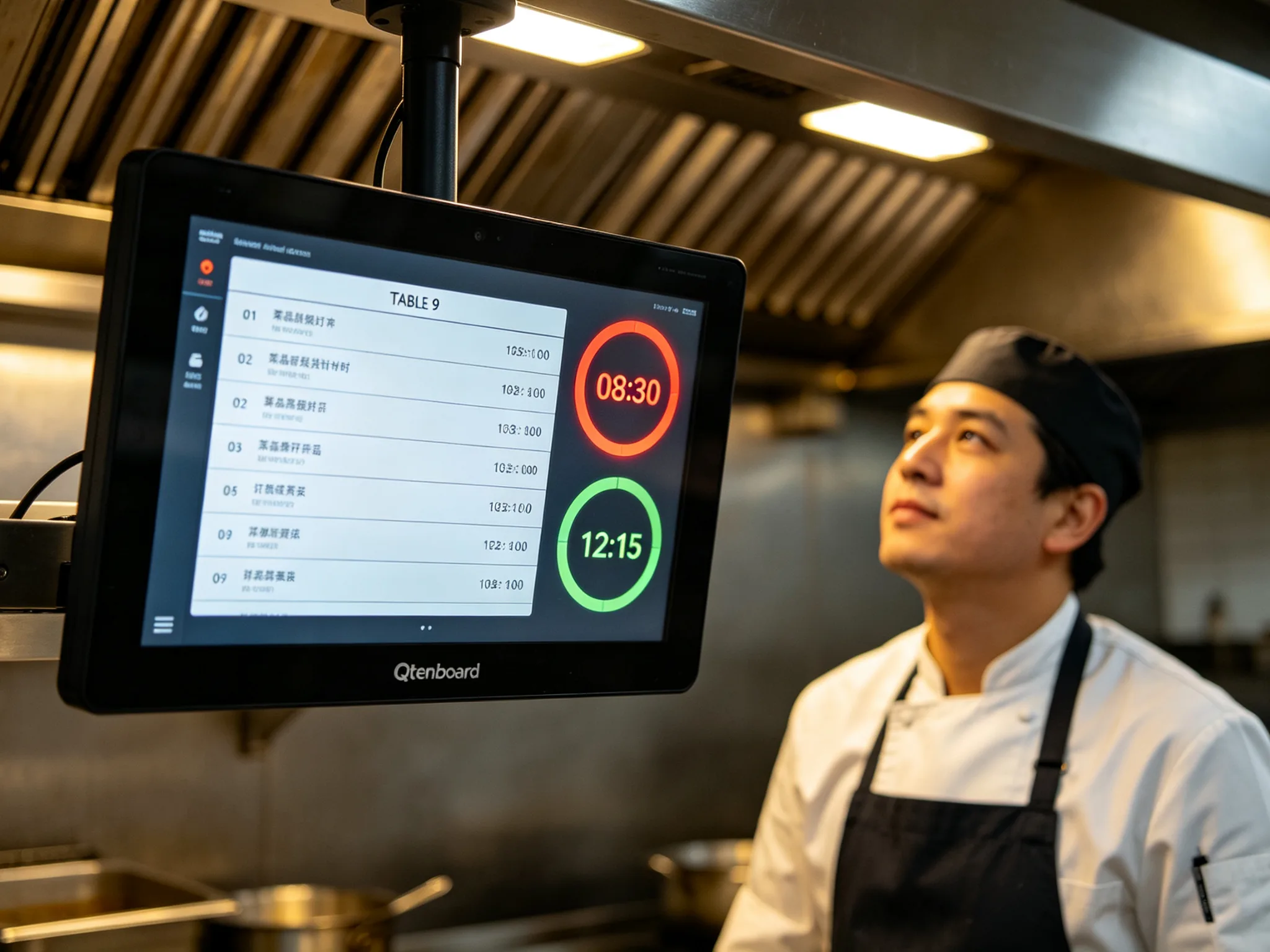
Set target prep times per dish inside the kitchen display system software. Automatic countdown and escalation alerts prevent slow tickets from slipping through during a rush.
Seamless POS Integration
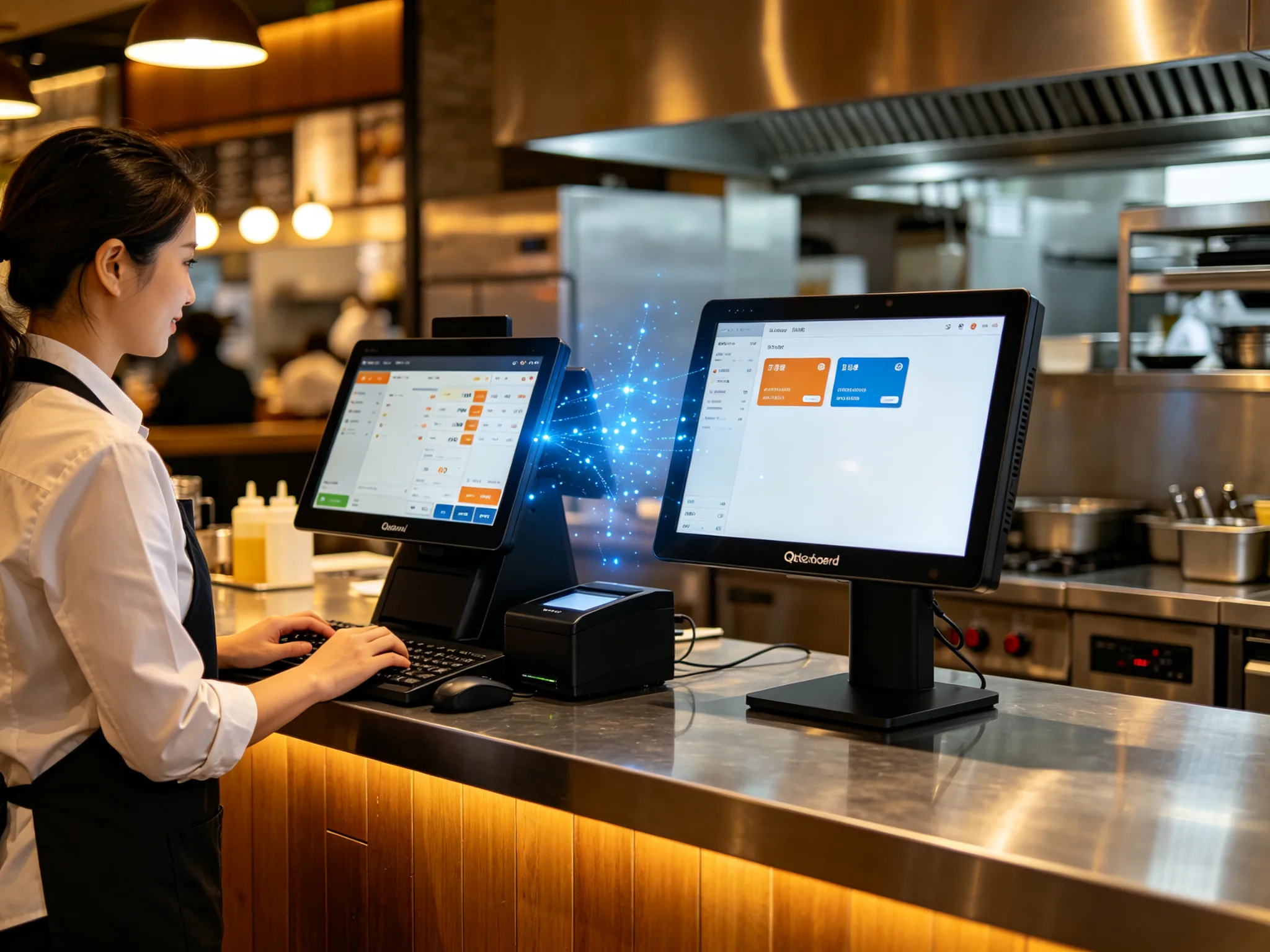
The kitchen display system connects to major restaurant POS platforms via standard API. Supports Windows and Android software stacks with plug-and-play middleware.
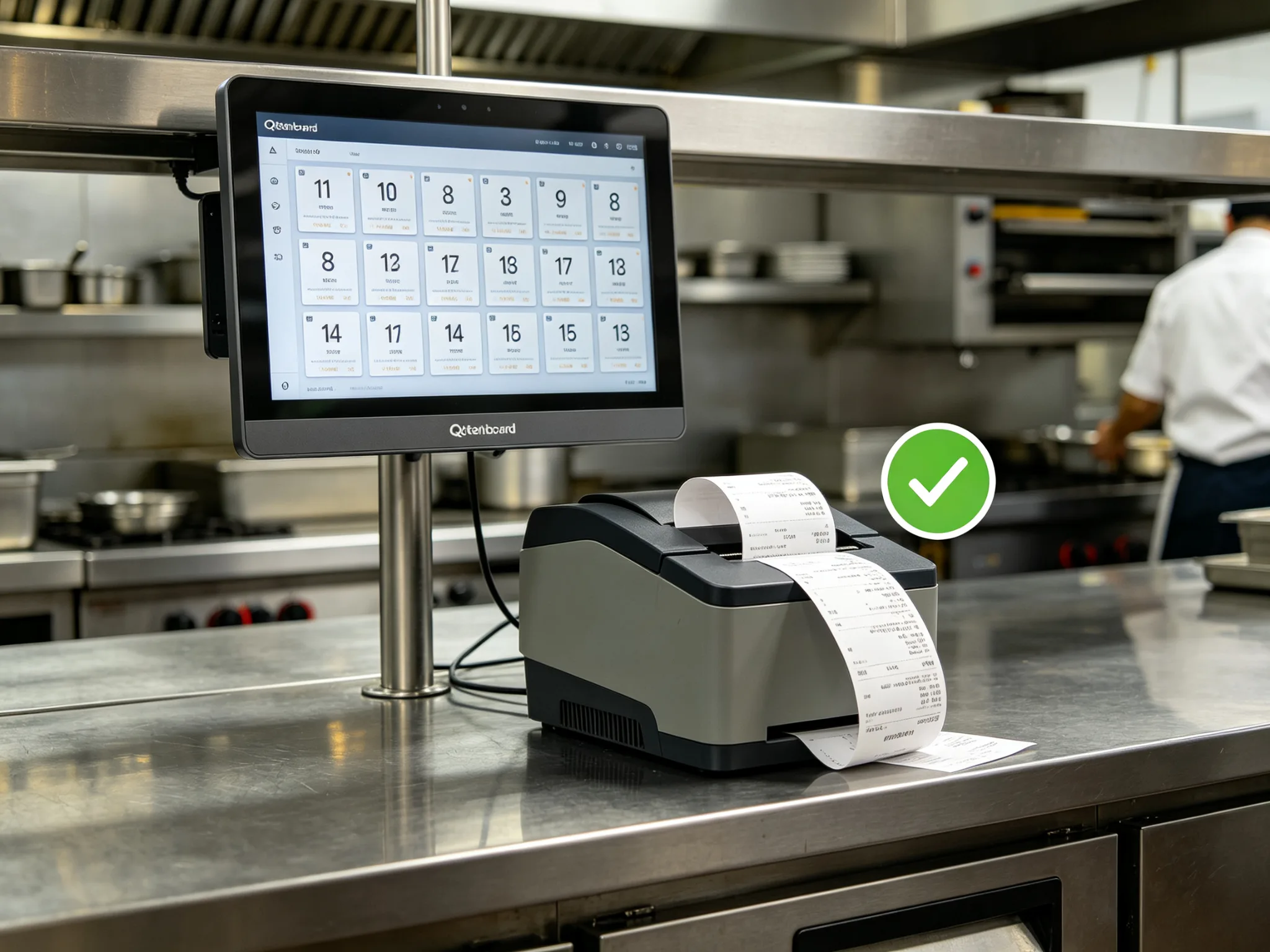
Paperless Operation
Eliminate thermal paper costs and lost-ticket errors with a paperless kitchen display system. Digital tickets are always legible, sortable, and stored for audit and recall.
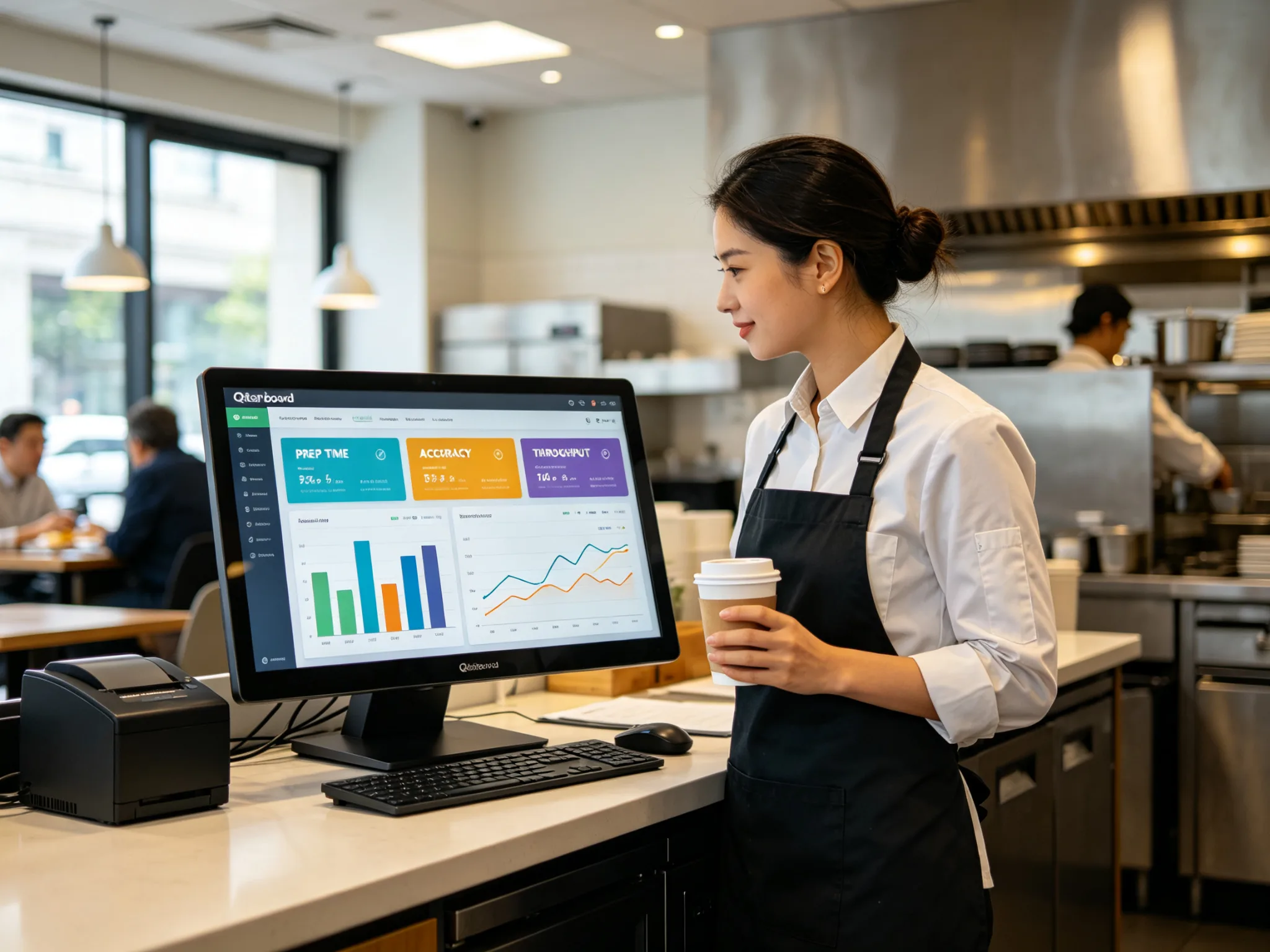
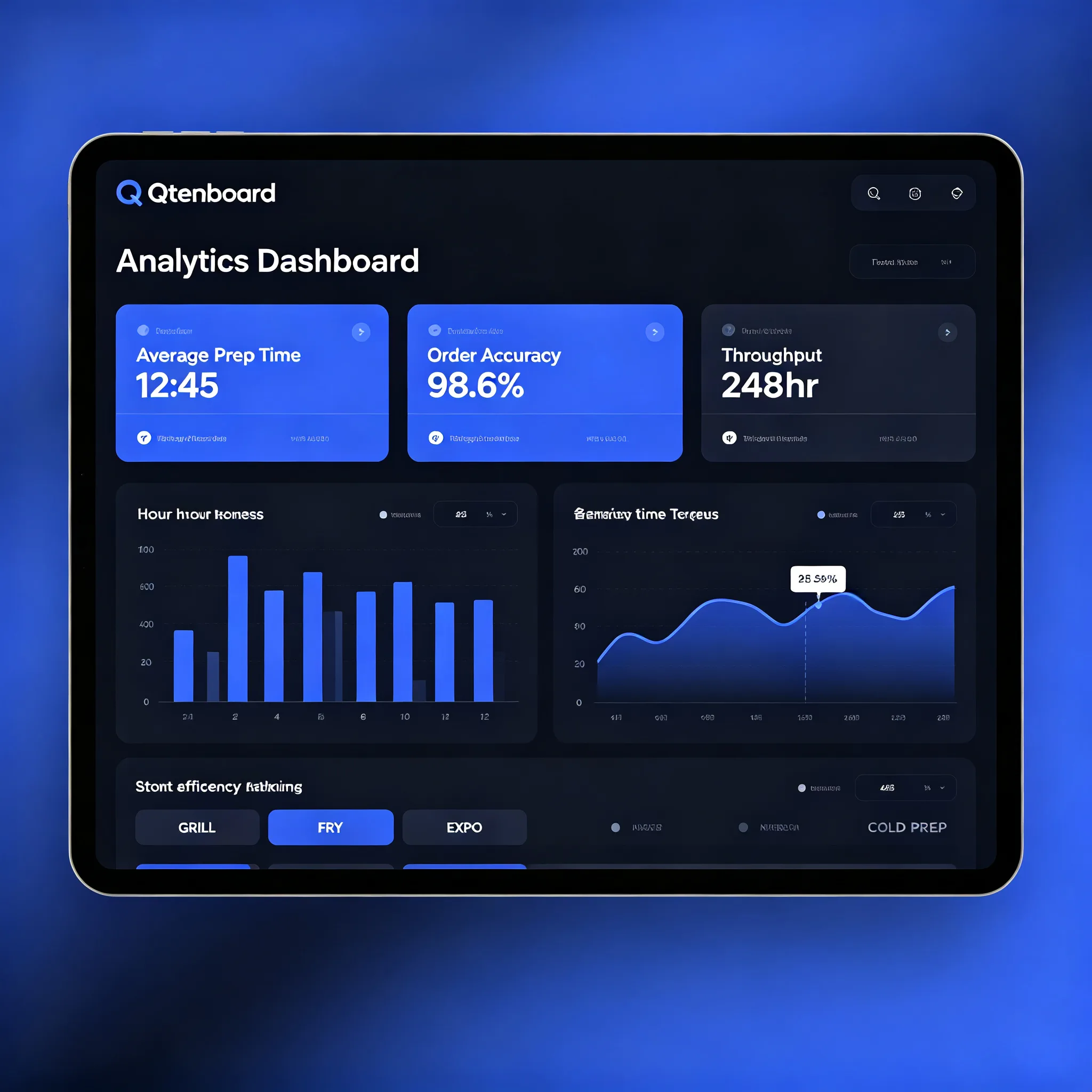
Analytics & Reporting
Track prep times, station throughput, peak-hour bottlenecks, and order accuracy from the kitchen display system dashboard. Export reports to optimize staffing and menu engineering.
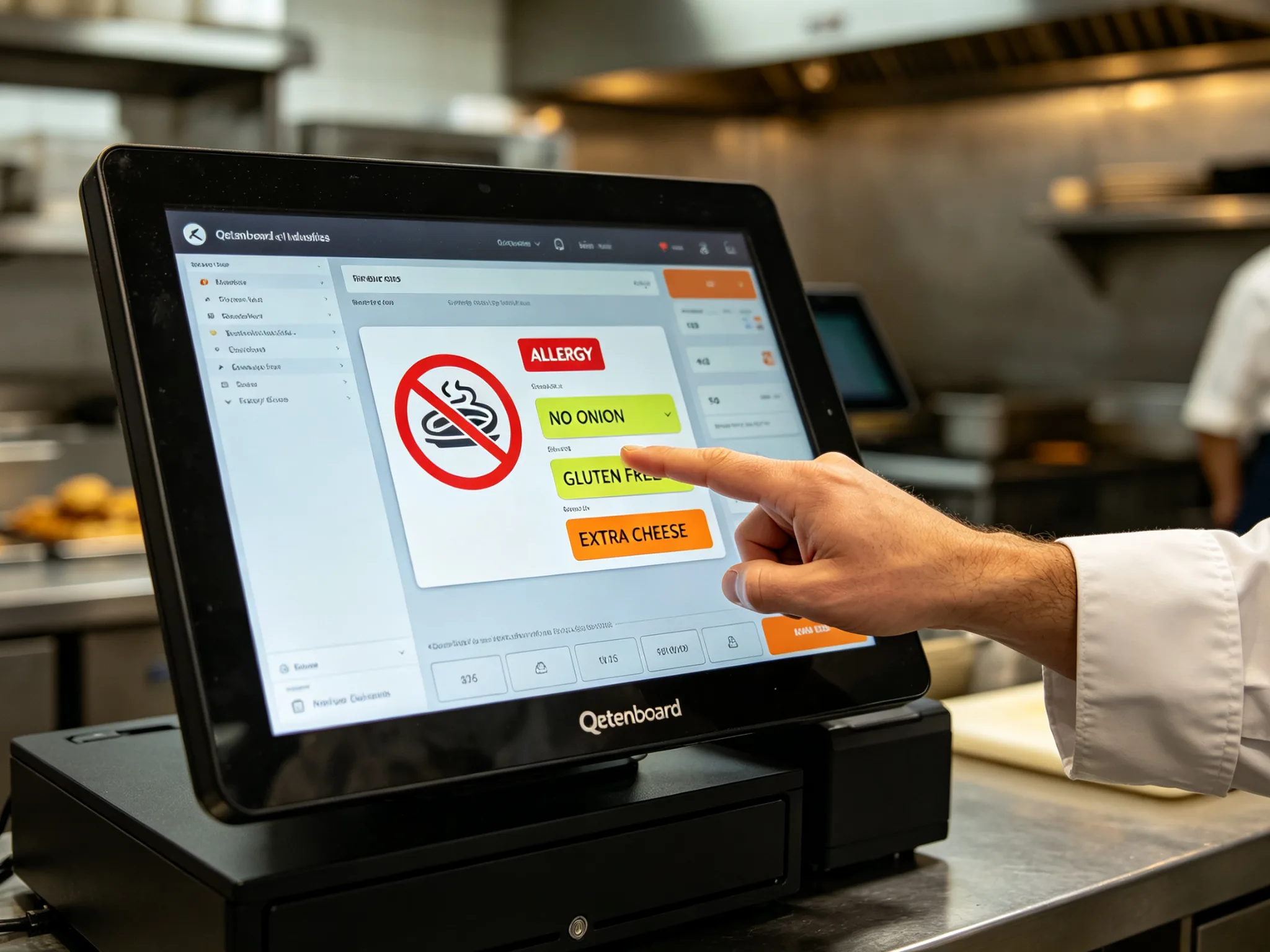
Allergen & Modifier Alerts
The kitchen display system shows allergy flags, special instructions, and custom modifiers prominently on every ticket. Reduce mistakes that impact customer safety.
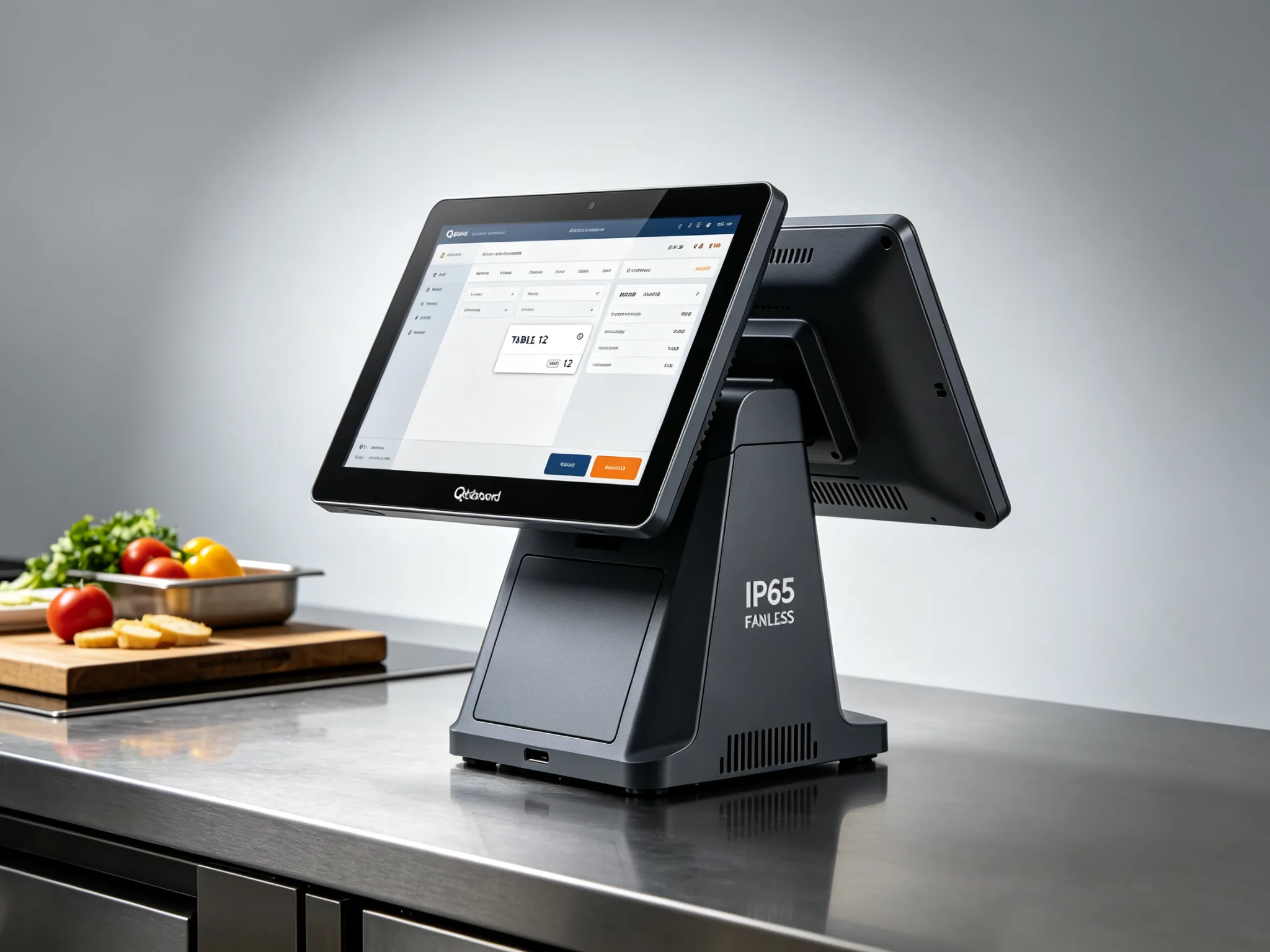
Compatible KDS Hardware
Built for grease, splash, and 24/7 operation
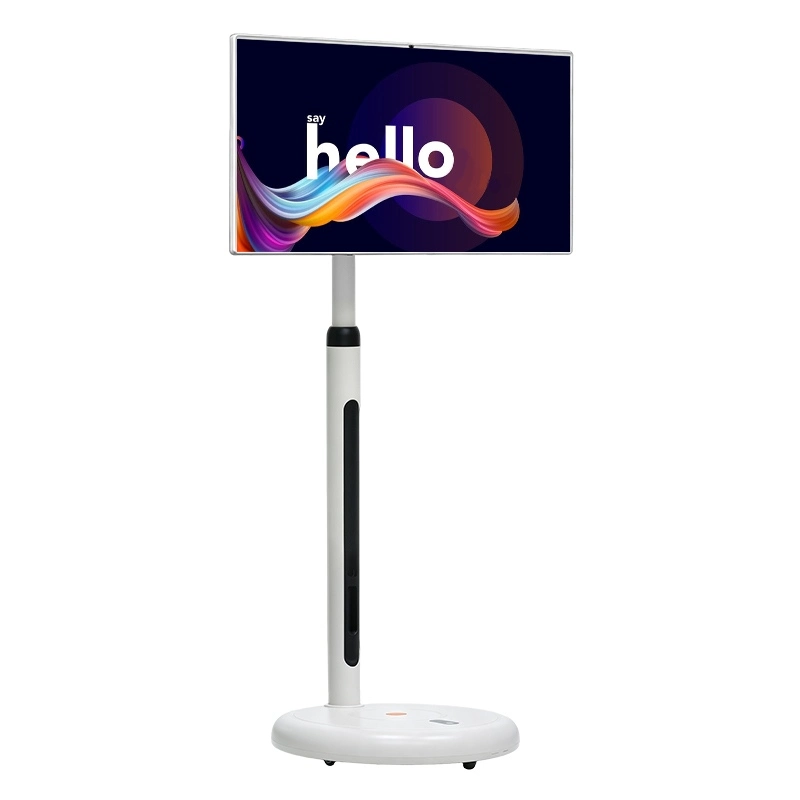
Our kitchen display system software runs on Qtenboard's IP65 fanless kitchen display terminals — available in 15.6", 21.5", and 27" sizes with Windows, Android, or Linux. Built on the same commercial display technology used across our range, they are engineered for grease, splash, and 24/7 operation.
View recommended KDS hardware: https://www.qtenboardglobal.com/indoor-digital-signage-719.html
Use Scenarios
From single-location cafes to multi-brand cloud kitchens
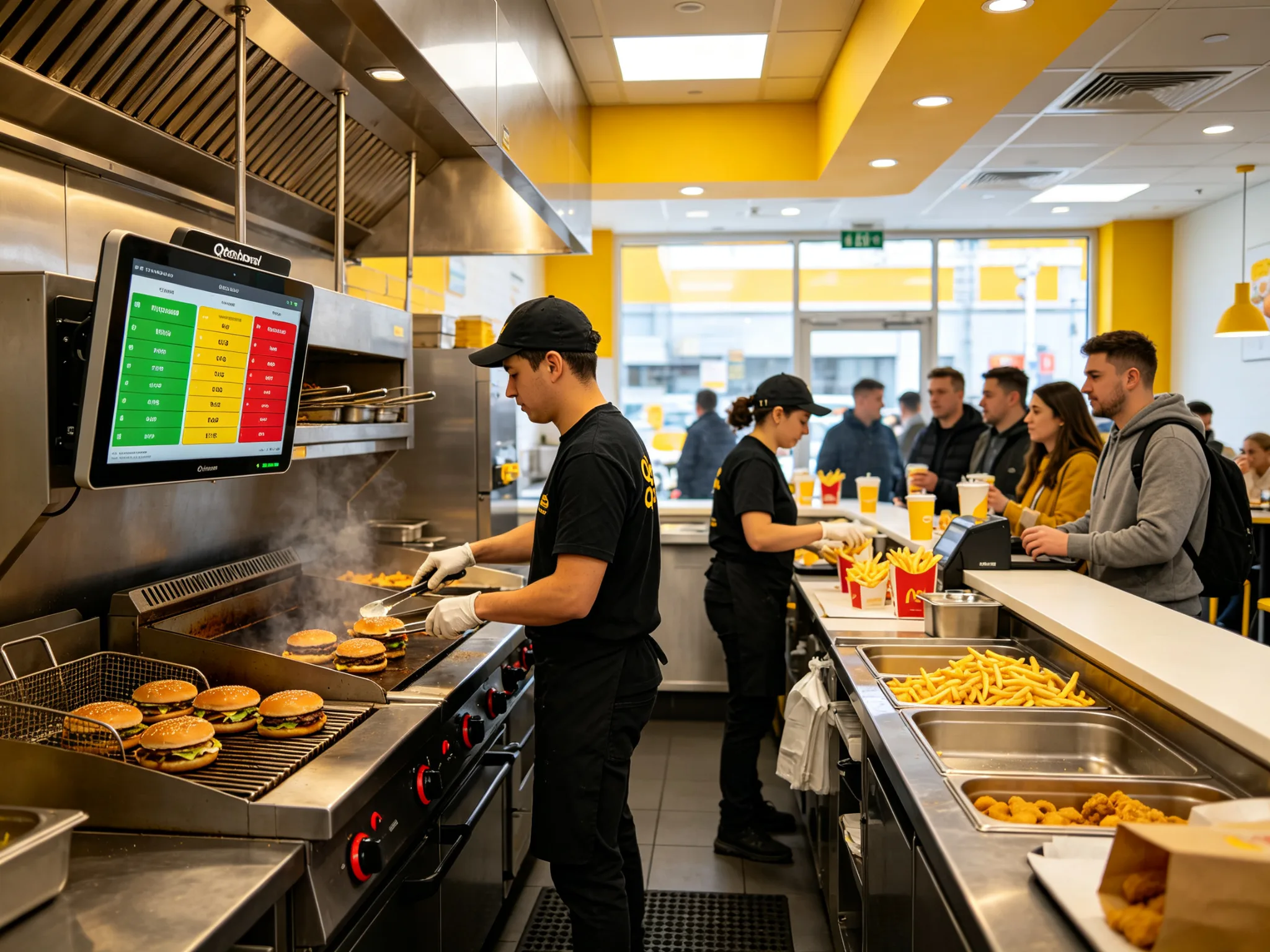
Quick Service Restaurants
Handle counter, drive-thru, and delivery orders in one unified kitchen display system queue. Color-coded urgency and bump-bar support keep throughput at peak efficiency during rushes.
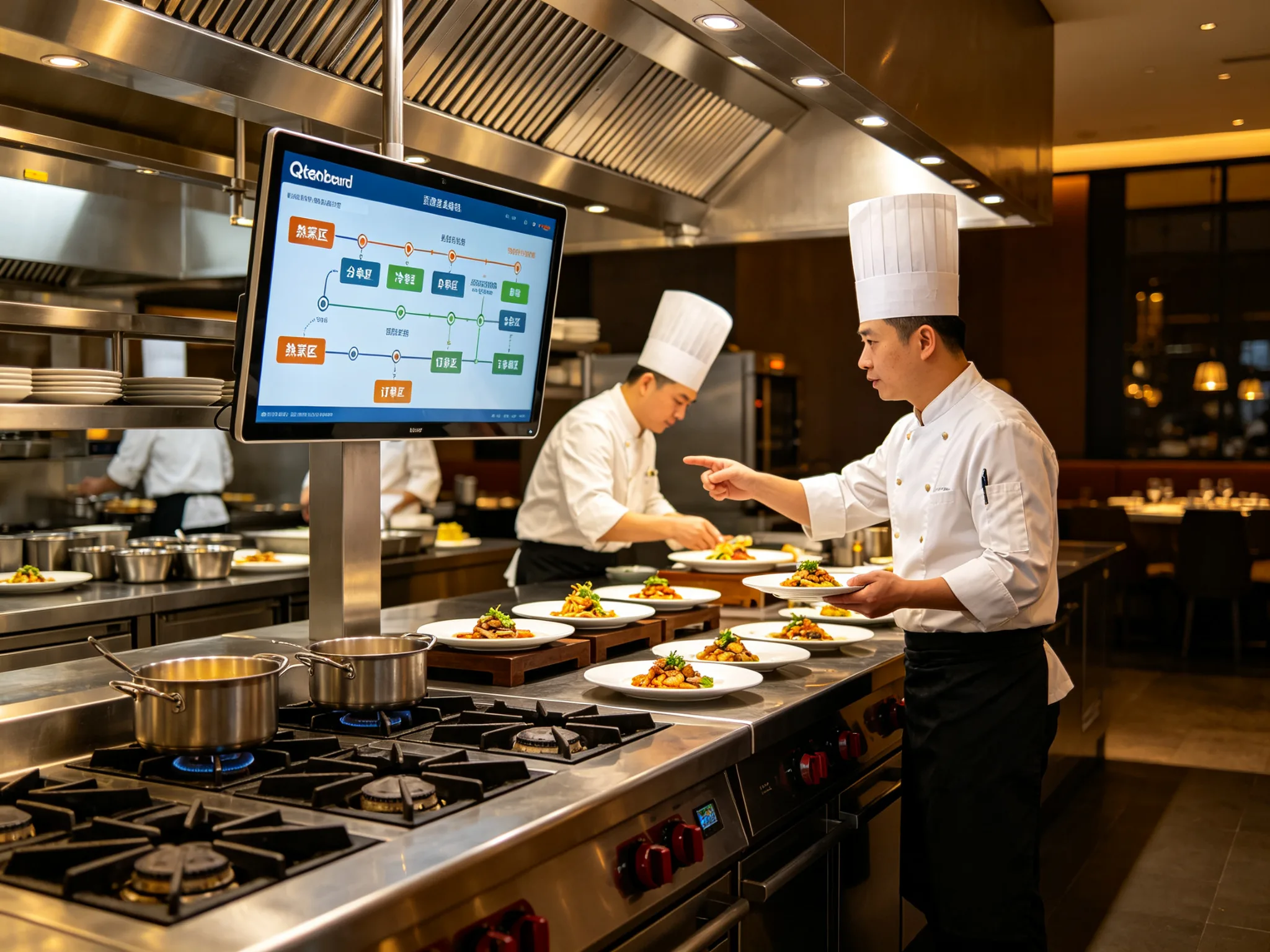
Full-Service & Casual Dining
Coordinate multi-course sequencing across hot, cold, and pastry stations on the kitchen display system. Course-based routing ensures every plate arrives at the table together, every time.
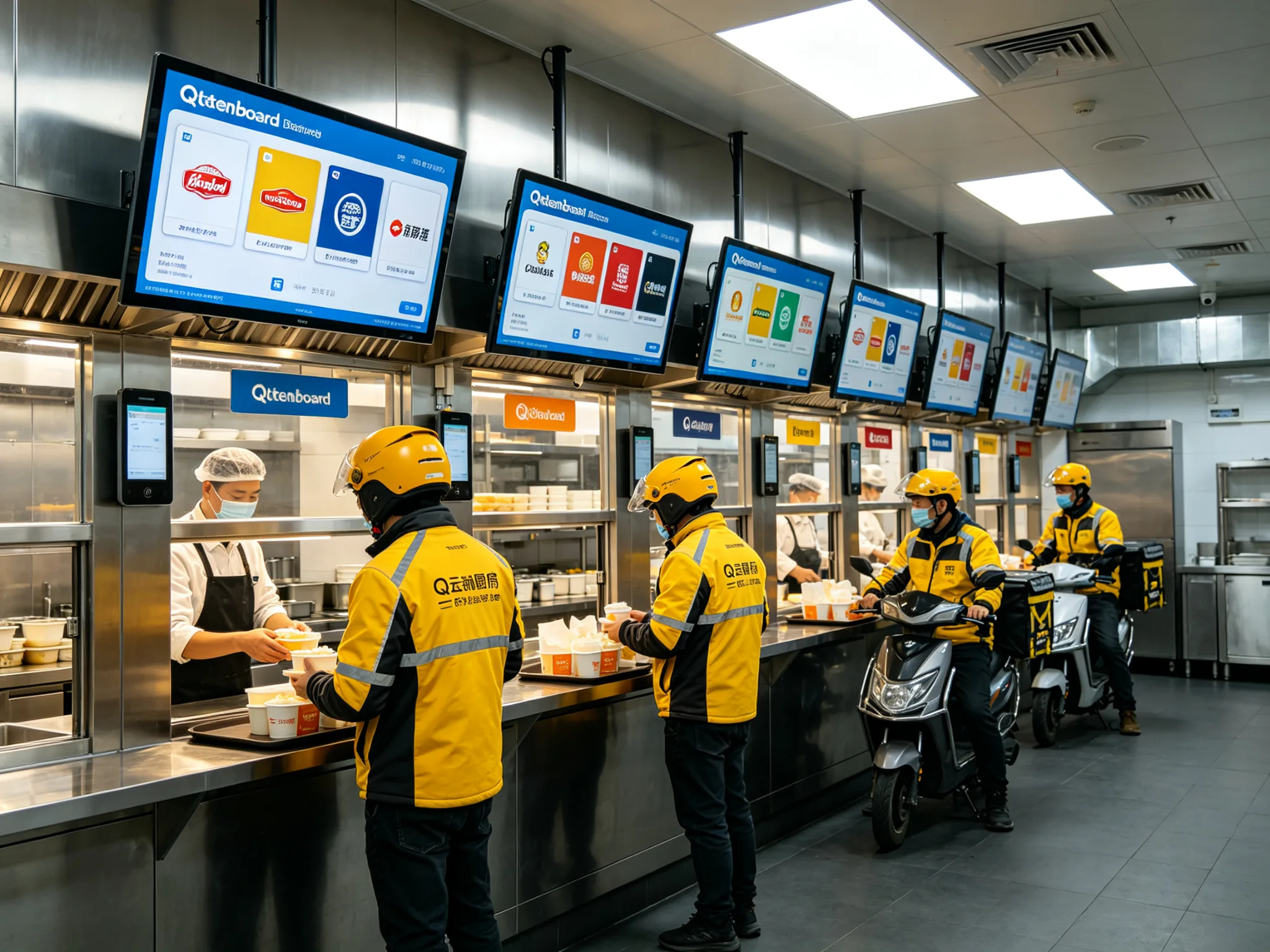
Cloud & Ghost Kitchens
Aggregate orders from Uber Eats, DoorDash, and in-house channels into one kitchen display system queue. Manage multiple virtual brands from a single screen bank, no tablet chaos.
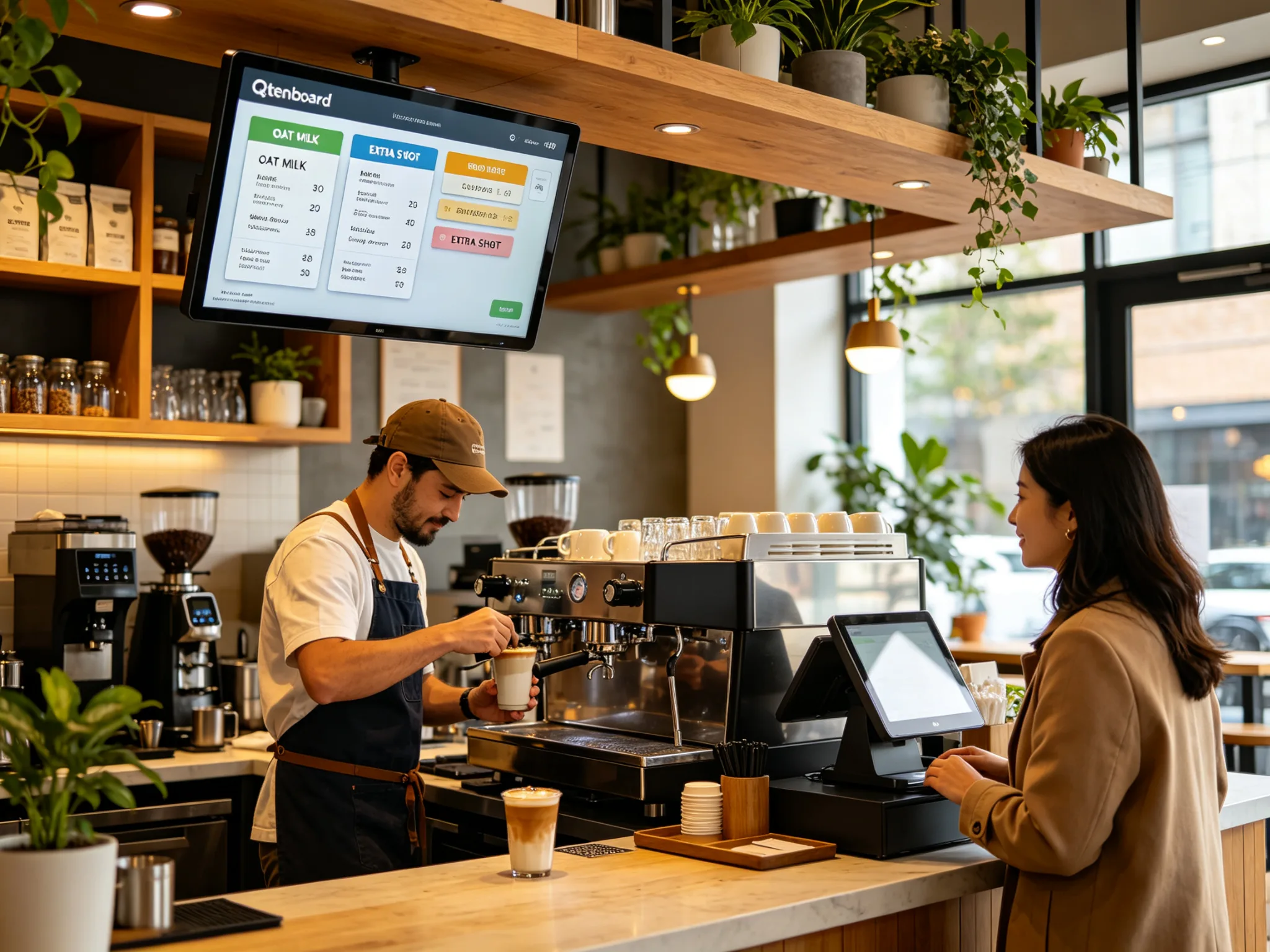
Cafes & Bakeries
The kitchen display system shows drink modifiers, allergen flags, and custom instructions clearly. Compact screen layouts fit any counter setup without cluttering the workspace.
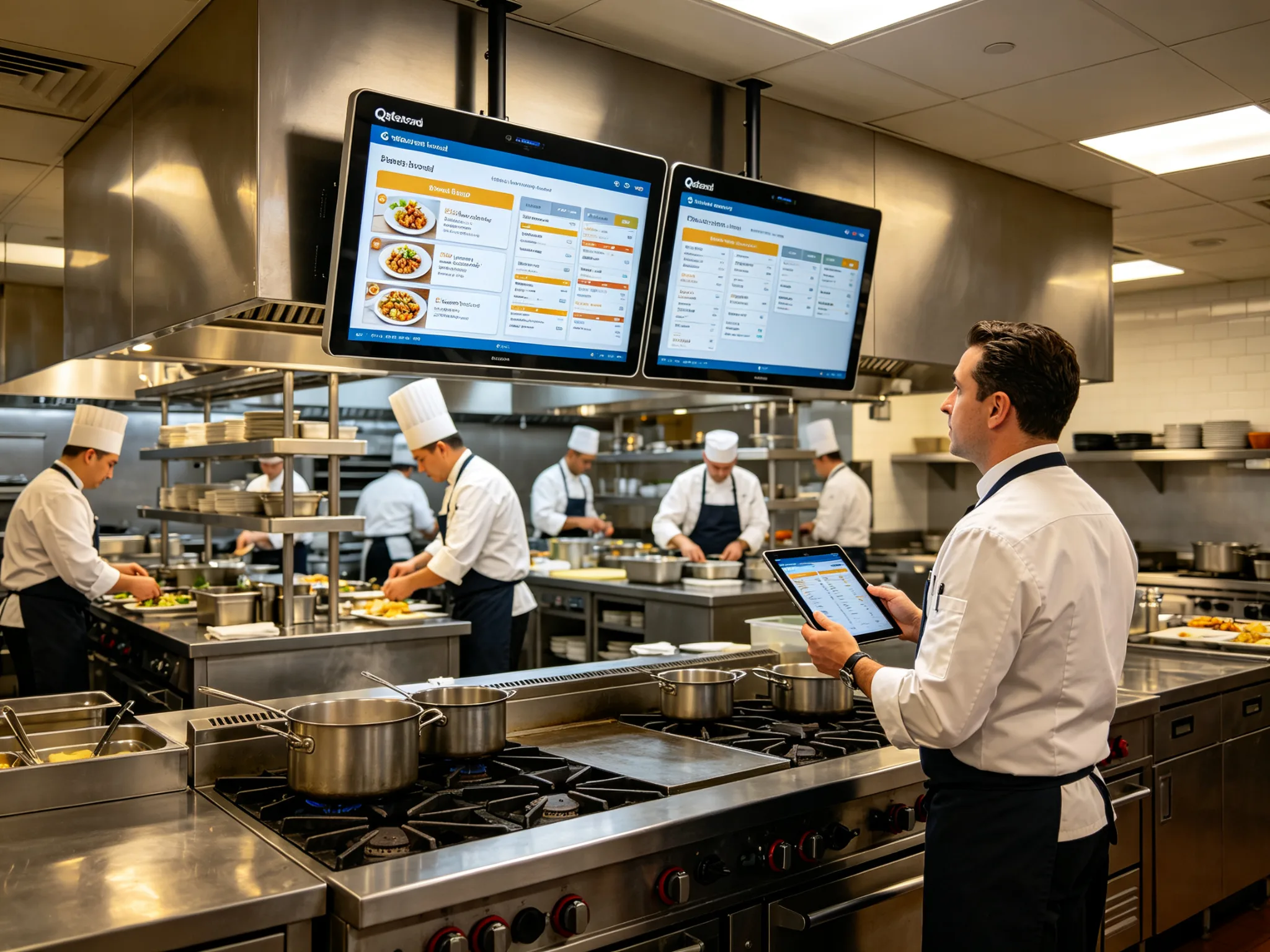
Hotel & Hospitality Kitchens
Scale the kitchen display system from a la carte breakfast to full banquet service. Multi-outlet dashboards let executive chefs oversee every kitchen from one central view.
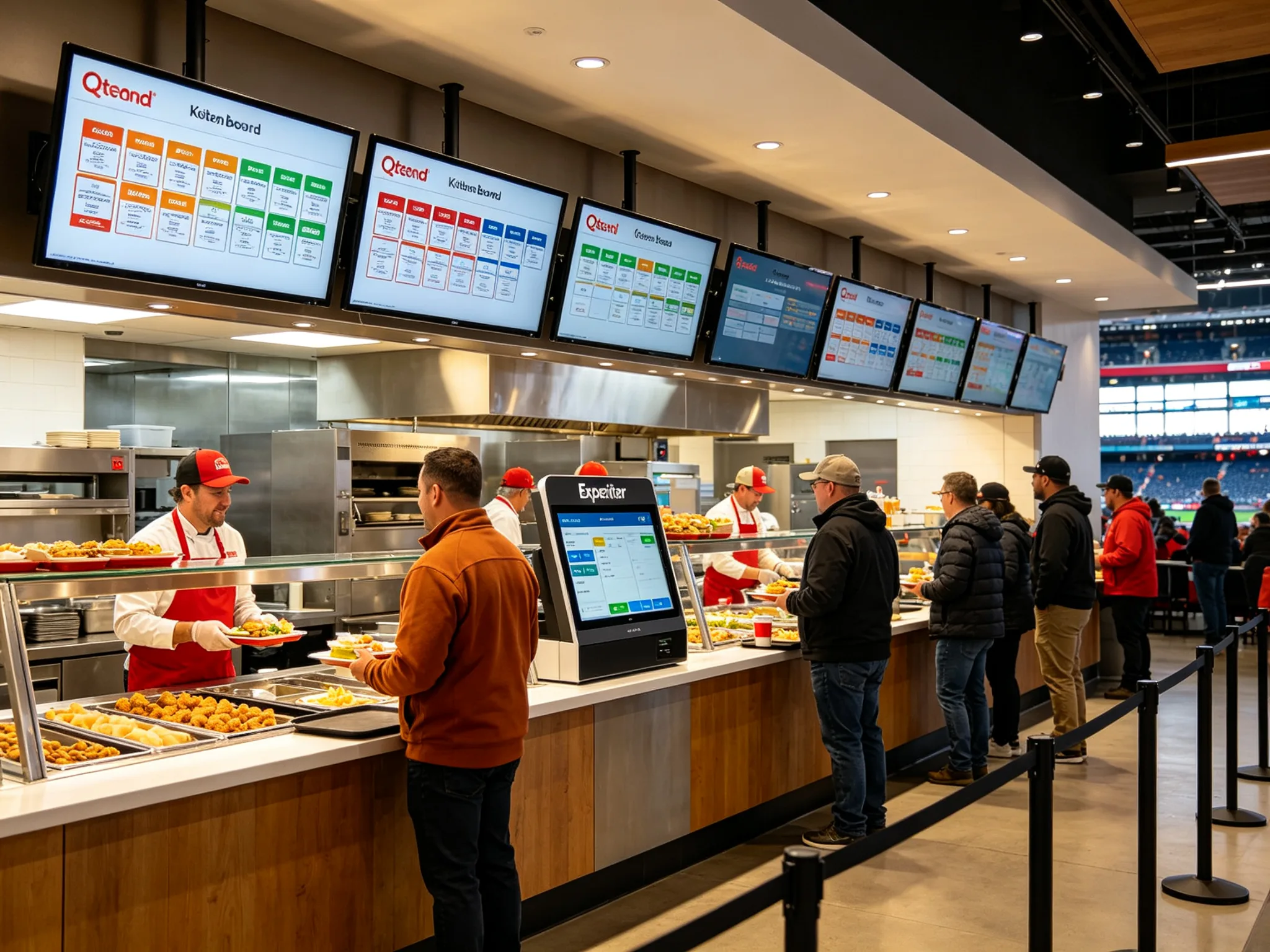
Food Halls & Stadium Concessions
Manage peak crowds across independent vendor stalls with centralized kitchen display system expediter screens and order-status digital signage solutions that reduce wait times and customer walkaways.
Qtenboard Support & Services
End-to-end partnership for B2B buyers, integrators, and chain operators
From kitchen display system software onboarding to long-term after-sales care, Qtenboard delivers an end-to-end partnership built for restaurant chains, POS resellers, and system integrators.
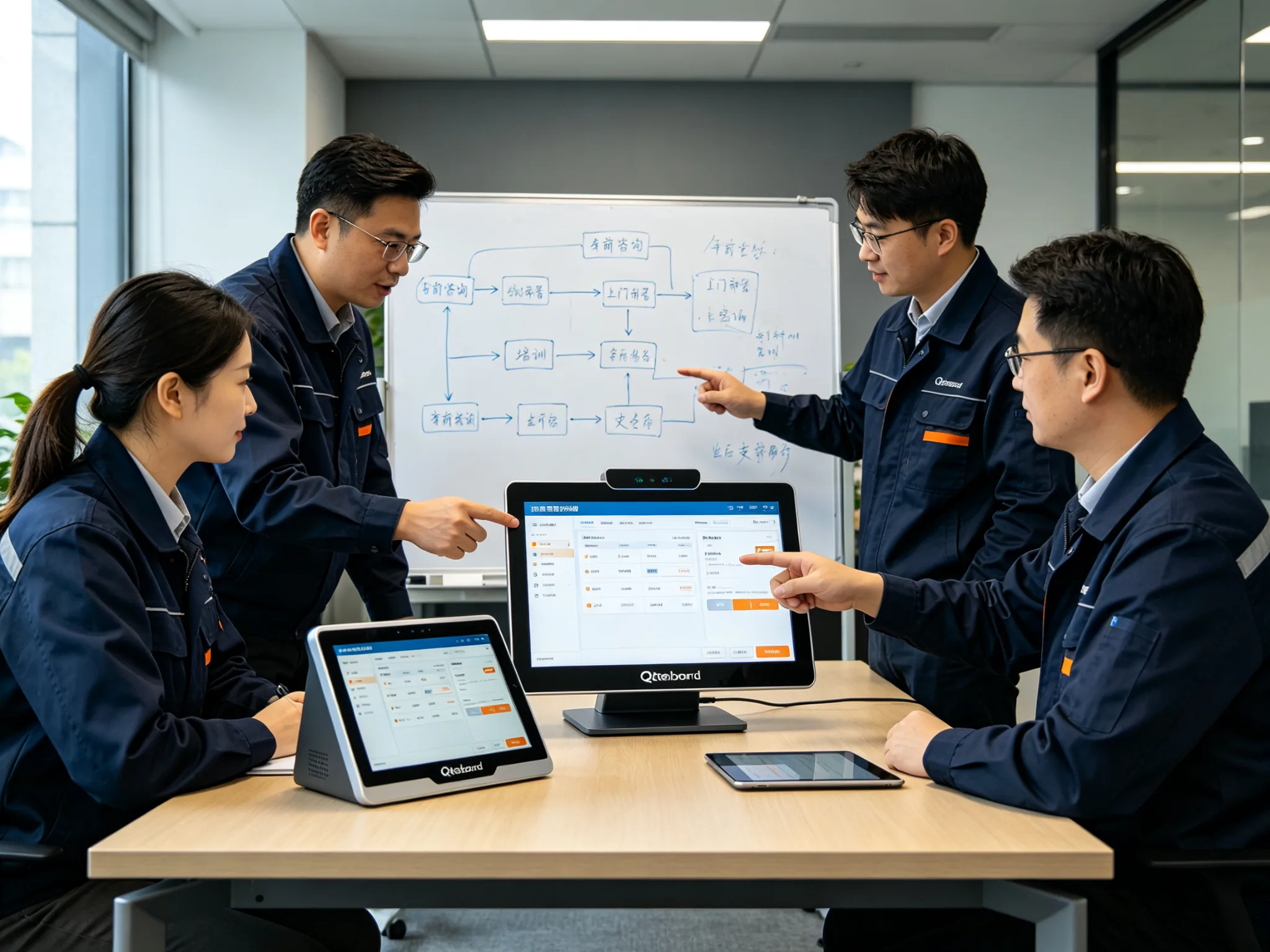
Pre-Sales Consulting
- Kitchen display system workflow assessment & station planning
- Software demo & sandbox access
- POS compatibility pre-check
- Menu configuration review
- Bulk licensing & quotation
After-Sales Support
- 24/7 kitchen display system technical hotline
- Remote troubleshooting & updates
- On-site deployment assistance
- Staff training materials
- Software version upgrades
Customization & Integration
- Custom kitchen display system ticket layouts & branding
- POS & delivery API integration
- Multi-language interface support
- Custom reporting & data export
- White-label licensing options
Certifications & Security
- GDPR & CCPA data compliance
- Encrypted local data storage
- Role-based access control
- Offline fail-safe operation
- Regular security patches
Frequently Asked Questions
Answers operators and buyers ask right before rolling out a KDS
What is a kitchen display system and how does the software work?
A kitchen display system (KDS) is a digital order-management system that replaces paper kitchen tickets. When an order is placed at the POS, kiosk, or online delivery platform, the software instantly routes each item to the correct kitchen station screen. Chefs view, prioritize, and mark items complete with a touch or bump bar, and status syncs back to the front of house in real time.
Will Qtenboard KDS software work with my existing POS system?
Yes. Our kitchen display system integrates with major restaurant POS platforms through standard API and local middleware. During pre-sales, our team validates compatibility with your specific POS vendor and can provide a sandbox environment for end-to-end testing before you commit.
Does the system work if the internet goes down?
Yes. Core order display, routing, and status updates run over your local area network and do not require internet, so the kitchen display system keeps running. Cloud reporting, remote management, and online delivery aggregation use internet when available, but kitchen operations continue uninterrupted during an outage as long as the local network is active.
How many kitchen stations can the kitchen display system support?
There is no fixed limit. You can configure as many kitchen display system station screens as your layout requires — grill, fry, cold prep, pastry, expo, and more. Each station displays only the items routed to it, and managers can view a consolidated dashboard across all stations.
Can the software handle multiple delivery platforms and virtual brands?
Absolutely. The kitchen display system aggregates orders from in-house POS, third-party delivery apps, and self-ordering kiosks into one unified queue. For cloud kitchens running multiple virtual brands, each brand's orders can be visually separated or combined based on your workflow preference.
What kind of reporting and analytics are included?
The built-in kitchen display system dashboard tracks prep time per dish, station throughput, order accuracy, peak-hour volume, and ticket aging. Reports can be filtered by date, station, or menu item, and exported for further analysis. This data helps identify bottlenecks, optimize staffing, and refine menu engineering.
How long does deployment take and is training provided?
A standard single-store kitchen display system deployment takes 1–3 days, including software installation, menu configuration, and staff training. We provide on-site or remote training for kitchen managers and line staff, plus quick-reference guides. Multi-location rollouts follow a phased schedule tailored to your group.
What hardware do I need to run the kitchen display system software?
The kitchen display system software runs on Qtenboard's IP65 fanless kitchen terminals (15.6" to 27") and is also compatible with most Windows or Android touchscreen hardware that meets our minimum specifications. You can view our recommended KDS hardware here.
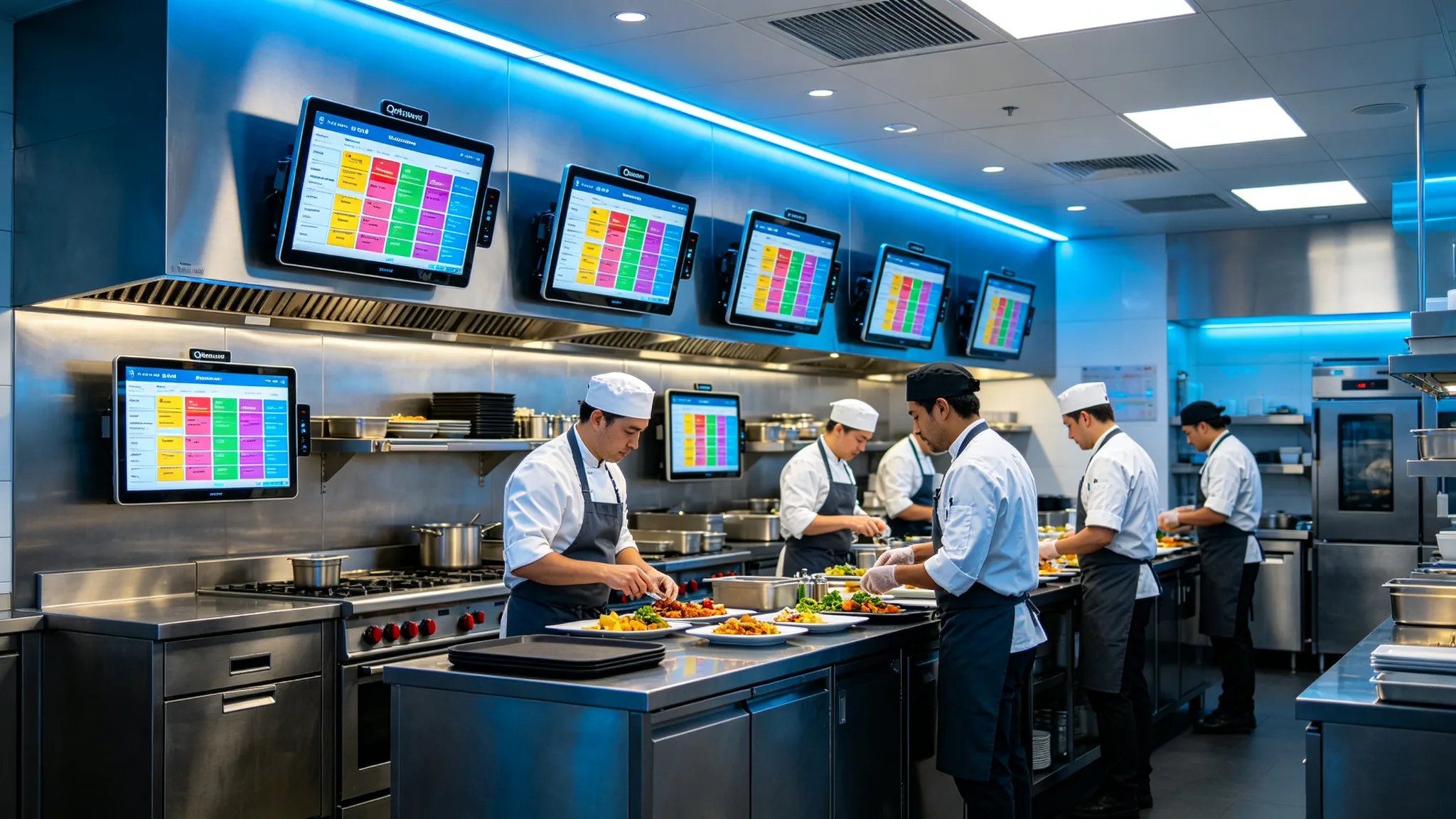
Ready to Streamline Your Kitchen?
Book a kitchen display system demo, request a sandbox login, or get a tailored quotation for your restaurant group. Our B2B team responds within 24 hours.
Book a Demo