
 EN
 AR
 DAN
 IT
 ARM
 FIN
 SWE
 NOR
 MAY
 NL
 TH
 KOR
 PL
 RU
 PT
 SPA
 FRA
 DE
 CHT

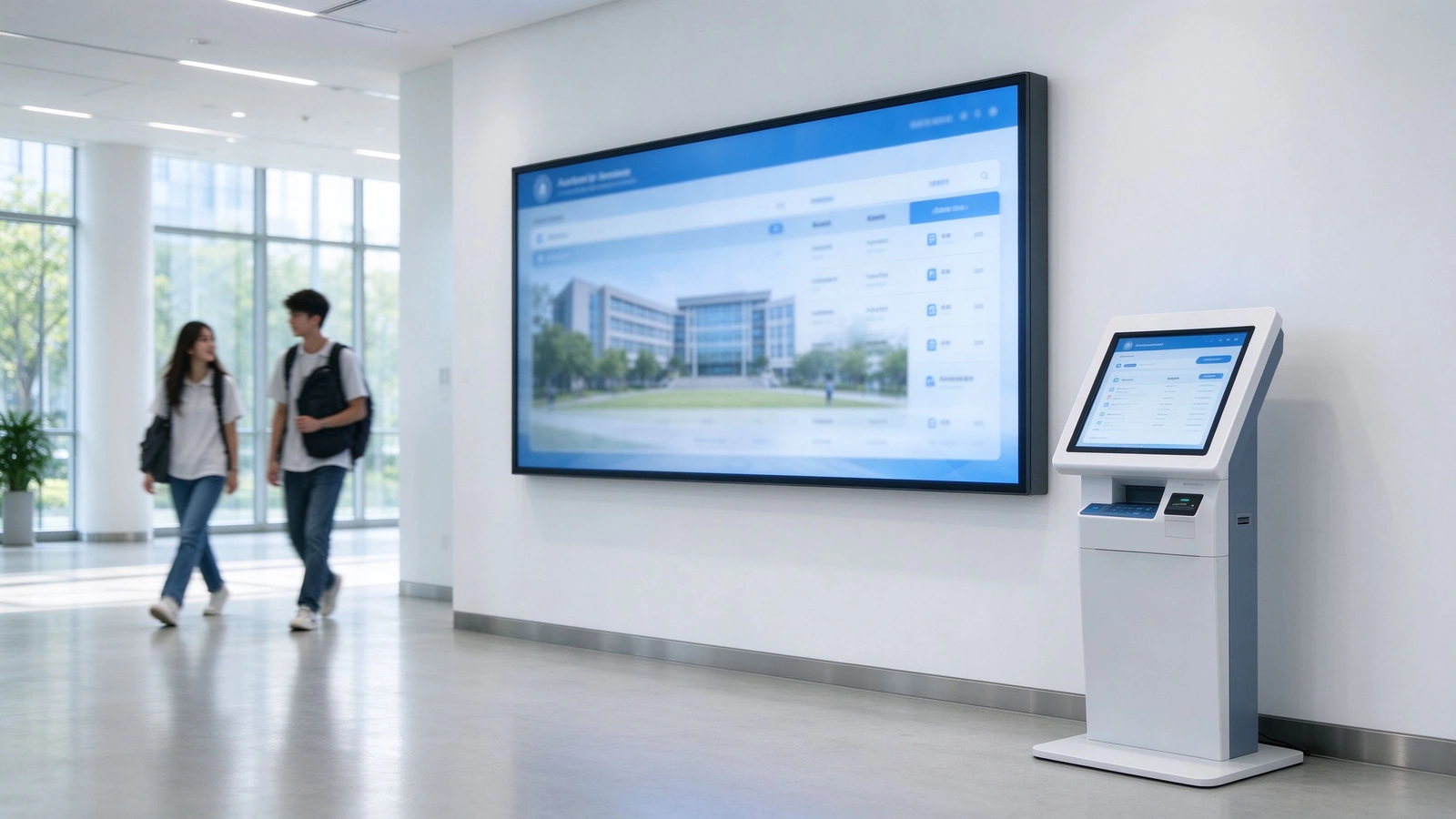
Most campus digital signage deployments fail not because of the screens, but because attendance, access, announcements and payment systems cannot share data. Qtenboard delivers a procurement-ready smart campus signage system that combines indoor and outdoor display hardware, a centralized CMS, information kiosks for school campuses and a unified student identity layer under one management platform.
This guide is written for school procurement managers, IT directors, facility administrators, government education contractors and system integrators evaluating deployment scope, integration depth, security posture and SLA before contract signature.
- OEM / ODM Available
- CE · FCC · RoHS · ISO 9001
- In-House R&D & 30,000+ m² Manufacturing
- 10+ Years Education Display Experience
Why Campus Digital Signage Projects Fail Without a Unified System
A 20,000-student university that still relies on manual registration, paper notices and standalone payment terminals shows what fragmentation costs: staff walk between buildings to collect and re-enter data, announcements arrive late, and no single system can answer a routine question about a student's day. The same procurement logic applies to K-12 districts and multi-campus groups evaluating digital signage for school campus environments.
Fragmented Systems vs Unified Campus Communication
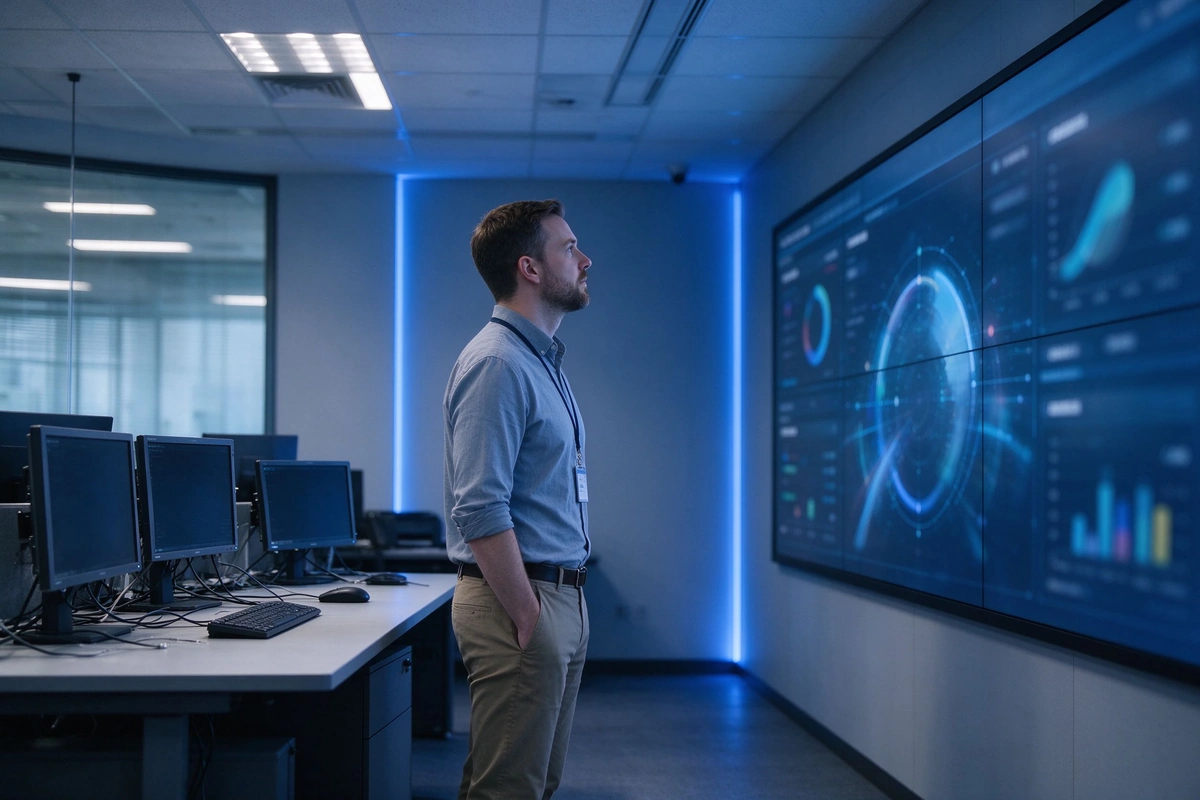
Attendance runs in one system, access control in another, announcements are managed by hand and payments settle separately. Each silo forces re-entry, duplicated records and screens that show static content because they have no live data source. A unified campus digital signage platform changes this: one CMS publishes to every display, one student identity layer feeds attendance, access and payment, and one monitoring console watches every screen and kiosk.
Why Standardization Matters Across Buildings and Campuses
Campus digital signage systems standardization challenges appear the moment a project spans multiple buildings: different hardware generations, separate CMS accounts per faculty, inconsistent mounting, unplanned power and network drops, and no common device monitoring. Without a standardized specification, support contracts multiply and rollout risk rises. Buyers who standardize zones, mounting, network readiness, approval workflow and monitoring early avoid most of these failures.
What Buyers Must Specify Before Contract Signature
- Campus zones and quantities: screen and kiosk count per building, per zone, with target hardware class.
- Integration systems: SIS, ERP, access control, payment and library platforms to be connected, and who owns each data flow.
- Content approval and emergency-alert permissions: separate routine publishing from one-click emergency communication.
- Offline behavior and acceptance criteria: what displays and kiosks must do during network loss, written into the acceptance test.
- SLA, warranty scope and certification documentation: response time, spare-parts lead time and compliance paperwork required for handover.
School Campus Digital Signage Configuration by Campus Zone
School campus digital signage hardware selection is a configuration decision driven by viewing distance, ambient light, duty cycle and network availability. Indoor units are not interchangeable with outdoor units: outdoor positions require IP65-rated, high-brightness displays with 1500–3500 nits, thermal management, surge protection and proper mounting structure. The table below maps campus zones to hardware requirements and procurement notes.
| Campus Zone | Typical Hardware | Procurement Notes |
|---|---|---|
| Main entrance and lobby | Large-format wall-mounted or floor-standing indoor screens, optional video wall | High-visibility zone; specify 24/7 commercial duty cycle, slim housing and vandal-resistant mounting where public access is uncontrolled |
| Corridors and academic buildings | Mid-size wall-mounted indoor signage | Highest traffic repetition; prioritize remote management and template-based timetable content over screen size |
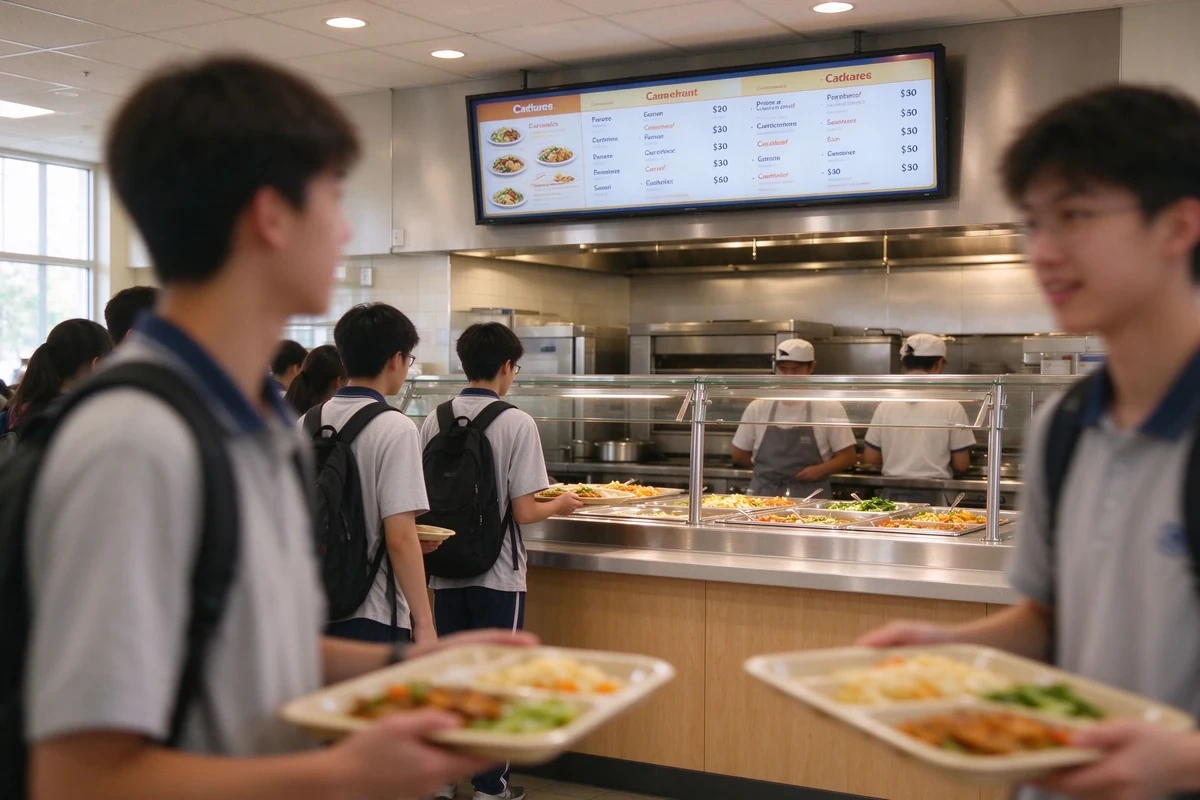
| Cafeteria and canteen | Menu boards, promotional screens, queue-status displays | Specify grease and heat resistance for kitchen-adjacent units; confirm menu template and content update workflow |
| Library and study areas | Wall-mounted indoor screens, small-format information displays | Low-glare panels recommended; integrate room-booking and due-date data if the library system exposes an API |
| Dormitory lobbies | Indoor wall-mounted screens, optional information kiosk | Specify access-controlled content permissions; integrate curfew, maintenance and laundry-status data where available |
| Outdoor perimeter, gates, sports fields | IP65 outdoor high-brightness displays | Not interchangeable with indoor units; specify brightness, thermal management, surge protection and mounting structure |


For campus digital signage lobby and corridor deployments, indoor floor-standing and wall-mounted digital signage covers 2K/4K configurations, Android or Windows systems and commercial-duty operation. Where corridor wall space is limited, wall-mounted indoor digital signage is the more appropriate hardware line. Outdoor positions for school campus digital signage require a separate specification: IP65 outdoor wall-mounted signage with 1500–3500 nit brightness is built for direct sunlight and rain-exposed installation.
Smart Campus Signage System Functions and Verification Points

A smart campus signage system is only as useful as the functions a buyer verifies during evaluation. The table below maps each function to its operational value and the specific verification point to request from the vendor.
| Smart Campus Signage System Function | Operational Value | Verification Point During Evaluation |
|---|---|---|
| Centralized CMS | Remote publishing, device monitoring and role-based permissions across all screens | Ask for a live dashboard demo; confirm whether offline screens raise alerts |
| Unified student identity | One identity across academic, dormitory and service systems | Confirm sync direction and frequency with the existing SIS |
| Hierarchical access control | Authorized entry with timestamped logs | Request sample audit-log export format |
| Cashless payment | Unified settlement for canteen, retail and utilities | Confirm reconciliation reports and refund workflow |
| Automated attendance | Class and event check-in with statistical reports | Confirm how attendance data reaches teachers and whether manual override is logged |
| Emergency notification | One-click alerts across screens and kiosks | Confirm who holds alert permission and whether it bypasses the approval workflow |
| 24/7 self-service kiosk | Unattended inquiry, printing, top-up and visitor registration | Request peripheral list and kiosk software update process |
| Analytics dashboard | Aggregated attendance, consumption and screen engagement data | Confirm data export format and retention controls |
| Multilingual display | Language switching for international and government campuses | Confirm whether translation approval is part of the CMS workflow |
| Open API | Connection to existing ERP, SIS and management platforms | Request API documentation and a reference integration |
The smart campus signage system CMS is the operating layer that links displays, kiosks and card terminals. For buyers mapping the wider smart campus ecosystem before shortlisting, the integrated smart campus solution guide covers how these elements are structured together.
Information Kiosk for School Campus: Scope and Peripheral Requirements
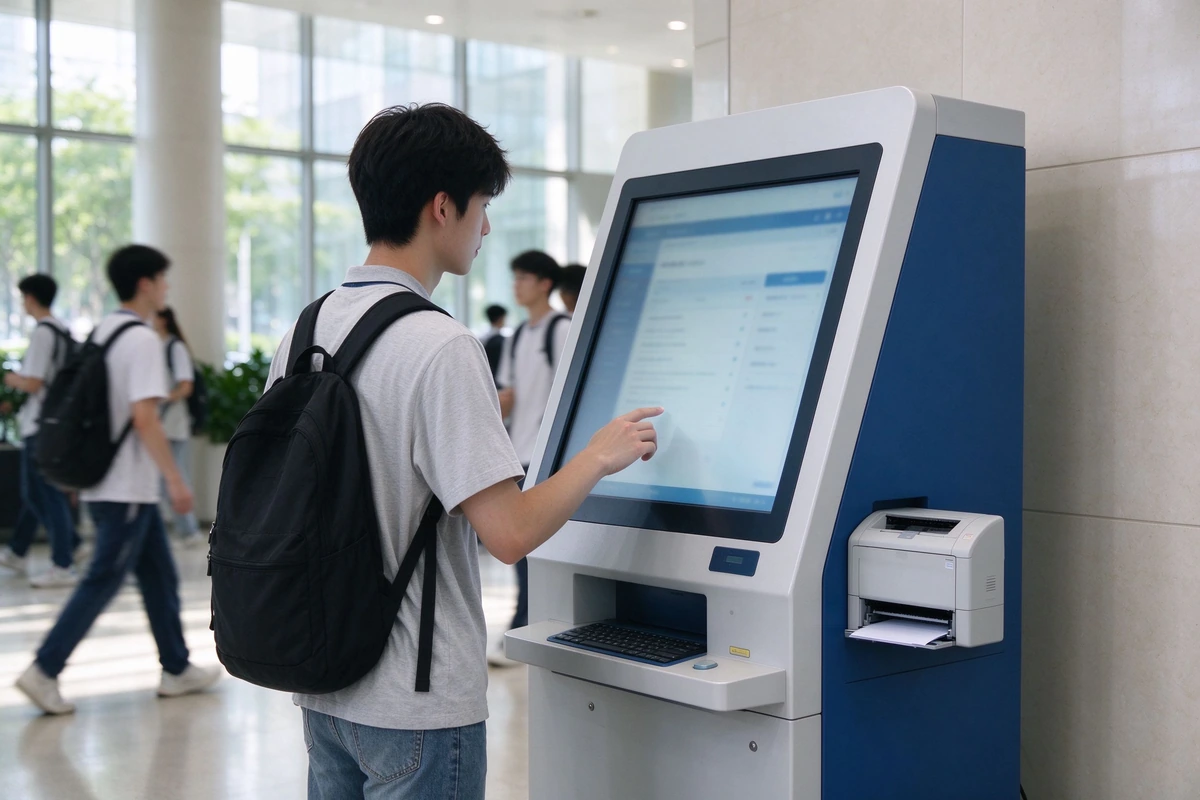
Information kiosk for school campus deployments are usually justified by front-desk load during registration week, semester start and exam periods. The procurement question is not whether kiosks are useful, but which functions justify the hardware and which peripherals must be specified in the RFP.
Student Self-Service: Schedule, Transcript and Dormitory Info
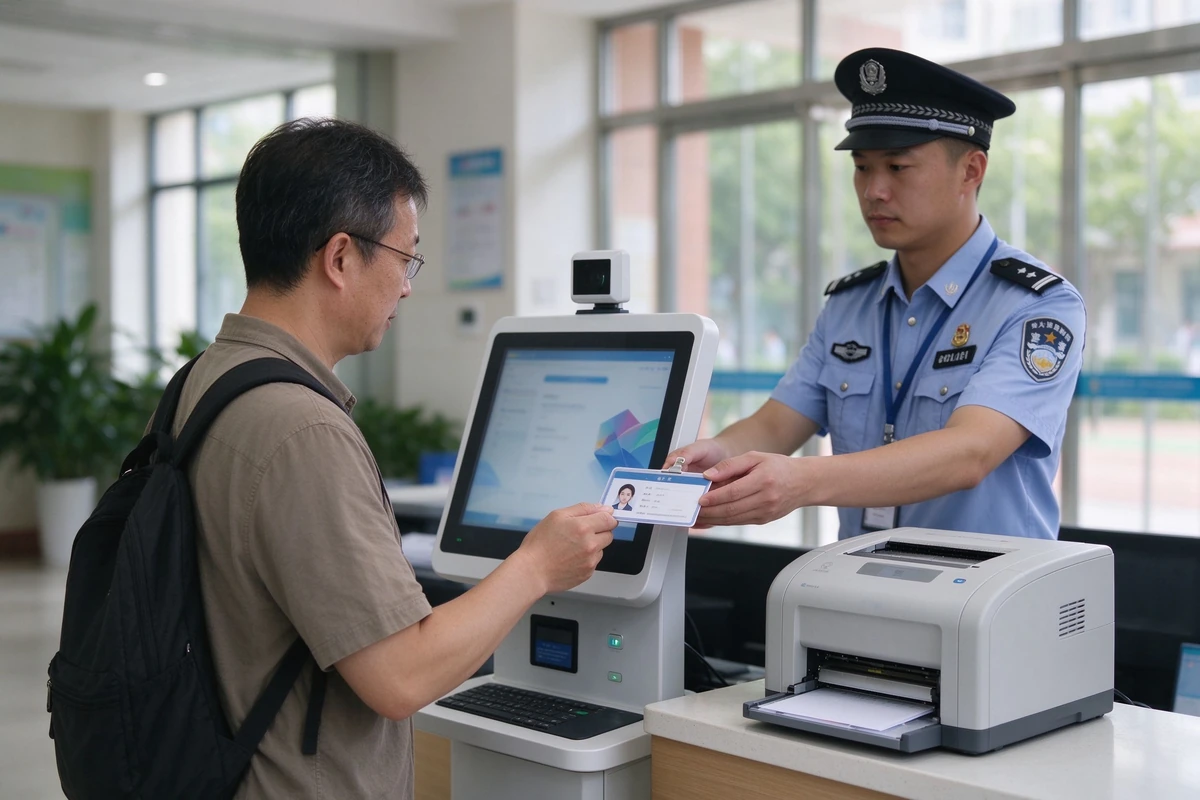
Schedule lookup, transcript printing, grade inquiry and dormitory information are the highest-volume self-service tasks. Each function changes the peripheral list: a transcript service requires a printer and card reader specification, while a schedule-only kiosk does not. Confirm the paper capacity, consumable logistics and remote software update process before committing to a printing kiosk.
Payment and Top-Up Kiosks
Balance inquiry, top-up and receipt printing shift load away from the finance office during peak weeks. Payment kiosks require payment terminal certification in the target market, so confirm certification scope and the reconciliation report format with the vendor before hardware selection.
Visitor Management and Badge Printing
Registration, temporary badge printing and host notification keep uncontrolled visitors out of academic buildings. This function requires a badge printer and host-alert integration with the school's security workflow, and the kiosk position must sit where a staff member can verify badge issuance.
Card Services and Wayfinding Kiosks
Lost card reporting, freeze and reprint require integration with the card management module, while interactive campus maps and room search require accurate floor-plan data and a specified touch panel. Wayfinding kiosks are often the first self-service touchpoint new students and visitors use, so accessibility height and mounting must follow local accessibility rules.
Peripheral and Deployment Checklist
- Power and network drops: confirm both before delivery; a kiosk without a data drop is a display stand.
- Floor mounting and security: specify anchoring for public areas and tamper-resistant housing where access is uncontrolled.
- Accessibility height: touch panel and card reader positioned for wheelchair users and students of varying height.
- Printer consumable logistics: define paper and ribbon supply, who replaces them and the refill frequency at peak periods.
- Remote software update process: confirm the kiosk joins the same CMS and monitoring console as the signage endpoints.
For the full information kiosk for school campus hardware line and for higher-education kiosk configurations and deployment patterns, see self-service kiosks for universities and schools.
Smart Campus Signage System Architecture and Deployment Decisions

Architecture decisions come before hardware selection. The table below lists the decisions a smart campus signage system RFP must settle, the options available, and the exact wording to put in the specification.
| Decision Area | Options | What to Specify in the RFP |
|---|---|---|
| Campus digital signage CMS hosting | Public cloud, private cloud, on-premise / localized | Data residency requirement; firewall and proxy policy; backup and disaster recovery |
| Offline behavior | Local cache with scheduled playback fallback | Whether emergency alerts and live data are expected during network loss |
| Endpoint OS | Android or Windows | Existing device-management standard; kiosk peripheral compatibility |
| Identity integration | LDAP / Active Directory, SIS API, CSV batch import | Account provisioning source of truth; sync frequency; deprovisioning rules |
| Content approval | Role-based publishing with optional multi-level approval | Separate emergency-alert permission from routine publishing |
| Device monitoring | Remote heartbeat, screenshot capture, offline alerting | Alert recipient, escalation path and reporting format |
For institutions with data-residency obligations, localized smart campus signage system deployment keeps content and user data inside the school's or government's controlled environment. Hardware choice should follow the architecture decision, not precede it: indoor signage with smart CMS remote management and batch scheduling is the typical endpoint for cloud or localized deployments.
Security, Privacy and Compliance for School Campus Digital Signage
School campus digital signage systems process student identity, attendance, payment and sometimes access-log data. Security controls should be written into the RFP rather than assumed from vendor marketing.
- Role-based access control — separate permissions for IT administrators, content editors, department approvers and emergency-alert operators.
- Audit logging — content publish, permission changes and kiosk transactions logged with timestamp and operator identity.
- Retention and purge controls — attendance and consumption data retained per institutional policy with configurable purge schedules.
- Encrypted transmission — CMS-to-device and kiosk-to-server communication over encrypted channels.
- Compliance alignment — configurable to support GDPR, FERPA and regional education data-protection requirements; confirm jurisdiction-specific obligations during requirement analysis.
- Content governance — emergency-alert permission separated from routine publishing, with approval workflow for sensitive messages.
Campus Digital Signage by Campus Type and Deployment Priorities
Universities and Colleges
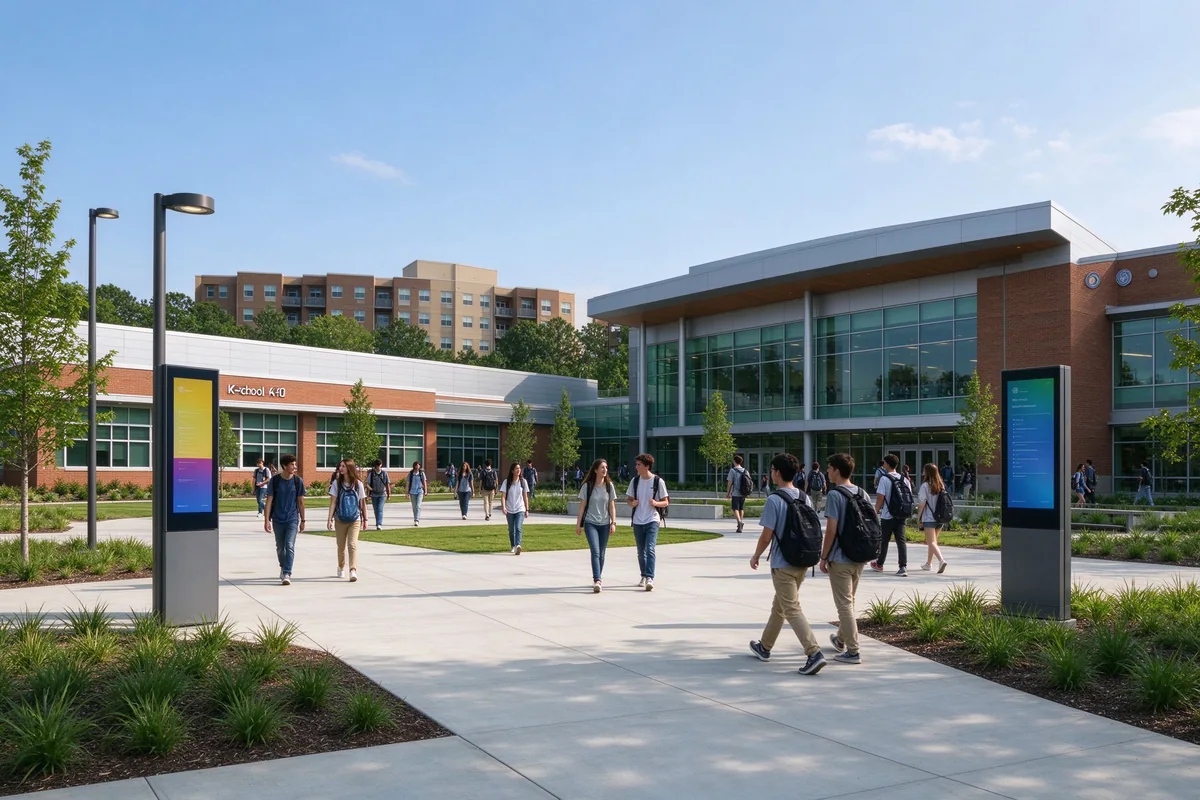
Campus digital signage in multi-building institutions must support room-level wayfinding, decentralized department publishing under one permission model, and kiosks at registration and student-service points. The key evaluation criterion is whether every faculty publishes through the same CMS; otherwise screen count increases without communication consistency. For hallway and smart-classroom deployment patterns, see wall-mounted digital signage for education facilities.
K-12 Schools
Digital signage for school campus environments in K-12 is dominated by safety and parent communication. Automated attendance and controlled access reduce teacher administrative load, while entrance and corridor displays keep parents and visitors informed. Specify how quickly attendance data becomes visible to authorized staff, and confirm parent-facing content approval rules.
Boarding and International Schools
School campus digital signage in boarding and international schools must support layered dorm access control and multilingual communication. Confirm real-time language switching, multilingual approval workflow, and whether outdoor perimeter displays meet local weather and safety standards for gates and sports areas.
Government Education Projects
Smart campus signage system procurement for government education projects prioritizes batch deployment, unified student identity and centralized district-level monitoring. Procurement typically requires ISO 9001, CE, FCC and RoHS documentation, plus references from comparable public-sector deployments. Confirm whether the CMS supports hierarchical district-to-school administration and exportable governance reports.
Campus Digital Signage Management Software for Full-Cycle Student Operations

The campus digital signage management software connects signage, kiosks and card terminals into one lifecycle system covering enrollment, daily operations and card management.
Enrollment and Registration Workflow
- Identity verification, admission confirmation and document review recorded in-system, including registration status, class assignment, dormitory allocation and contact details.
- Unique student ID generated with the academic registration file created automatically.
- Student cards pre-bound with identity, photo and authorization data for immediate activation on collection.
- Cards activated for access control, payment, attendance and library services from day one.
Student Card Lifecycle Functions
- Unified credential connecting academic records, dormitory management and class systems.
- Access verification with timestamp and location logs for authorized areas.
- Consumption payment with automated bill generation.
- Automated attendance for classes, evening check-ins and campus events.
- Centralized loss report, freeze, replacement and cancellation.
- Aggregated attendance, accommodation, consumption and activity data.
Card Data Display on Campus Signage
Card interaction data can be displayed on public-area campus digital signage, giving administrators a synchronized operational view rather than separate reports from separate systems. Queue status, meal-period load and dormitory occupancy are typical live data sets that turn a display network into an operations tool.
School Campus Digital Signage Verified Deployment Patterns

The following school campus digital signage deployment patterns come from Qtenboard education projects, delivered from in-house R&D and manufacturing lines dedicated to school signage and self-service kiosks. Institution names are withheld under customer confidentiality, but deployment scope, integration and reported outcomes are stated so buyers can judge relevance to their own campus.
| Region / Campus Type | Deployment Scope | Integration | Reported Outcome |
|---|---|---|---|
| United States — community college group | Indoor signage in student centers, cafeterias and academic buildings; kiosks near administrative offices | Centralized CMS scheduling; kiosk for basic inquiry and printing | Routine counter visits decreased during semester-start peaks; staff redirected to complex requests |
| Mexico — public school pilot | Screens at selected entry and administrative points; card attendance at pilot gates | Card-based attendance logging; centralized data review | Attendance records more consistent than manual roll calls; no paper report collection from each class |
| Brazil — private school group | Cafeteria-focused: card payment, menu screens, kiosks for balance check and top-up | Cashless payment and end-of-day reconciliation | Lunch queue times reduced; reconciliation simpler than cash handling; parent visibility into spending |
| Spain — international school | Bilingual signage in common areas; cards for attendance and access | Multilingual CMS scheduling; attendance and access integration | Parents more responsive to schedule updates; fewer start-of-year misunderstandings |
| Colombia — public university | Digital signage replacing bulletin boards across departments; card for access and services | Department-level publishing; access control in selected buildings | Reduced printed notices; higher awareness in libraries and cafeterias; simplified access and attendance |
| Peru — multi-campus school group | Centralized CMS across campuses; standardized card system | Shared student database; remote content management | Consistent policies and communication; simpler reporting and lower coordination effort |
| United Kingdom — university faculty network | Campus kiosks across faculties for check-in, maps and automated updates | Kiosk integration with check-in and campus information systems | Registration-week queue times reduced by nearly 40%, as reported by the university IT director |
Campus Digital Signage SLA, Warranty and After-Sales Framework
Campus digital signage hardware uptime and support responsiveness directly affect communication reliability. The standard framework includes:
- Warranty: minimum 1–3 years depending on product line and project agreement.
- Spare parts: spare-parts support for bulk orders, with local distributor repair and replacement where available.
- Remote support: remote technical support, CMS training and system upgrades.
- Response model: CRM ticket tracking, 24/7 online service and multilingual sales/technical teams.
- Certifications: CE, FCC, RoHS and ISO 9001, with regional certifications available for specific projects.
Campus Digital Signage Procurement Path and Pilot Approach

The procurement path for digital signage for school campus is staged, and each stage produces a deliverable the next stage consumes:
For multi-campus or government projects, pilot one campus or one building before batch rollout. For digital signage for campus rollouts spanning multiple phases or campuses, the staged path protects the pilot's acceptance criteria from scope creep. A campus digital signage pilot should define the campus zone, screen and kiosk count, integration systems, success metrics (for example, front-desk inquiry volume during registration week), acceptance criteria and rollout decision date. Pilot results are reviewed against the same metrics used to justify the full deployment, so the go/no-go decision is data-based rather than subjective.
FAQ: Campus Digital Signage and Information Kiosk Questions
Q1. Where should campus digital signage screens be placed, and what hardware specification does each zone require?
Campus digital signage placement follows foot traffic and decision points: entrances, corridors, cafeterias, libraries, dormitory lobbies and outdoor perimeter areas. Each zone has a different hardware specification — indoor commercial-duty screens for lobbies and corridors, grease and heat-resistant units for kitchen-adjacent cafeteria positions, and IP65 high-brightness displays for gates and sports fields. Indoor screens should not be substituted into outdoor positions.
Q2. Can a smart campus signage system integrate with existing ERP, SIS and access control platforms?
Yes. Smart campus signage system integration options include LDAP/Active Directory, SIS API and CSV batch import, with connectors for attendance, access control and payment systems. Integration scope and timeline depend on the specific systems and data flows; a technical discovery session is part of the standard procurement process.
Q3. What happens to school campus digital signage screens when the network goes down?
Edge devices can cache scheduled content and continue playback during network interruption. Emergency alerts and live data updates require connectivity. Offline behavior should be written into the school campus digital signage acceptance criteria so there is no ambiguity at handover.
Q4. How is data protection and compliance handled for digital signage for school campus projects?
The platform supports role-based access, audit logging, retention and purge controls, and encrypted transmission. Compliance is deployment-specific: confirm GDPR, FERPA or local requirements, and choose public cloud, private cloud or on-premise deployment accordingly. Request a data-flow diagram and security questionnaire during digital signage for school campus evaluation.
Q5. How long does a typical campus digital signage deployment take?
A single-building pilot moves from requirement analysis to commissioning in a shorter cycle. Multi-campus campus digital signage rollouts depend on site readiness, integration complexity and batch production scheduling. The staged process includes pilot testing before mass production to reduce rollout risk.
Q6. What warranty and SLA options are available for information kiosk for school campus hardware?
Standard warranty for information kiosk for school campus hardware and software is 1–3 years depending on product line. Spare parts, local distributor repair, remote technical support and system upgrades are available. Government and district projects can negotiate a written SLA covering response time and spare-parts lead time, with exclusions documented in the project agreement.
Q7. Do you provide OEM/ODM customization for integrators and government contractors?
Yes. Campus digital signage OEM and ODM services cover screen size, software functions, multilingual interfaces, system workflows, housing design and packaging. This is relevant for system integrators and government contractors requiring branded or jurisdiction-specific configurations, including CKD/SKD export.
Q8. What should be included in a campus digital signage pilot / proof of concept?
A campus digital signage pilot should define the campus zone, screen and kiosk count, integration systems, success metrics (for example, front-desk inquiry volume during registration week), acceptance criteria and rollout decision date. Pilot results should be reviewed against the same metrics used to justify the full deployment.
Q9. What are the most common campus digital signage systems standardization challenges?
The most common campus digital signage systems standardization challenges are mixed hardware generations across buildings, separate CMS accounts per faculty, inconsistent mounting and network readiness, and no shared monitoring or approval workflow. Standardizing zones, mounting, network drops, approval rules and monitoring before rollout prevents support fragmentation and makes district-level administration possible.
Q10. What is the difference between campus digital signage and an information kiosk for school campus?
Campus digital signage is a centrally managed display network that pushes scheduled content to screens across buildings. An information kiosk for school campus is an interactive self-service endpoint that pulls data on demand — schedules, transcripts, top-ups, visitor registration or wayfinding. A smart campus signage system typically combines both under one CMS and one student identity layer.
Next Step: Scope a Campus Digital Signage Pilot
For B2B buyers, the useful next step is not a general school campus digital signage brochure but a scoped pilot and a requirement-analysis worksheet matched to campus type and scale. A smart campus signage system proposal should state screen and information kiosk for school campus quantities by zone, integration systems, deployment model, SLA tier and rollout timeline.
Share your campus zones, existing systems and rollout timeline. Qtenboard will return a zone-level hardware list, integration map, deployment model and SLA framework for your pilot — no generic brochure.
