
 SWE
 EN
 AR
 DAN
 IT
 ARM
 FIN
 NOR
 MAY
 NL
 TH
 KOR
 PL
 RU
 PT
 SPA
 FRA
 DE
 CHT
What Is a Business Interactive Whiteboard?
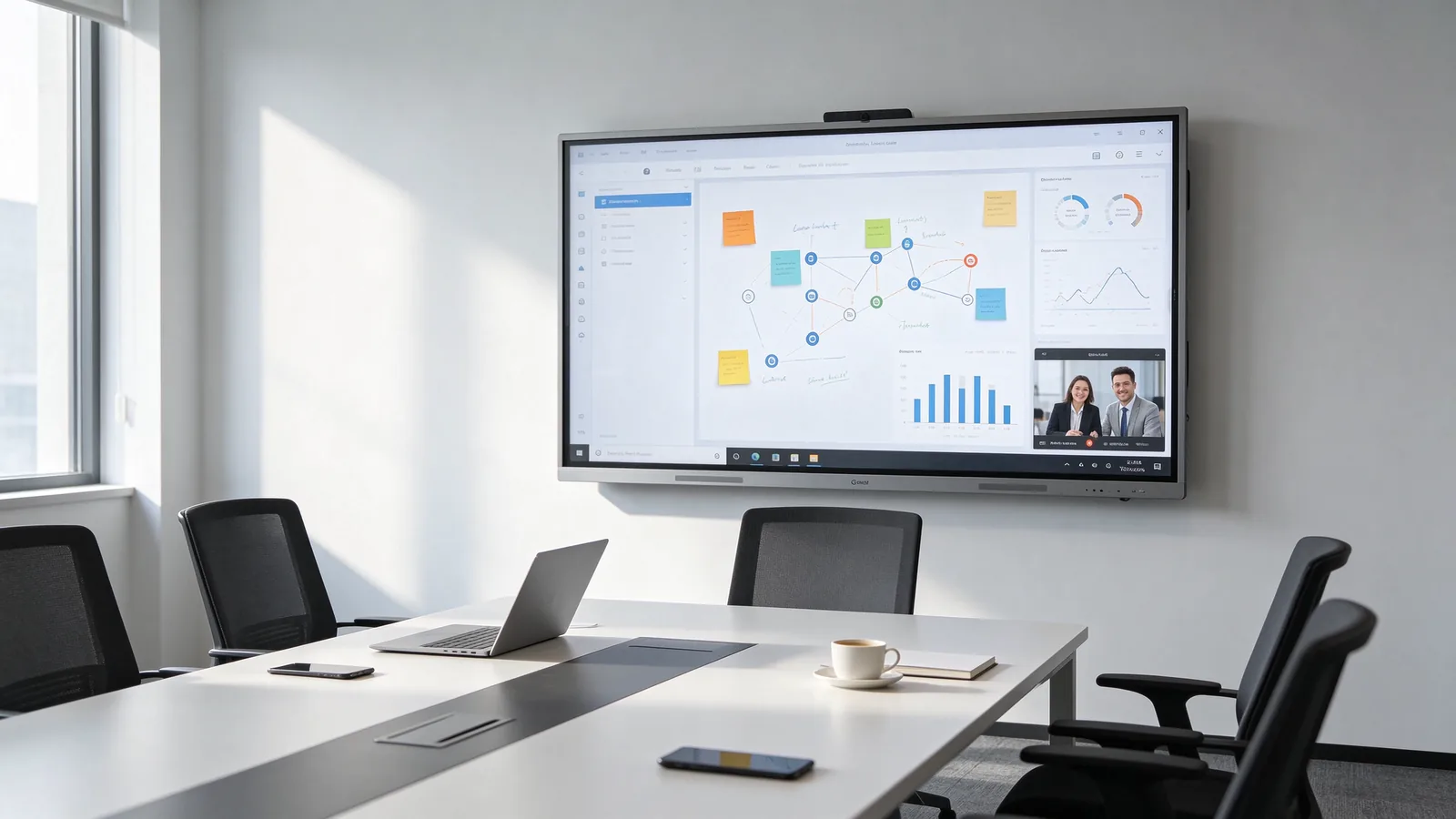
Abusiness interactive whiteboard is a large touchscreen display designed to make business meetings, presentations and corporate training more collaborative. It combines digital writing, screen sharing, document presentation and meeting tools in one integrated device.
Unlike a conventional television, a smart whiteboard for business allows participants to write directly on the screen, annotate documents and interact with shared content. Also known as an interactive flat panel, it can serve as a central collaboration display in modern corporate environments.
For companies in Kazakhstan, interactive whiteboards can support daily office meetings, employee training, management presentations and communication between different branches. Depending on the model and configuration, they can also integrate with video conferencing platforms, AI meeting assistance and centralized device management systems.
To understand the available models and configurations, explore Qtenboard Interactive Whiteboard Solutions.
Why Do Businesses Use Interactive Whiteboards?
Businesses use interactive whiteboards to bring presentation, discussion and collaboration activities together. Instead of switching between separate displays, writing boards and connected devices, employees can work with shared content on one screen.
Improve Meeting Collaboration
Participants can write notes, highlight information, organize ideas and annotate documents directly on the display. Multi-touch functionality allows several people to interact with the same content, making brainstorming and project reviews more practical.
Support Hybrid and Remote Meetings
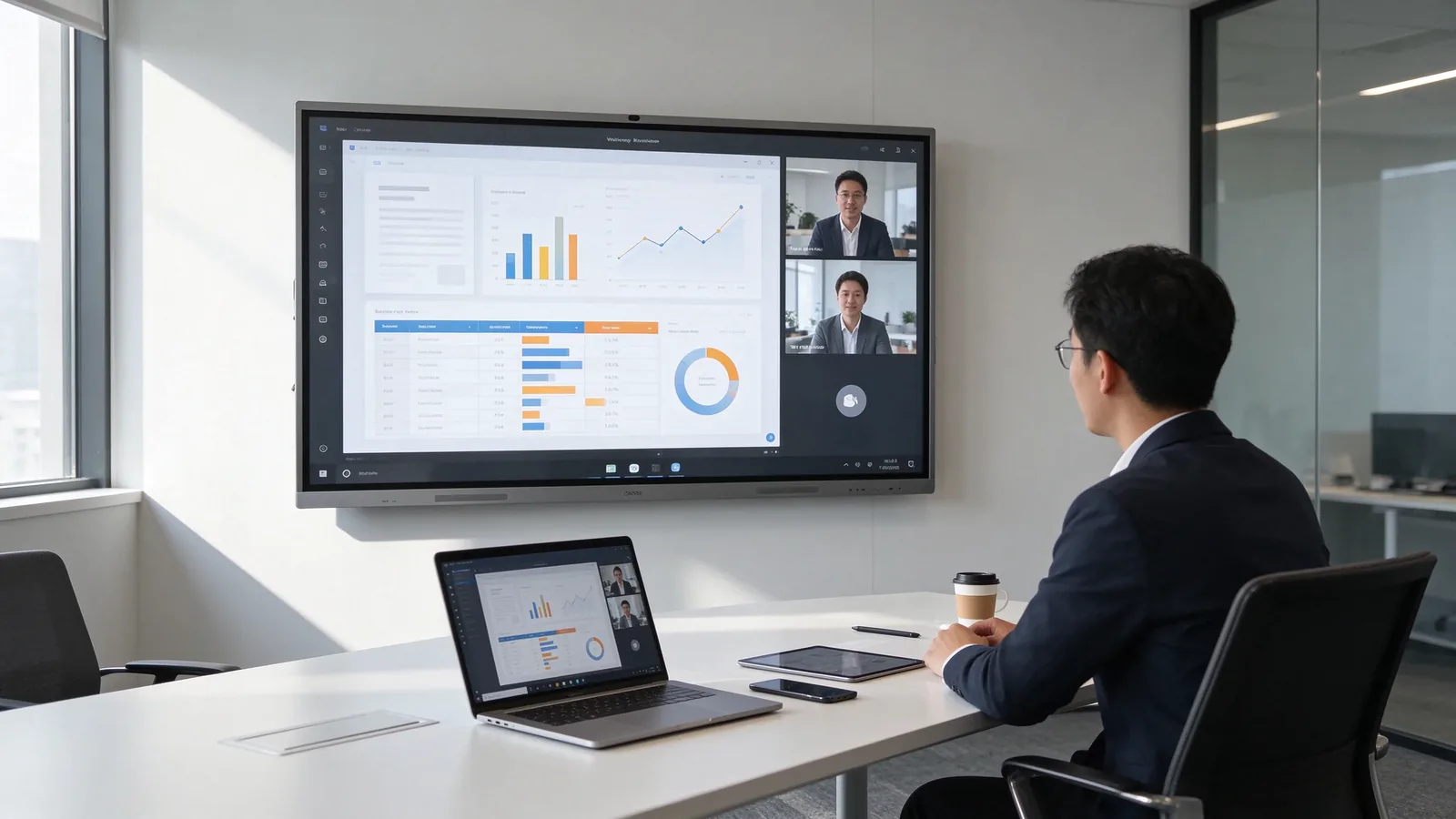
Wireless screen sharing allows employees to present content from compatible laptops, tablets and smartphones. With suitable camera, microphone and software configurations, an interactive whiteboard can also support video meetings between offices in different cities or countries.
Simplify Corporate Training
Training teams can present technical documents, explain procedures, mark important information and share meeting materials. AI-assisted speech transcription and meeting minutes can help organize discussions and make information easier to review after a session.
For organizations operating across Astana, Almaty and other regions of Kazakhstan, these capabilities can support more consistent communication between departments and branch offices.
Business Interactive Whiteboard vs. Commercial TV vs. Projector
Commercial TVs, interactive whiteboards and projectors can all display presentations and business information. However, their interaction methods and typical applications are different. The right choice depends on how employees use the meeting space.
| Jämförelse | Commercial TV | Interaktiv Vitbordet | Projector |
|---|---|---|---|
| Visual presentation | Stödde | Stödde | Stödde |
| Direct touchscreen operation | Usually not included | Stödde | Requires compatible additional equipment |
| On-screen writing | Usually requires external tools | Built-in digital writing | Requires compatible additional equipment |
| Wireless screen sharing | Model dependent | Available on supported configurations | Model and equipment dependent |
| Video conferencing | Requires compatible software and peripherals | Can integrate compatible software and peripherals | Requires additional equipment |
| AI meeting assistance | Depends on connected software | Available with supported software configurations | Usually requires external devices and software |
| Remote device management | Depends on the operating system | Available through compatible DMS solutions | Depends on connected equipment |
| Typical application | Content display and presentations | Meetings, collaboration and training | Large-screen presentations |
A commercial TV may be sufficient when a company mainly needs to display presentations, reports or video content. A projector can remain practical in certain large spaces where projection size is the priority.
A business interactive whiteboard is more suitable when employees regularly need to write, annotate, share ideas and work with digital content together. Its value comes from combining display and interaction rather than simply providing a larger screen.
Key Features of a Business Interactive Whiteboard
The hardware and software configuration determines how an interactive whiteboard performs in a corporate environment. Businesses should evaluate the complete solution rather than selecting equipment based on screen size alone.
4K UHD Display and Multiple Screen Sizes
Qtenboard offers interactive whiteboards in sizes ranging from 55 to 110 inches, with 2K and 4K display options depending on the model. A 4K UHD configuration provides a resolution of 3840 × 2160 pixels, making detailed presentations, diagrams and documents easier to view.
Screen selection should consider room dimensions, viewing distance, seating arrangements and the number of participants. Larger displays are generally more suitable for spacious conference rooms and corporate training environments.
Multi-Touch Writing and Collaboration
Infrared multi-touch technology enables users to write, draw, select and manipulate content directly on the display. Qtenboard provides configurations ranging from 20 to 50 touch points on selected models.
The appropriate touch configuration depends on the intended number of simultaneous users and the type of collaboration activities. Buyers should confirm the exact touch specification of their selected model before ordering.
Android and Windows Options
Android provides a convenient environment for running compatible applications, using the digital whiteboard and sharing content. Qtenboard offers Android configurations, including Android 14, with newer platform options available on selected products.
For businesses that depend on Windows applications or established enterprise software, an optional Windows OPS computer module can provide a familiar desktop environment. Companies can select the system configuration according to their existing IT infrastructure.
Explore Qtenboard Interactive Whiteboards for Meeting Rooms for available hardware and system options.
Wireless Screen Sharing and Video Conferencing
Wireless screen sharing allows compatible Windows, macOS, iOS and Android devices to mirror content to the interactive whiteboard. Employees can present documents, spreadsheets, diagrams and other meeting materials without relying entirely on physical display cables.
Compatible configurations can support video conferencing applications such as Zoom, Microsoft Teams and Google Meet. Camera, microphone and audio options can be selected according to the room layout and meeting requirements.
AI Meeting Assistant and Centralized Device Management
AI meeting assistance can make corporate discussions easier to document and review. Depending on the supported software configuration, key functions include:
- Speech to Text: Converts spoken meeting content into written text in supported languages.
- AI Meeting Minutes: Helps organize discussions, decisions and action items into structured meeting records.
- Multilingual Support: Supports major languages, including English, Russian, Kazakh and Chinese, for supported AI transcription and meeting functions.
- File Management: Supports document access and sharing through compatible storage and cloud services.
- DMS Management: Allows authorized administrators to monitor devices, manage configurations and perform remote maintenance.
- OTA Updates: Supports remote software and firmware updates for compatible devices.
For companies with multiple meeting rooms or branches, DMS can reduce the need for individual on-site device management. IT administrators can manage supported devices through a centralized management platform.
Where Can Companies in Kazakhstan Use Interactive Whiteboards?
Business interactive whiteboards can serve different purposes across corporate environments. Their configurations should reflect the requirements of each industry and project.
Corporate Meeting Rooms
In corporate offices in Astana, Almaty and other business centers, interactive whiteboards can support management meetings, project reviews, presentations and remote collaboration between departments.
Banking and Financial Training
Banks and financial organizations can use interactive displays for internal training, product presentations, process explanations and team meetings. IT administrators should also evaluate access control, network compatibility and document security.
Oil and Gas Training Centers
Oil and gas companies can use large interactive displays to present technical diagrams, operational procedures, training materials and safety information. For distributed operations, video conferencing and remote collaboration can help connect teams across different locations.
Government and Enterprise Conference Rooms
Government organizations and large enterprises may require interactive displays for presentations, internal meetings and document collaboration. Deployment planning should consider data handling, administrator permissions, network policies and applicable procurement requirements.
Corporate Training Centers
Enterprise training departments can use interactive whiteboards for employee development, product demonstrations, technical instruction and group discussions. Multi-touch writing and digital annotation can make training sessions more interactive.
For wider workplace display requirements, businesses can also explore Qtenboard Corporate Display Solutions.
How to Choose the Right Interactive Whiteboard for Your Business
Choosing a suitable interactive whiteboard requires evaluating room size, participant numbers, software requirements and future expansion plans. The following table provides a starting point for corporate buyers.
| Business Environment | Suggested Screen Size | Key Considerations |
|---|---|---|
| Small meeting rooms | 55–65 inches | Presentation, daily discussions and basic collaboration |
| Medium conference rooms | 75 inches | Team meetings, document annotation and video conferencing |
| Large meeting rooms | 86–98 inches | Longer viewing distances and larger participant groups |
| Training and presentation halls | 98–110 inches | Large-format content display and group interaction |
| Multi-branch enterprises | Based on room requirements | Centralized DMS, OTA updates and consistent configurations |
| System integration projects | Based on project specifications | OPS, connectivity, software and installation compatibility |
Consider the Operating System
Android may be sufficient for organizations that mainly use whiteboard applications, wireless sharing and compatible meeting software. Windows OPS is worth considering when users need Windows-based applications or integration with existing desktop workflows.
Check Touch and Audio-Visual Requirements
Consider how many participants may write on the screen simultaneously. Also evaluate whether the room requires a built-in camera, external camera, microphone array, speakers or additional audio equipment.
Plan for Multiple Locations
For companies deploying interactive whiteboards across several offices, consistent hardware configurations can simplify training, maintenance and replacement. DMS and OTA capabilities can also support centralized administration, subject to network and software requirements.
Prepare for Future Expansion
Distributors and system integrators should consider whether the selected product range can support additional screen sizes, customized branding, alternative hardware configurations and future bulk orders. Standardizing key specifications can make subsequent deployments easier to manage.
For additional guidance on meeting room planning and equipment integration, see the Conference Room Display Solutions B2B Selection and Integration Guide.
What Should Kazakhstan Buyers Check Before Ordering?
Companies purchasing interactive whiteboards for Kazakhstan should evaluate more than the display specifications. Language compatibility, certification documentation, import arrangements and after-sales support can all affect the success of a project.
Language and Software Compatibility
Confirm that the device supports the languages employees need for everyday operation. Qtenboard supports English, Russian and Kazakh interfaces, as well as Russian and Kazakh keyboard input.
AI Speech to Text and Meeting Minutes support major languages, including English, Russian, Kazakh and Chinese. Buyers should confirm the specific AI software version, language configuration and required network access before deployment.
EAC Certification and Export Documentation
For imports into Kazakhstan and other relevant Eurasian Economic Union markets, buyers should check which conformity assessment documents apply to the specific product and shipment.
Qtenboard has EAC-certified product models and export experience in Kazakhstan, Uzbekistan and Kyrgyzstan. Before placing an order, confirm that the selected model, certification documents and shipping paperwork match the applicable import requirements.
Power Supply and Installation
Before ordering, confirm that the selected model's power input is compatible with the installation location. Buyers should also check the power cable and plug configuration, mounting method, wall structure, ventilation space and cable routing.
For Kazakhstan projects, confirm compatibility with the local 220V/50Hz power supply against the specific model's electrical specifications. Installation requirements should be reviewed before equipment shipment.
Calculate the Total Project Cost
The purchase price is only one part of the total project budget. Businesses and system integrators should consider the following cost categories:
| Kostnadskategori | Items to Confirm |
|---|---|
| Display Hardware | Screen size, resolution, touch configuration and operating system |
| Computing | Android configuration or optional Windows OPS |
| Tillbehör | Camera, microphone, mounting bracket, mobile stand and cables |
| Programvaran | Third-party application licenses, subscriptions and optional services |
| Shipping | EXW, FOB or CIF arrangements and transportation charges |
| Import and Customs | Applicable duties, taxes, customs clearance and documentation |
| Anläggning | Mounting, cabling, configuration and system integration |
| Stöd efter försäljning | Warranty coverage, spare parts and technical assistance |
Comparing the total project cost helps buyers evaluate different configurations more accurately than comparing hardware prices alone. Requesting an itemized quotation also makes it easier to plan larger deployments.
Check Warranty and Technical Support
After-sales arrangements should be confirmed before an order is placed. Qtenboard offers a 1–3 year limited warranty depending on the model and contractual terms.
Available support includes:
- Product manuals and installation guidance.
- Technical assistance and product operation guidance.
- Remote technical support and troubleshooting.
- OTA software and firmware updates for compatible models.
- Spare parts arrangements according to project requirements.
For distributors and system integrators, confirming spare parts availability and warranty responsibilities before deployment can help establish a more manageable service process.
Vanliga frågor
Is a Business Interactive Whiteboard the Same as a Smart Board?
The terms are often used to describe similar interactive display products. A business interactive whiteboard generally refers to a large touchscreen display designed for meetings, presentations and collaboration. Smart Board is also commonly used as a general product term, although it can refer to different technologies and brands.
Can an Interactive Whiteboard Replace a Projector?
For many small and medium-sized meeting rooms, an interactive whiteboard can replace a traditional projector and screen while adding direct writing and touch interaction. However, projectors may remain suitable for very large venues or specific installation requirements. The choice depends on viewing distance, room size and usage.
Does a Business Interactive Whiteboard Require a Software License?
Basic whiteboard and display functions depend on the supplied system and software configuration. Third-party applications, video conferencing platforms and certain cloud services may require separate accounts, subscriptions or licenses. Buyers should confirm the licensing terms of each required application before deployment.
What Is the Minimum Order Quantity for Qtenboard?
Standard Qtenboard interactive whiteboard models can be ordered from one unit, making sample evaluation and small deployments possible. OEM and ODM minimum order quantities are determined according to the customization scope, hardware configuration and project requirements.
Get a Business Interactive Whiteboard Solution for Your Kazakhstan Project
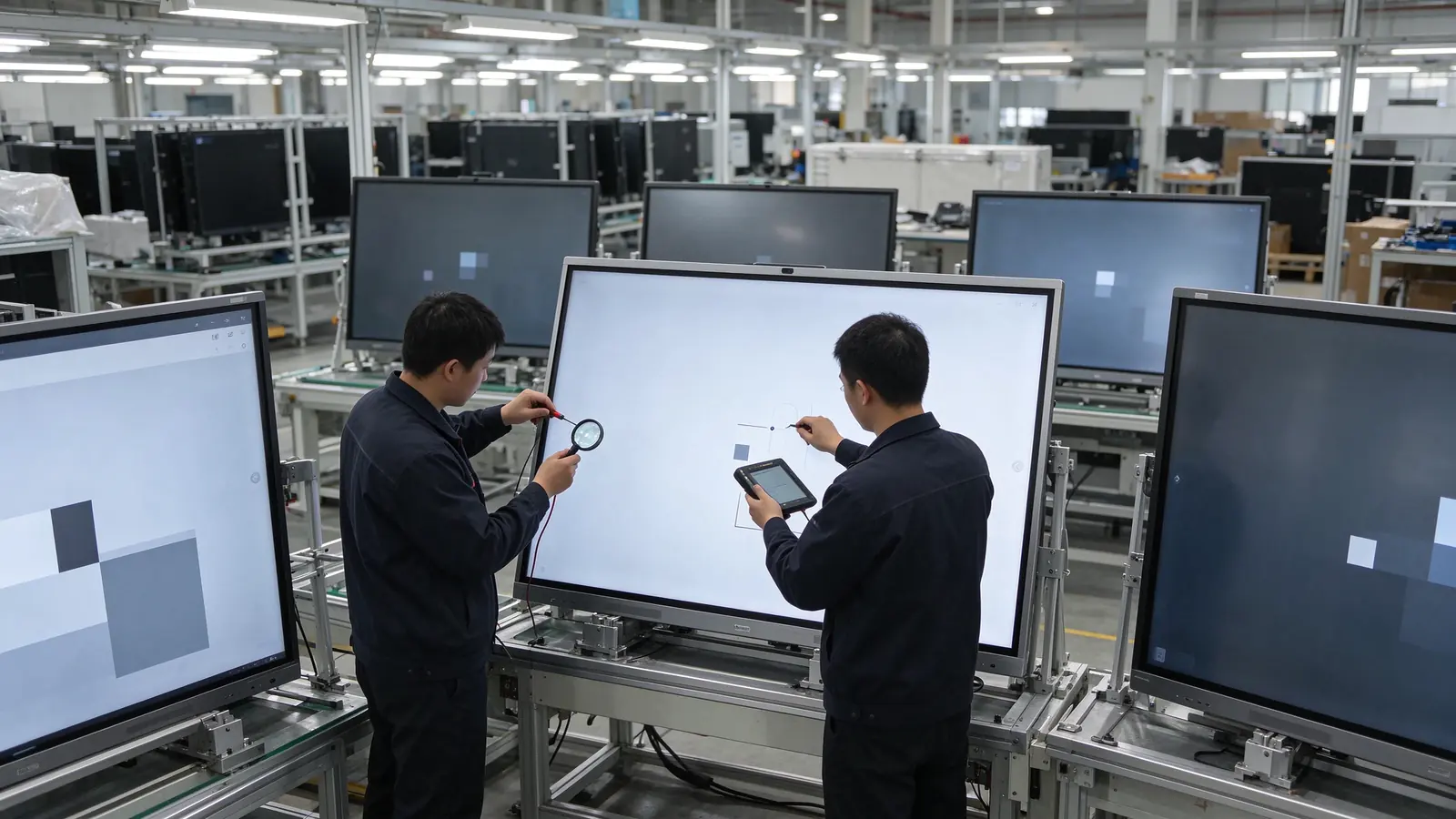
Qtenboard is a factory-direct interactive whiteboard manufacturer serving global distributors, system integrators, corporate buyers and project contractors. Since 2005, the company has developed manufacturing and customization capabilities for commercial and educational interactive display products.
Businesses can choose standard models or discuss customized configurations for specific markets and projects. OEM/ODM services include private-label branding, software and UI customization, logo and startup screen personalization, hardware configuration and packaging options. CKD and SKD cooperation is also available for suitable projects.
For Kazakhstan and Central Asian buyers, Qtenboard combines export experience with product documentation, applicable EAC-certified models, technical assistance and project-based after-sales support. Standard models have a typical lead time of 7–10 working days, while OEM/ODM projects generally require 15–25 working days, subject to final specifications and order confirmation.
Standard models start from one unit. Customized project quantities, pricing, production schedules and shipping arrangements can be discussed according to the buyer's requirements. Qtenboard aims to respond to quotation requests within 24 hours.
Looking for an Interactive Whiteboard Manufacturer for Your Business?
Tell us your required screen size, order quantity, operating system, customization needs and destination country. Our team can help you evaluate suitable configurations and prepare a project quotation.
Request a Business Quote