LCD Video Wall News

LCD Video Wall Systems B2B Selection & Project Guide

2025-12-31
B2B Selection & Project Guide

This guide is written for AV system integrators, video wall distributors, project buyers, and OEM/ODM brand clients evaluating LCD video wall display systems for control rooms, enterprise operations centers, retail, hospitality, and exhibition projects. It covers panel selection, controller and signal planning, mounting and service access, factory verification, total cost of ownership, and acceptance checklists. The focus is not on explaining what an LCD video wall is, but on how to specify, integrate, and deliver a complete project.
0.88–3.5mm Bezel width range
500–700 Indoor brightness nits
~70,000h LCD backlight lifespan
50+ Export markets served
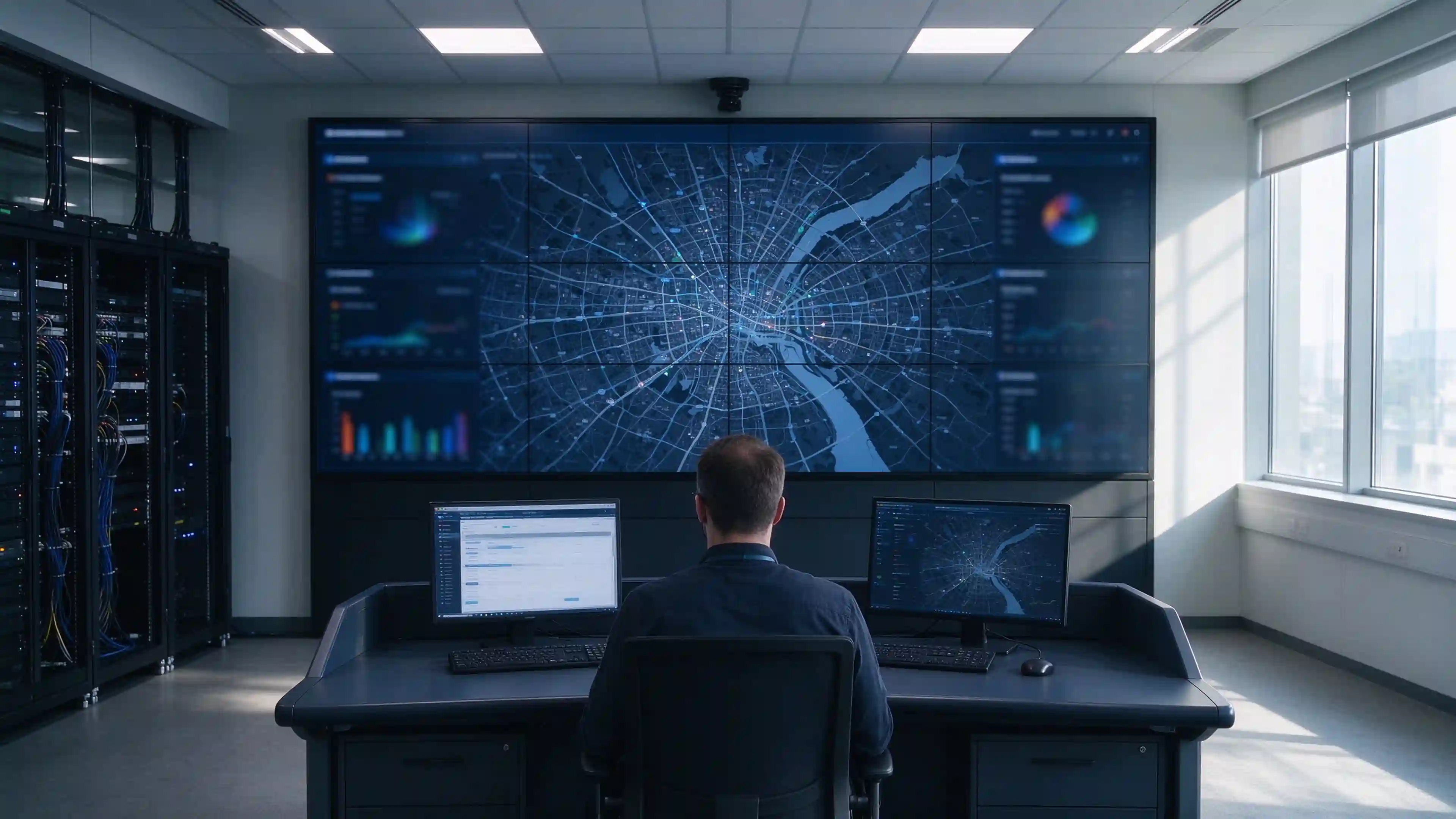
LCD video wall display system composition
LCD video wall display system composed of panels, controller, signal sources, and mounting structure.

🧩1. What Is an LCD Video Wall Display System?

An LCD video wall is not simply multiple screens placed side by side. It is a project-level display system composed of LCD panels, a video wall controller, signal sources, mounting structure, and management software. Each component must be specified to match the project's content type, viewing distance, and operating conditions.

1.1 LCD Panels and Video Wall Layout

  • Multiple LCD panels form a single continuous display area
  • Common rectangular layouts: 2×2, 3×3, 4×4, or custom arrangements designed for the project
  • Panel bezels create visible seam lines that affect text, maps, and cross-screen content
  • Panel size, aspect ratio, and installation position determine the final overall display dimensions

1.2 Video Wall Controller and Signal Sources

  • Content sources may include media players, PCs, cameras, or matrix switching systems
  • The video wall controller handles signal input, image splitting, window layout, and cross-screen display — specific functions depend on the configuration
  • Distinguish responsibilities between display panels, controller, player, and signal management equipment
  • Confirm whether the controller is included in the quotation or supplied separately

1.3 Mounting, Cabling and Management

  • Installation structure, power supply, signal transmission, heat dissipation space, and maintenance access
  • Front-service or rear-service access must be selected based on wall conditions and site layout — not on panel specifications alone
  • Cable routing, cabinet location, and ventilation planning should be resolved before installation

⚖️2. When Is an LCD Video Wall the Right Choice?

Project suitability depends on content type, room conditions, and viewing distance — not on industry category alone.

2.1 Indoor Projects with Fixed Display Layouts

  • Control rooms and security monitoring centers
  • Enterprise operations centers and corporate meeting spaces
  • Retail stores, hotels, exhibition halls, and digital signage installations
  • Command centers and traffic management rooms

2.2 Projects That Need Detailed Content at Close Viewing Distances

  • Dashboards, text, maps, and multi-channel video
  • Audience distance, panel resolution, and layout must be evaluated together
  • Content readability at the furthest viewing position is a design criterion, not an afterthought

2.3 When to Compare LCD with Direct-View LED

Evaluation Item LCD-videomuur Direct-View LED Reference Values
Seam surface Multi-panel, visible bezel lines between panels Module splicing, no LCD panel bezel lines LCD bezel 0.88–3.5mm
Image layout Suited for fixed panel matrix Flexible module-based dimensions and shapes —
Helderheid 500–700 nits (indoor baseline) 800–1,500 nits (indoor) Ambient light drives selection
Panel lifespan ~70,000 hours (backlight) ~100,000 hours LED offers longer lifespan
Stroomverbruik Continuous, proportional to panel count Depends on displayed content and pixel density Control room needs comparison
5-year TCO Baseline ~22% lower in control room scenarios Calculate per project
Selection guidance Suitable for indoor fixed rectangular projects that accept visible seams Compare when seamless, large-area, or high-brightness requirements dominate —

Do not write "LCD is always cheaper than LED" or "LED is always better." Compare quotations based on final configuration, installation, and maintenance costs.
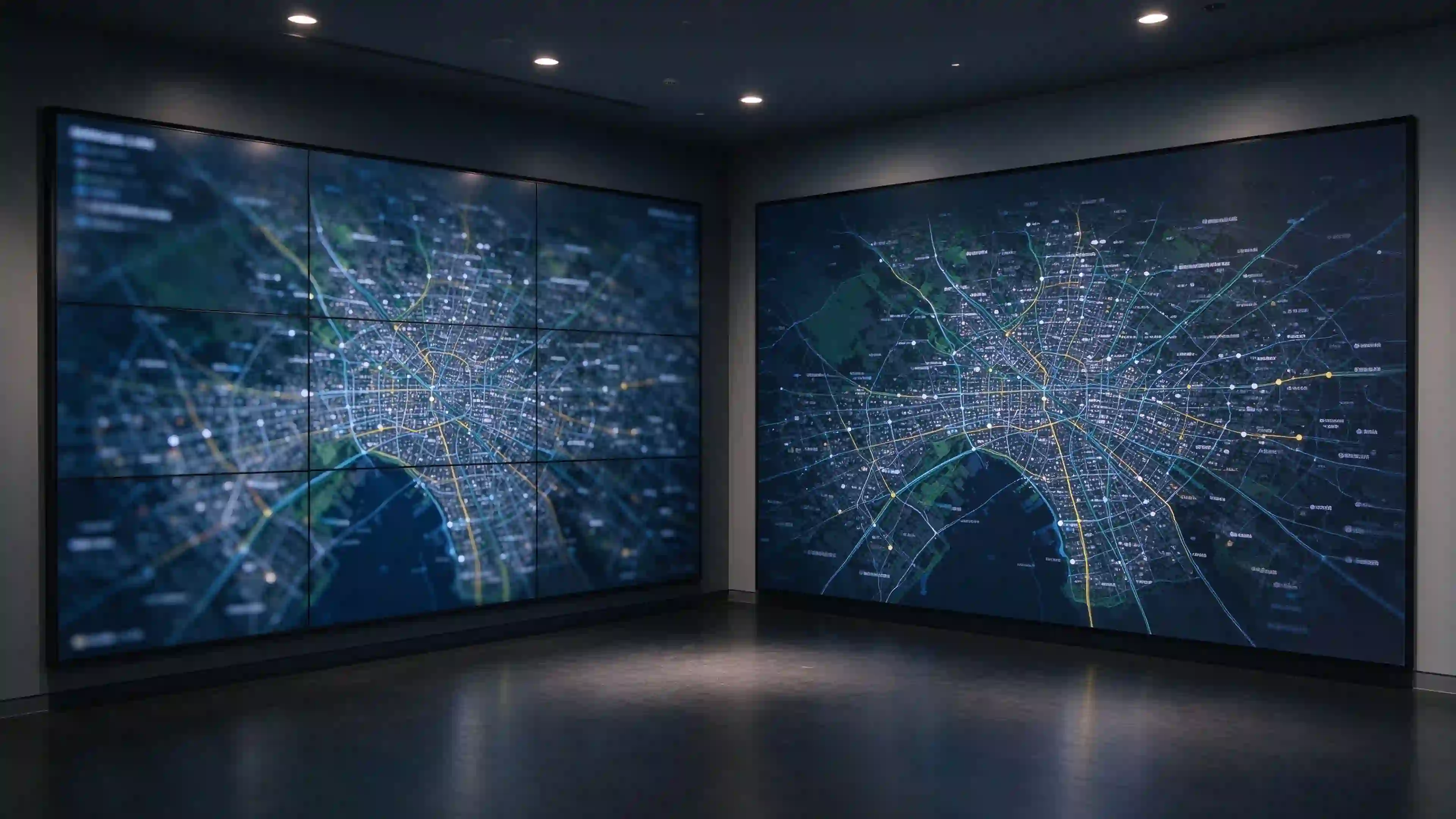
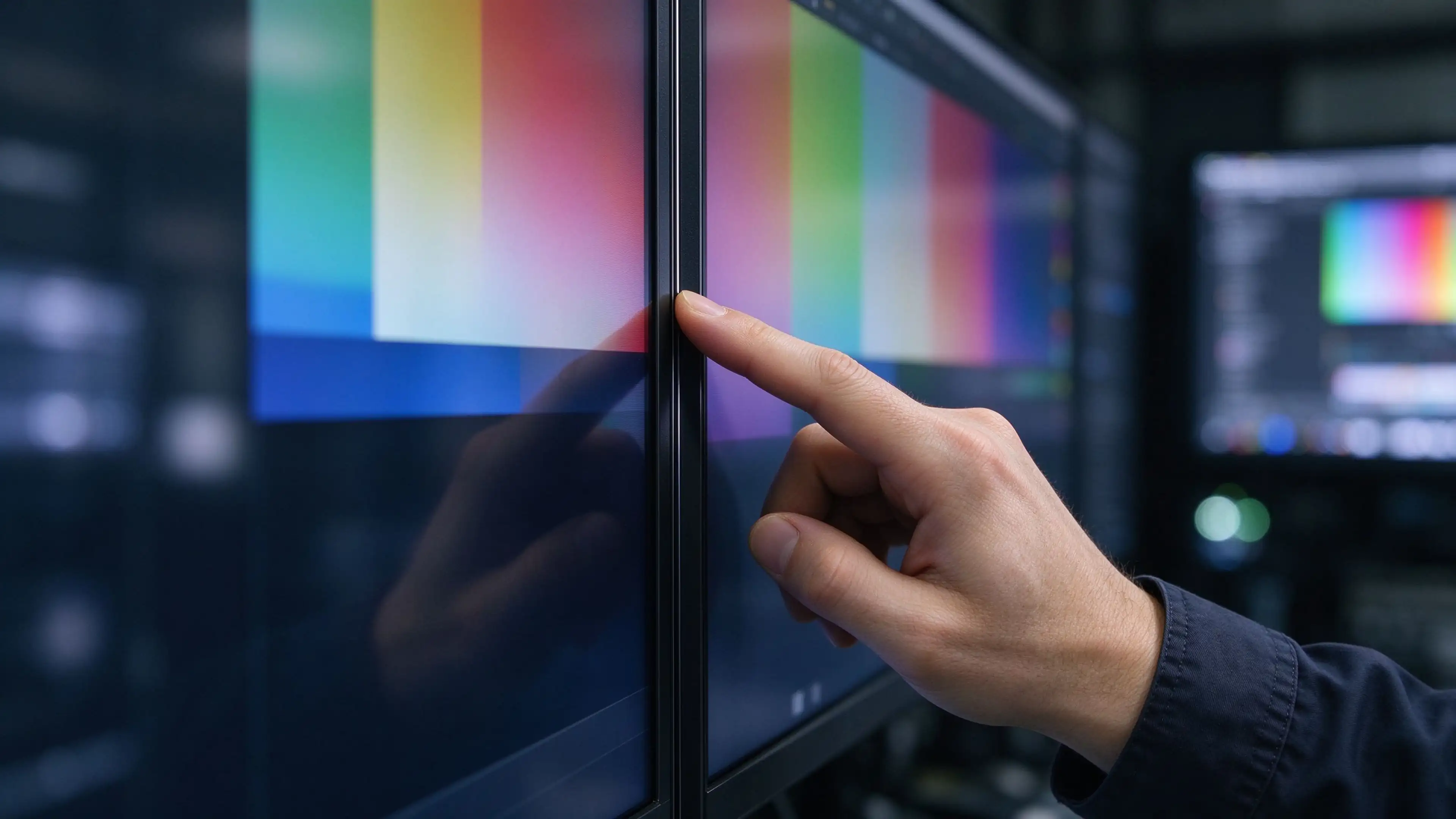
LCD video wall vs direct view LED comparison
LCD video wall and direct-view LED comparison for B2B project selection.

📐3. How to Choose LCD Video Wall Panels

3.1 Panel Size and Wall Layout

  • Confirm available wall width, height, and installation position first
  • Calculate row and column combinations and total display dimensions based on panel size
  • Verify panel outer dimensions, actual display area, bezel dimensions, and maintenance space
  • Validate final image aspect ratio against content requirements using a layout drawing

3.2 Bezel Width and Viewing Distance

  • Explain how panel seams affect text, maps, tables, and cross-screen content
  • Request specific bezel definitions and technical data for the exact model (0.88mm, 1.7mm, 3.5mm, etc.)
  • Perform sample or on-site testing with target viewing distance and actual content
  • Avoid using "ultra-narrow bezel" as a description in place of specific values

3.3 Brightness and Ambient Lighting

  • Select brightness based on site lighting, windows, and screen position
  • Indoor projects typically require 500–700 nits
  • For high-ambient-light projects, arrange on-site testing or confirm panel suitability
  • Do not treat "high brightness" as a guarantee of clear visibility in all indoor conditions

3.4 Resolution, Color and Panel Consistency

  • Distinguish single-panel resolution from the full-wall canvas resolution
  • Verify brightness and color consistency requirements across panels
  • Ask about calibration procedures, test records, and batch control
  • Perform actual readability verification for text- and data-heavy content

3.5 Operating Hours and Duty Cycle

  • Select commercial-grade models based on actual project operating hours
  • For continuous operation, verify the specification sheet's operating mode and warranty conditions
  • Do not extend a single model's 24/7 capability to the entire product line
LCD video wall panel bezel brightness selection
LCD video wall panel selection: bezel width, brightness, and viewing distance verification.

🔗4. Plan the Complete Video Wall Display System

4.1 Define Content Sources and Signal Requirements

  • Input signal types, quantities, and interfaces
  • Whether multiple signal sources must be displayed simultaneously
  • Whether single-image cross-screen, split-screen, multi-window, or rotation is required
  • Check signal source output against controller input compatibility

4.2 Select the Controller or Processor

  • Single-image cross-screen and multi-signal multi-window requirements differ substantially
  • Define controller output count, resolution, and layout functions
  • Confirm control method, network access, and compatibility with existing equipment
  • The page should clearly state whether the controller is included in the quotation

4.3 Check Signal Distribution and Cable Lengths

  • Plan signal lines and power lines separately
  • Verify transmission distance, resolution, and cable type
  • Confirm cabinet location, equipment position, and cable routing before installation

4.4 Project Requirement Mapping Table

Project Requirement Corresponding Equipment Parameters to Confirm
Single-image cross-screen Video wall controller (splicing processor) Output count, resolution, cross-screen method
Multi-signal multi-window Multi-window controller + matrix switcher Input count, window layout, switching speed
Long-distance signal transmission Signal extender / fiber optic transmission Distance, resolution, latency
Content playback Media player / PC / network media player Format support, output interface, management method
Centralized control Control panel / central control system Protocol compatibility, network access, permission management
LCD video wall controller signal distribution
LCD video wall controller and signal distribution planning for integration projects.

🛠️5. Mounting, Installation and Service Access

5.1 Wall Mount, Recessed or Freestanding Installation

  • Confirm installation method based on wall structure, load capacity, and interior finishing conditions
  • Assess wall flatness, heat dissipation, and maintenance access
  • Verify installation structure and total wall weight with the project team

5.2 Front-Service or Rear-Service Access

  • Front and rear service access are determined by site space, bracket design, and maintenance workflow
  • Verify whether panels can be removed, tool requirements, and operation space
  • Include maintenance access in the design drawing rather than resolving it after installation

5.3 Commissioning and Calibration

  • Check splicing sequence, signal mapping, and image orientation
  • Calibrate brightness, color, and input settings
  • Test full-wall image, single-panel image, and multi-window layout
  • Provide acceptance checklist and configuration backup
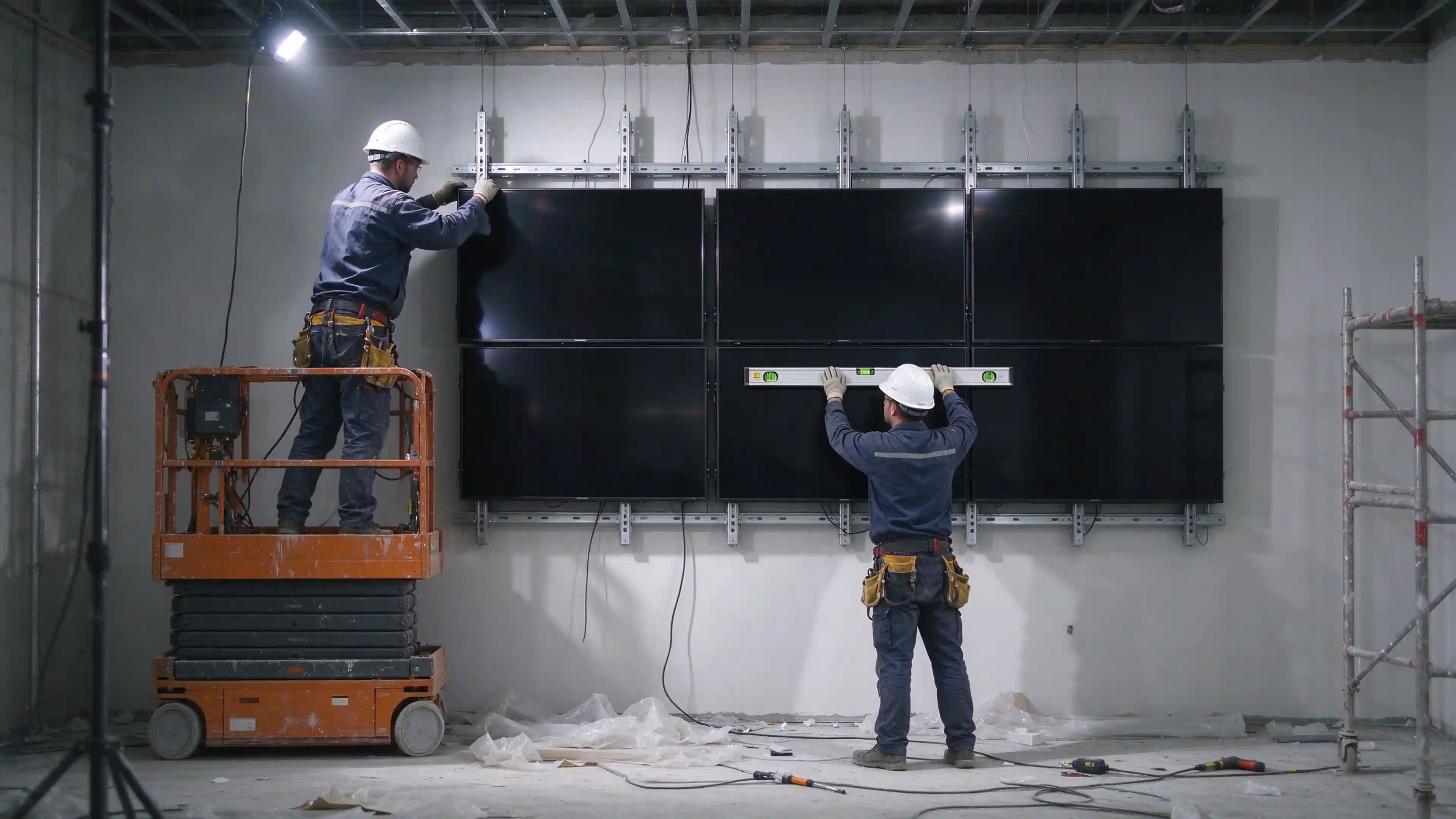
LCD video wall mounting installation service access
LCD video wall mounting structure with front-service and rear-service access planning.

🏢6. Applications and Configuration Considerations

Toepassing Content Characteristics Key Evaluation Points
Control room Multi-channel monitoring, maps, dashboards Long-duration operation, signal management, maintenance response
Enterprise meeting and operations Presentations, data, and video Input switching, resolution, viewing positions
Retail and hospitality Brand content, event information Ambient light, playback management, installation conditions
Exhibition and experience centers Brand visuals, dynamic content Image aspect ratio, content resolution, on-site lighting

Each application should be evaluated with its actual configuration priorities and verification conditions — not repeated industry marketing language.

💰7. Costs and Project Scope

7.1 Total Project Cost Breakdown

Quotation depends on more than panel count:

  • LCD panel model, size, and bezel width
  • Video wall controller, player, and signal distribution equipment
  • Bracket or custom mounting structure
  • Cables, power distribution, transportation, and on-site installation
  • Commissioning, calibration, training, and after-sales
  • Spare parts, maintenance, and future expansion

7.2 Total Cost of Ownership (TCO) Framework

Cost Item 5-Year TCO Calculation Variables
Panel hardware Unit price × panel count
Controller and signal equipment Controller + player + cabling
Mounting structure Bracket + custom frame + labor
Commissioning and calibration Labor × panel count
Stroomverbruik Wattage × operating hours × electricity rate
Maintenance and spares Annual maintenance + spare parts inventory
Panel replacement Failure rate × replacement cost × years
Downtime cost Failure count × average downtime × business loss

7.3 Project Information Checklist for Quotation

  • Target video wall size and layout
  • Site photos, floor plan, and viewing distance
  • Content type, signal source count, and input requirements
  • Planned operating hours
  • Installation location, delivery schedule, and maintenance conditions

🔍8. Evaluating an LCD Video Wall Manufacturer for B2B Projects

8.1 Factory vs Trading Company: Production Capability Verification

  • Business license scope: Manufacturers list production activities (生产/制造/加工). Trading companies list distribution activities (贸易/经销/进出口).
  • Live production floor video: Request real-time video of SMT lines, assembly lines, and aging test chambers.
  • Test reports in manufacturer's own name: Verify reports are issued directly to the manufacturer's legal entity, not forwarded from upstream suppliers.
  • In-house engineering execution: Custom engineering requests should be executed internally, not relayed to third parties.

8.2 Certifications and Compliance for Video Wall Projects

  • ISO 9001:2015 — Quality management system
  • ISO 14001:2015 — Environmental management system
  • CE — EU safety, health, and environmental compliance
  • FCC — North American electromagnetic interference standards
  • RoHS — Restriction of hazardous substances
  • PSE — Japanese electrical safety compliance; CB — IECEE CB Scheme

Regional adaptation requirements: Middle East high-temperature performance, Southeast Asia humidity resistance, North America anti-glare and brightness calibration.
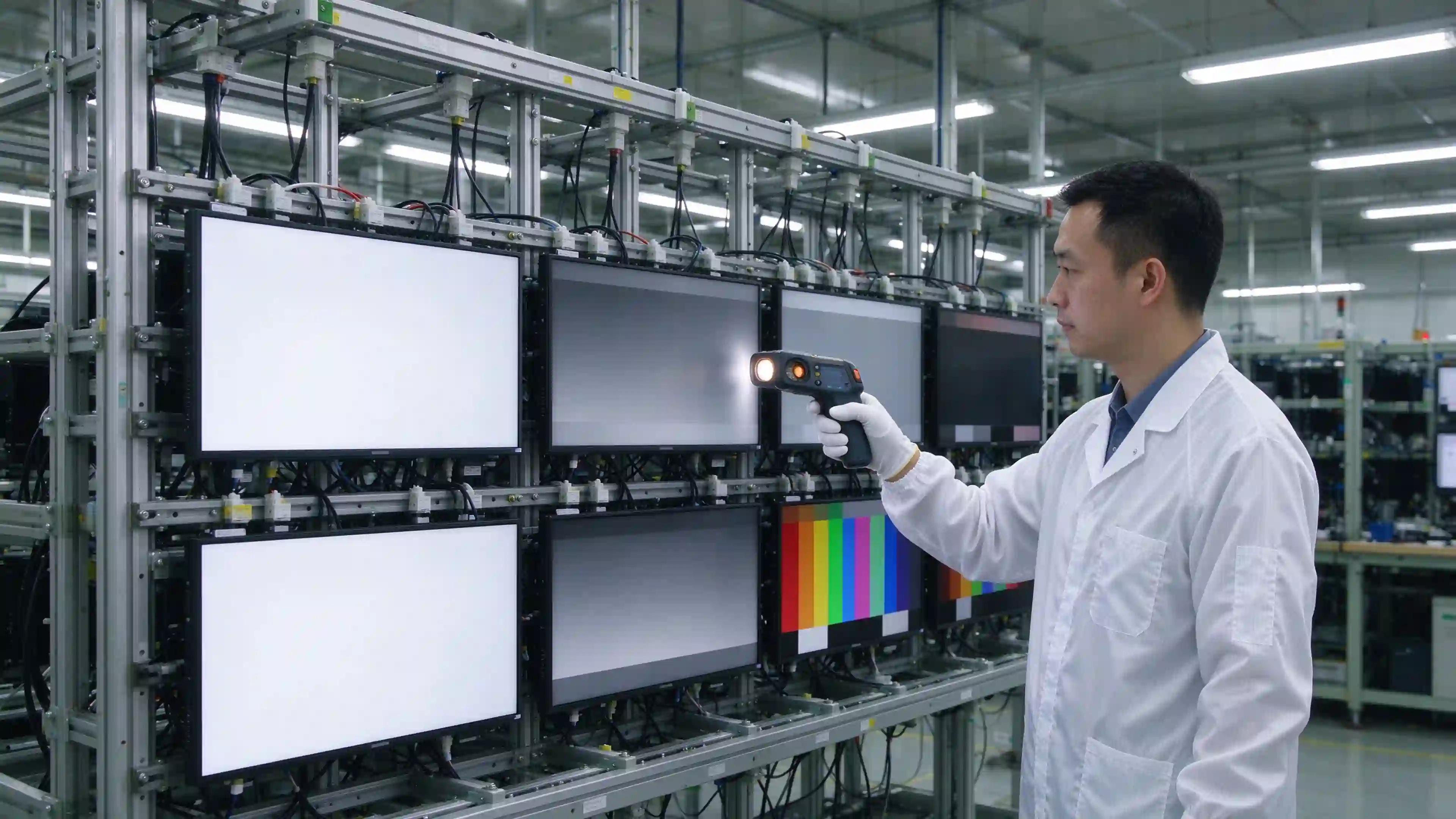
8.3 Quality Control and Panel Consistency for Multi-Panel Orders

  • IQC → IPQC → Aging Test → FQC → OQC complete process
  • Brightness and color consistency testing — a critical metric for multi-panel orders
  • Panel batch traceability and configuration records
  • AQL standards and DPPM tracking data

8.4 What Documentation Buyers Should Request Before Committing

  • Business license with production scope
  • Live production floor video
  • ISO/CE/FCC/RoHS certificates and test reports
  • Panel brightness and color consistency test data
  • Bezel and structural test reports
  • Sample panel unit for physical evaluation
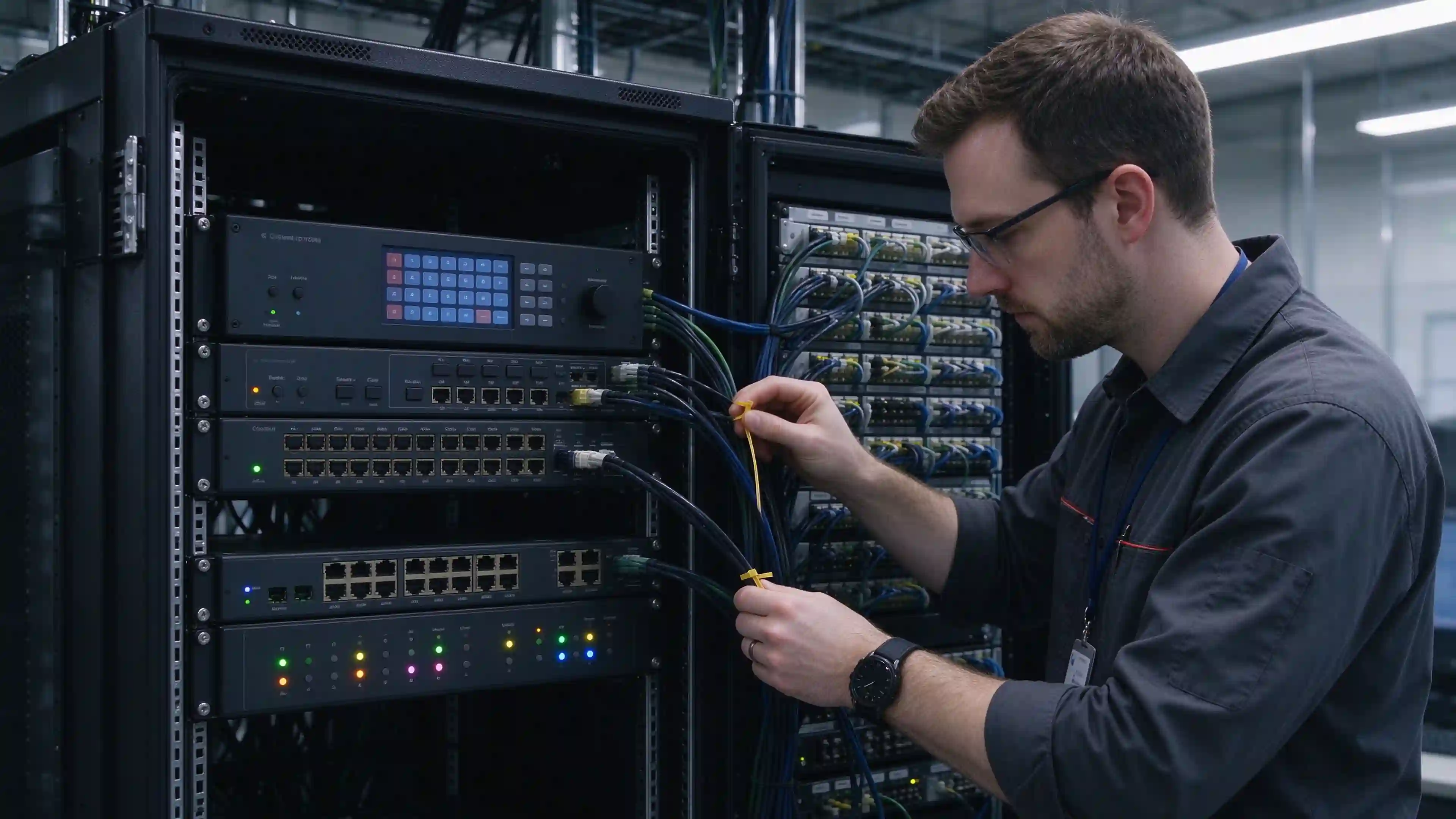
LCD video wall manufacturer factory verification
LCD video wall manufacturer verification: factory production capability and quality control.

🏭9. OEM/ODM and Bulk Supply for Video Wall Distributors

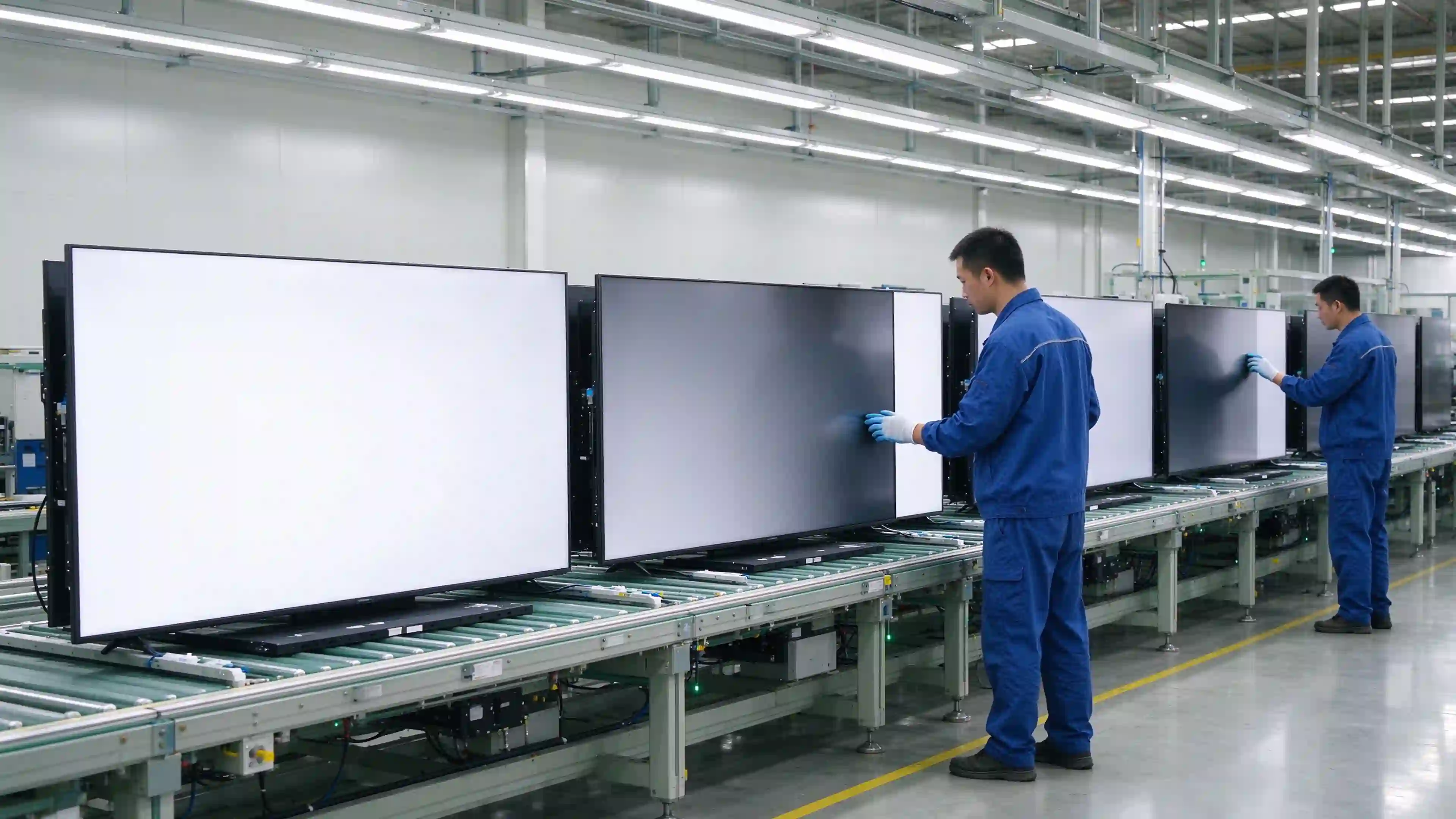
Qtenboard provides OEM/ODM services for video wall distributors and brand owners, with 20+ years of manufacturing experience and exports to 50+ countries.
9.1 Configuration and Sample Confirmation

  • Sample and mass-production configuration consistency
  • Model, interface, accessory, and brand identification confirmation
  • Customization scope, cost, and lead time confirmed per actual project

9.2 Production Inspection and Documentation

  • Inspection items and records available from the factory
  • Packaging, labeling, serial numbers, and shipping documentation
  • Only describe processes that are actually executed and can be evidenced

9.3 Warranty and Technical Support

  • Warranty scope, duration, and exclusions
  • Remote support, spare parts, and repair workflow
  • Responsibility boundaries between integrator, local service partner, and factory
OEM ODM LCD video wall bulk production
OEM/ODM LCD video wall bulk production for distributors and brand clients.

✅10. Project Acceptance and Maintenance

10.1 Site Acceptance Checklist

Acceptance Item Inspection Content
Model and quantity Consistent with order configuration
Installation position and layout Consistent with design drawing
Single panel display and input Test each panel individually
Full-wall splicing image Signal source, controller, cross-screen function
Brightness and color consistency Full-wall visual consistency check
Documentation and spares Manual, configuration backup, spare parts list
Training and warranty Operation training completed, warranty information handed over

10.2 Routine Maintenance Plan

  • Clean screen according to product instructions using appropriate materials
  • Periodically inspect cables, signals, and mounting fixtures
  • Confirm equipment ventilation conditions and environmental requirements
  • Record faults, configuration changes, and repair history
  • Update and back up content playback equipment and control systems as required
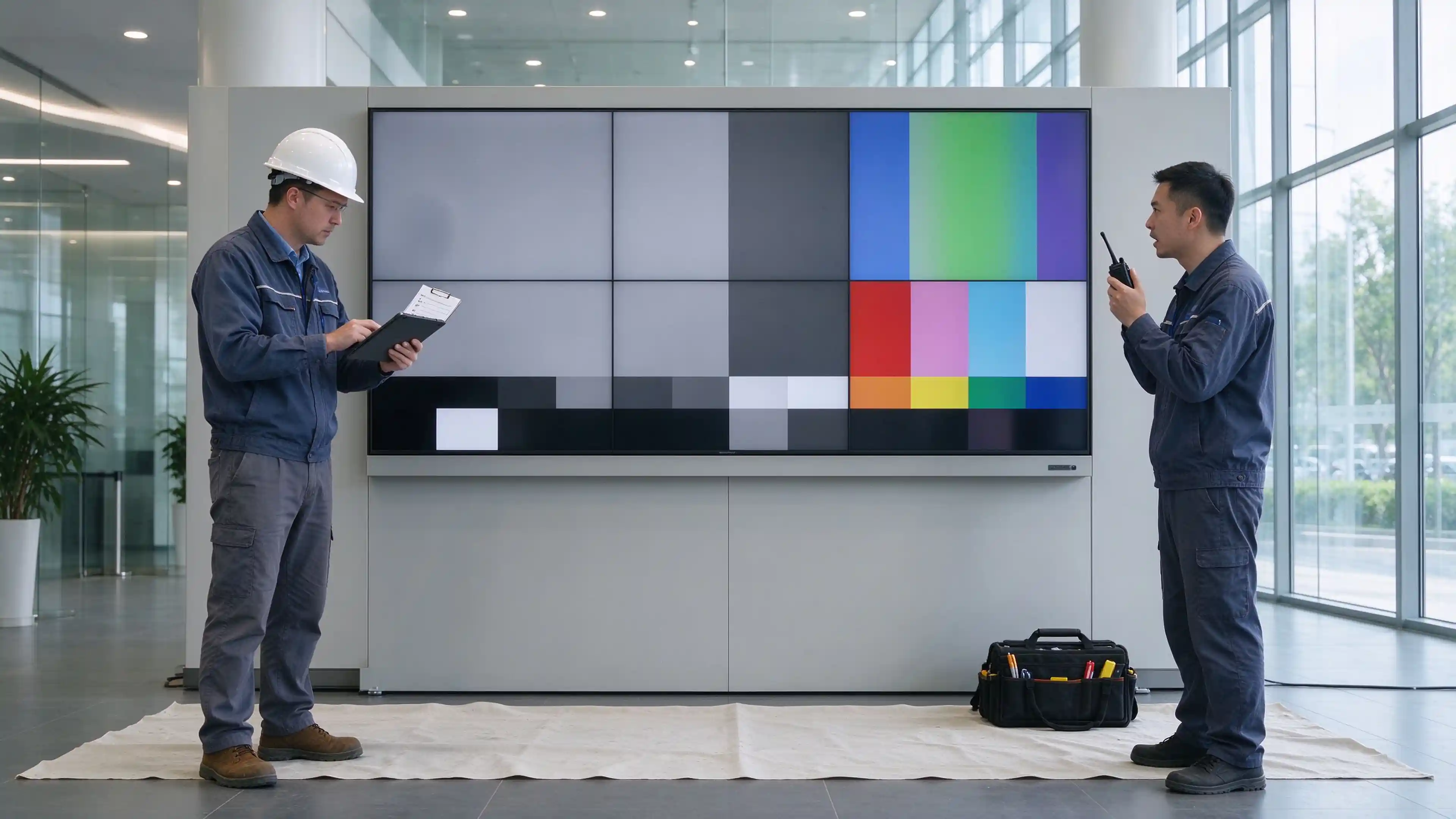
LCD video wall site acceptance checklist
LCD video wall site acceptance and routine maintenance planning.

❓11. FAQ: LCD Video Wall Systems

Q1: What is an LCD video wall?

An LCD video wall is a project-level display system composed of multiple commercial LCD panels arranged in a rectangular matrix, integrated with a video wall controller, signal sources, and mounting structure. It is used for indoor applications that require a large-format display with fixed layout.

Q2: How is an LCD video wall display system configured?

The system includes LCD panels, a video wall controller or splicing processor, signal sources (players, PCs, cameras), signal distribution equipment, mounting structure, and control software. Each component must be specified to match content type, viewing distance, and operating conditions.

Q3: What is the difference between an LCD video wall and a single large-format display?

A single large-format display uses one panel with no internal seams. An LCD video wall uses multiple panels and has visible bezel lines between them. Choose a video wall when the required display area exceeds available single-panel sizes or when the layout must be configured in a specific matrix.

Q4: How visible are the seams between LCD video wall panels?

Seam visibility depends on bezel width, viewing distance, and content type. Narrow-bezel models range from 0.88mm to 3.5mm. Text-heavy, cross-screen, and map-based content is more sensitive to seams than full-screen video. Verify with the specific model and actual viewing distance.

Q5: How do I choose the right LCD video wall layout?

Confirm available wall dimensions and viewing distance first, then calculate row and column combinations based on panel size. Validate the final aspect ratio against content requirements. Layout should also account for maintenance access and cable routing.

Q6: Do I need a video wall controller?

A controller is required when the project needs single-image cross-screen display, multi-window layout, or signal switching. For simple content playback where each panel shows the same or independent content, a controller may not be necessary. Confirm the exact function required and whether the controller is included in the quotation.

Q7: Can one source be displayed across the entire video wall?

Yes, when the system includes a video wall controller or splicing processor that supports cross-screen display. The controller divides a single input signal across multiple panels to form a continuous image. This requires specific output resolution and layout configuration.

Q8: What information is needed for a project quotation?

Provide target video wall size and layout, site photos and floor plan, viewing distance, content type, signal source count, input requirements, planned operating hours, installation location, and maintenance conditions.

Q9: Can LCD video wall panels be customized or supplied under OEM/ODM?

Qtenboard provides OEM/ODM services including logo printing, custom packaging, branded boot animation, hardware configuration, and CKD/SKD export models. MOQ and lead time depend on the specific customization scope.

Q10: How is a video wall inspected after installation?

Acceptance inspection covers model and quantity, installation position and layout, individual panel display and input, full-wall splicing image, brightness and color consistency, documentation and spares, and training and warranty handover.

Plan an LCD Video Wall for Your Project

To receive a project-specific configuration and quotation, provide the following information:

  • Project application and installation location
  • Target video wall size and splicing layout
  • Content source and control requirements
  • Ambient lighting and operating hours
  • Whether installation, OEM/ODM, or bulk pricing is required

Thuis Whatsapp Mail Aanvraag