
While installing an elevator digital signage system is one of the proven ways to monetize building traffic and modernize property management, most procurement managers and system integrators hit a wall during actual implementation. Signals drop mid-ride, wiring in traveling cables gets overly complex, and finding a screen thin enough to comply with strict lift safety regulations can be a headache.
You don't need another generic marketing pitch about why digital elevator signage works. You need a practical, deployment-ready blueprint. In this comprehensive guide, we will break down the exact step-by-step process of planning, wiring, mounting, and managing your elevator digital signage project seamlessly, leveraging Qtenboard’s robust hardware ecosystem and commercial display expertise.
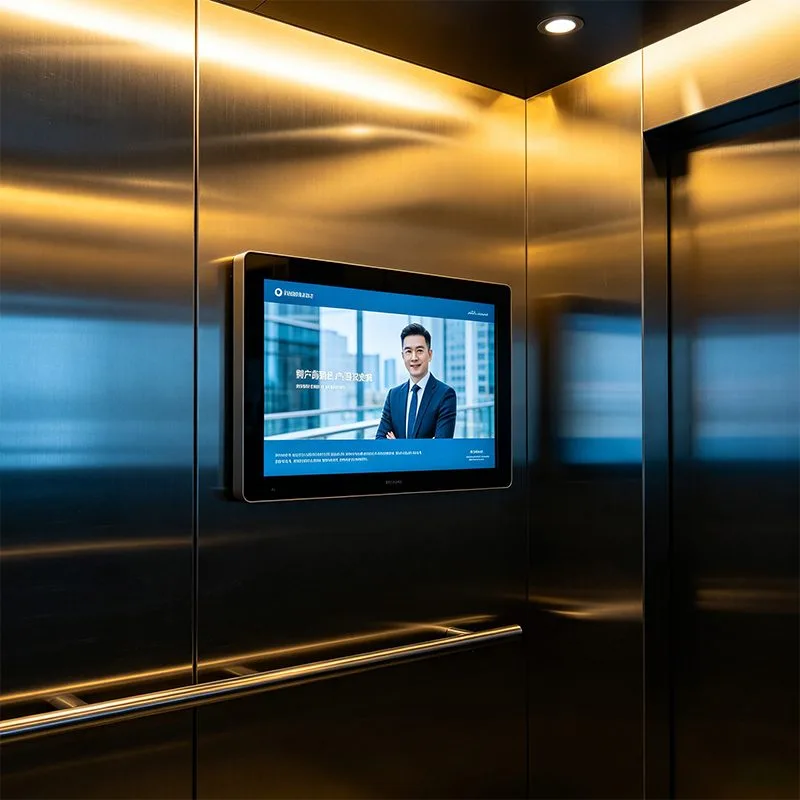
Before purchasing any hardware, system integrators must resolve three core infrastructural variables. Addressing these early prevents costly re-engineering mid-project.
Elevator cabins generally lack standard wall outlets. You must coordinate with the elevator technician to tap into the cabin’s auxiliary power circuit. Qtenboard hardware supports a wide rated voltage of AC 110-220V with a standby power of ≦1W and a rated power of ≦85W (based on the 32" model), dramatically reducing building operational energy costs.
Elevators act as moving Faraday cages. Standard Wi-Fi or consumer-grade cellular signals will drop as the lift descends into the shaft. Qtenboard provides flexible network connectivity to tackle this issue. Our displays natively support dual-band Wi-Fi (Wi-Fi 5 / Wi-Fi 6 optional), 10M/100M/1000M adaptive Ethernet LAN, Bluetooth 5.4, and an optional industrial 3G/4G cellular module, ensuring stable command reception in complex shaft environments.
Elevator interiors are heavily regulated. Qtenboard utilizes a rugged aluminum profile frame paired with a cold-rolled steel metal-sprayed housing. The surface is protected by 3mm physical tempered glass with an anti-glare coating. This not only gives the elevator digital signage an impact-resistant, scratch-proof industrial durability but also eliminates reflections from harsh cabin downlights, providing consistent image quality across a 178° wide IPS viewing angle.
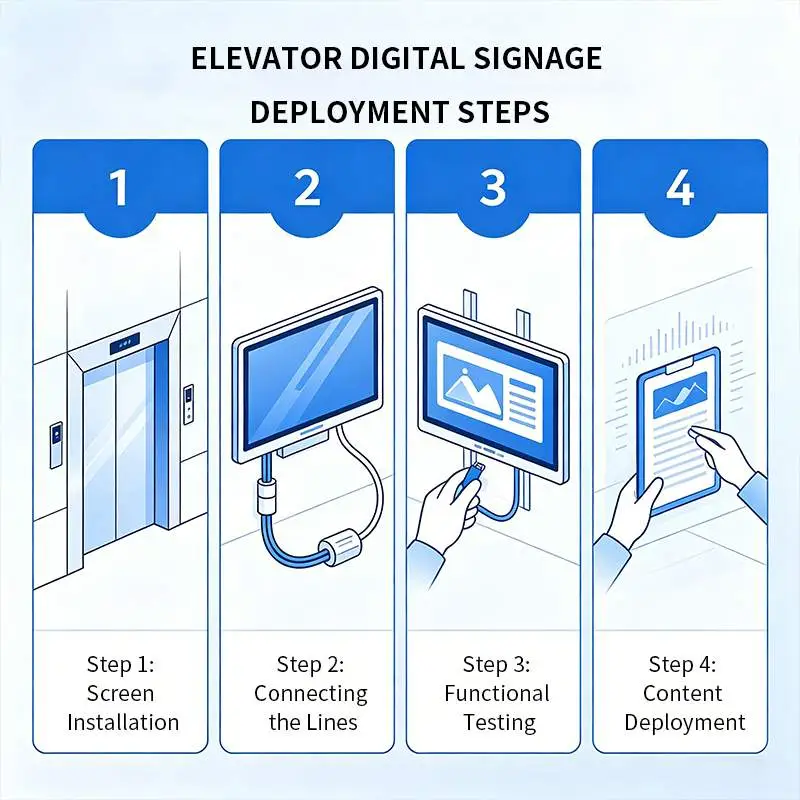
Deploying a reliable elevator digital signage system requires a strict operational sequence to guarantee safety compliance and hardware longevity.
Do not use consumer-grade TVs or generic tablets; they cannot survive the constant mechanical vibrations of a lift cabin. For varying software and application requirements, Qtenboard offers extensive OEM & customization support:
In coordination with a certified elevator engineer, route your power and data lines. Qtenboard hardware comes packed with versatile I/O interfaces, including an HDMI 2.1 input (supporting 4Kx2K@60Hz), multiple USB ports, and SD/TF card slots. For older buildings where altering the traveling cable is prohibited, you can directly utilize the built-in Wi-Fi or 4G cellular modules for wireless networking.
Depending on the architectural design, choose from multiple installation methods including Mount-on wall, Embedding, Hang, or Bracket mounting. Backed by heavy-duty metal housings, Qtenboard screens can operate seamlessly in environments ranging from 0℃ to 55℃, resisting the continuous G-force shifts and vibrations of lift operations.
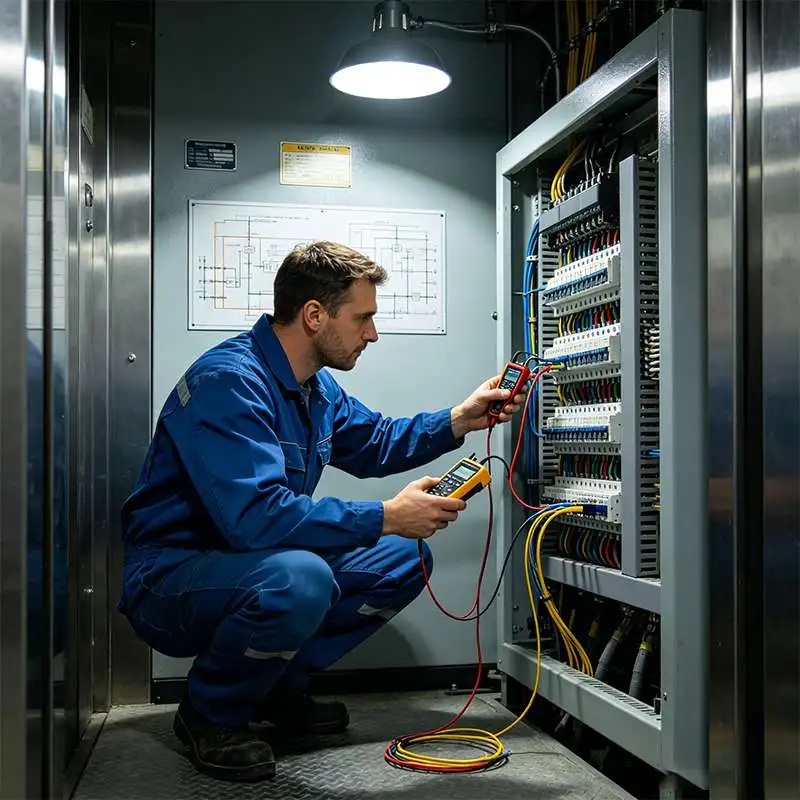
Power on your digital elevator signage and connect it to your network. Enter the unique hardware token into the cloud-based Qtenboard Content Management System (CMS). The platform supports web and mobile IE via LAN/WAN and offers level-to-level administration, letting managers create multi-tier administrator accounts for total device control.
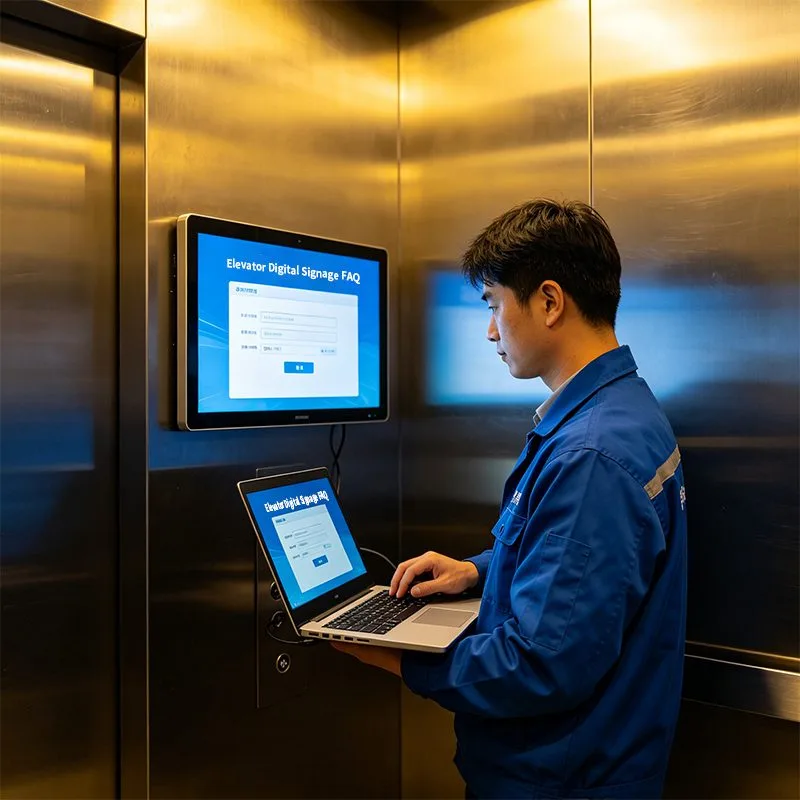
Qtenboard displays possess powerful 2K/4K multimedia decoding capabilities, supporting a wide array of formats (Audio: MP3, WAV, FLAC; Picture: JPG, PNG; Video: AVI, MKV, MP4). Utilizing the split-screen display support, you can slice a single screen into multiple layout zones—broadcasting a 4K commercial video alongside dynamic weather widgets, real-time clocks, and scrolling RSS text feeds. The scheduled playback function allows you to automate different playlists throughout the day and execute auto power on/off timers to maximize panel lifespan.
| Customization Items | Optional Configurations & Parameter Pools |
|---|---|
| Screen Type | Single Screen / Dual Screen |
| Single Screen Size | 18.5" / 21.5" / 23.6" / 27" / 32" |
| Saiz skrin dwi | 18.5"+10.1" / 21.5"+19" / 23.6"+12.3" |
| Resolusi | 2K (19201080) / 4K (38402160 Optional) |
| Main SoC (Chip) | RK3528 / RK3566 / RK3576 / RK3588 |
| Sistem operasi | Android 9.0 / 11.0 / 14.0 / 16.0 ; Windows 10 / 11 / Pro |
| Fungsi sentuh | Not Touch / Capacitive Touch / Infrared Touch |
| Wireless Tech | Wi-Fi 5 / Wi-Fi 6 / Bluetooth 5.4 / 3G/4G Cellular Optional |
| Physical Interface | HDMI IN (2.1) / USB / RJ45 LAN (1000M/100M) / SD/TF Slots |
| Color Finish | Classic Black / Ivory White / Custom Colors |
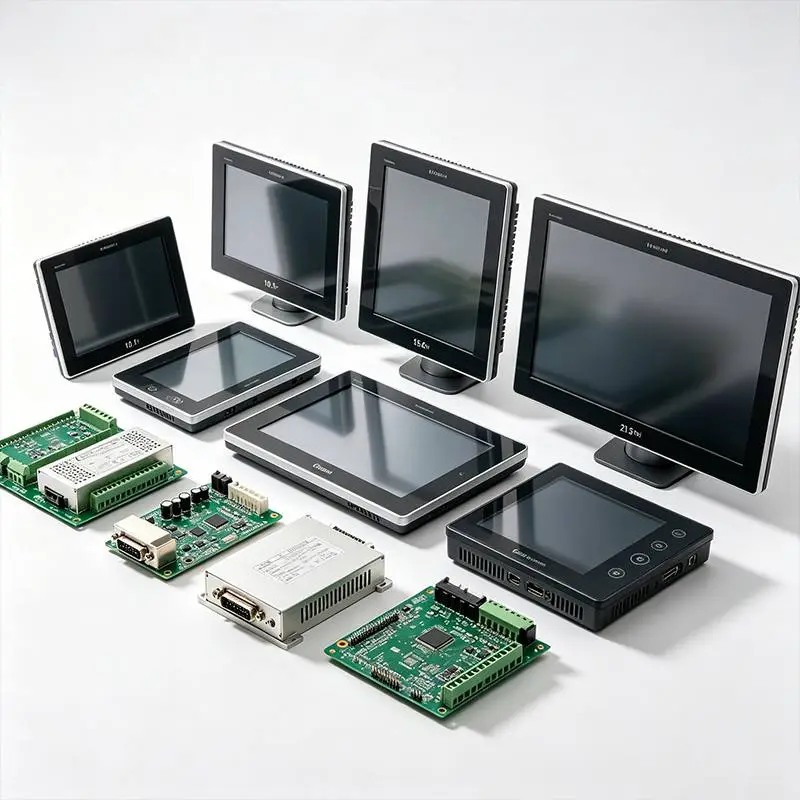
Note: The following technical specifications are based on the 32-inch flagship QM-3221FZ reference model. For detailed technical parameters regarding other sizes (18.5" to 27"), please contact Qtenboard directly.
| Kategori Parameter | Technical Indicators | Standard Configurations & Specifications |
|---|---|---|
| Display Parameters | Brand & Model | Qtenboard / QM-3221FZ (32 inch) |
| Resolusi | 19201080 (2K) ; 38402160 (4K Optional) | |
| View Angle & Contrast | 178° Wide IPS View Angle ; Contrast ratio 3000:1 / 4500:1 | |
| Aspect Ratio & Backlight | 16:9 or 9:16 vertical ; High-lifespan LED backlight | |
| Kecerahan | Standard ≥300 cd/㎡ ; Optional 400 / 500 cd/㎡ (High-bright) | |
| Refresh Rate & Color | 60 HZ / 120 HZ ; 16.7M (8-bit) / 1.07B (10-bit) color depth | |
| Konfigurasi Sistem | OS Version | Android 9.0 / 11.0 / 13.0 / 14.0 / 16.0 |
| CPU & GPU | Quad/Octa-core A55, Hybrid A53+A73/A72 ; Mali-G31 GPU | |
| RAM & Storage (ROM) | 1 / 2 / 4 / 8 GB RAM ; 8 / 16 / 32 / 64 / 128 GB ROM | |
| I/O Interfaces | HDMI 2.11 (4Kx2K@60Hz Input), USB2, 3.5mm Ear Jack*1 | |
| Network Connections | 10M/100M/1000M RJ45, Built-in 2.4G/5G Wi-Fi, BT 5.4, 4G Optional | |
| Fungsi sistem | Keupayaan penyahkodan | Supports hardware-level 2K/4K video and image decoding |
| Custom Boot & Root | Supports custom boot animations ; Allows Root permissions | |
| Audio Function | Left/Right channel output, built-in dual 8Ω power amplifier | |
| Power-on/off Modes | Remote control / Timing schedule / Network wake-up / Self-start | |
| System Upgrades | Supports local (USB/SD) and remote cloud OTA upgrades | |
| Media Formats | Audio Formats | MP3, WMA, WAV, APE, FLAC, AAC, OGG, M4A, 3GPP, etc. |
| Image Formats | JPG, BMP, PNG, and other high-res image formats | |
| Video Formats | AVI, RM, RMVB, MKV, WMV, MOV, MP4, and general media formats | |
| Hardware Features | Frame & Body Material | Aluminum profile frame + Cold-rolled steel plate (metal spraying) |
| Surface Protection | 3mm physical tempered glass for high durability | |
| Electrical Features | Indoor use, Rated Voltage AC110-220V, Standby ≦1W, Rated ≦85W | |
| Persekitaran yang sesuai | Operating: 0℃~55℃ (10%-90%RH); Storage: -5℃~60℃ (10%-90%RH) | |
A premium 45-story commercial skyscraper in a major metropolitan tech hub.
The building's property group wanted to transition from static frames to a premium elevator digital signage system. However, their high-speed elevators (traveling at 6 m/s) completely blocked cellular signals mid-shaft, causing media streams to stutter, buffer, or crash entirely.
The integration team deployed 32-inch Qtenboard (QM-3221FZ) elevator digital signage units across all 12 elevator cabins. To bypass the connectivity barrier, they implemented a hybrid network architecture:
The Technical Setup: Qtenboard displays were paired with a directional wireless bridge system installed in the lift shaft. Furthermore, the screens utilized Qtenboard's Smart Offline Cache Architecture (Networking/Standalone hybrid mode). Content schedules and heavy 4K media files are pre-downloaded and stored locally on the display’s solid-state storage (ROM) during off-peak hours.
Even if network latency spiked or a brief signal dropout occurred while passing mid-shaft dead zones, the screens continued to play high-definition, 60fps video seamlessly with zero black screens. The building automated all tenant announcements, saving 15 hours of manual maintenance weekly, and fully paid off the hardware investment within 9 months by leasing out split-screen ad space to local luxury retailers.
Q1: How do you maintain a stable network connection for an elevator digital signage system inside a moving lift?
Answer: At Qtenboard, we mitigate network instability through a dual-layered approach. First, we support deploying a dedicated point-to-point wireless bridge inside the elevator shaft or utilizing optional 4G cellular modules. Second, our displays feature an advanced local networking/standalone hybrid caching system. The display pre-fetches and saves the entire content playlist locally to its internal memory. If the network disconnects mid-ride, the loop continues flawlessly without showing loading spinners or black screens.
Q2: Can elevator digital signage display real-time elevator status like floor numbers?
Answer: Yes. By connecting the elevator digital signage system to the building’s lift controller interface via an authorized API gateway, Modbus, or BACnet protocol, the display can show real-time floor location, direction arrows, and automated arrival announcements side-by-side with commercial media layouts.
Q3: What happens to the screens in the event of a power outage or building fire emergency?
Answer: Qtenboard displays feature an automatic power-restore (Self-start) function that boots the system instantly when electricity returns, eliminating manual reboots. For emergencies, our CMS supports HTML5-based emergency override triggers. When linked to the building's fire alarm system, the displays instantly drop commercial ads to flash evacuation maps, emergency exit graphics, and safety instructions.
Q4: Is it difficult to manage content across multiple properties or elevator banks?
Answer: Not with a cloud-native platform. Qtenboard’s CMS dashboard lets you organize your entire fleet using level-to-level administration. You can apply a global firmware update or emergency notice to 500 screens across multiple cities simultaneously, or drill down to push a localized ad to just a single elevator bank in a specific building block.
Deploying a robust elevator digital signage system transforms a dead architectural space into a dynamic communication hub and revenue driver. By prioritizing industrial-grade hardware (like RK3566/RK3588 SOCs), planning for lift shaft signal drops, and using a reliable cloud CMS, you ensure a reliable rollout with maximum uptime.
Ready to engineer a flawless digital transition for your property portfolio? Contact the commercial engineering team at Qtenboard today for detailed hardware specifications, mounting blueprints, and customized project quotes.
Klik untuk membaca butiran produk dan belajar tentang ciri-ciri fungsinya dan prestasi sebenar.
📖Baca produk
 MAY
MAY
 EN
EN  AR
AR  DAN
DAN  IT
IT  ARM
ARM  FIN
FIN  SWE
SWE  NOR
NOR  NL
NL  TH
TH  KOR
KOR  PL
PL  JP
JP  RU
RU  PT
PT  SPA
SPA  FRA
FRA  DE
DE  CHT
CHT 