



Kiosk News

Digitale Wegfindung mit Info kiosken in Malls Qtenboard

2025-10-31
Q QtenboardCommercial Display Manufacturer since 2005
Digital Wayfinding Kiosk for Malls & Smart Mall Wayfinding Lösungen

Touch screen wayfinding kiosks, interactive mall directories and smart mall wayfinding solutions for shopping centers and retail complexes — configured around your floor plan, tenant list and visitor languages, and built for 24/7 commercial operation.

Factory-direct manufacturer Android & Windows platforms OEM & ODM programs Multi-market delivery
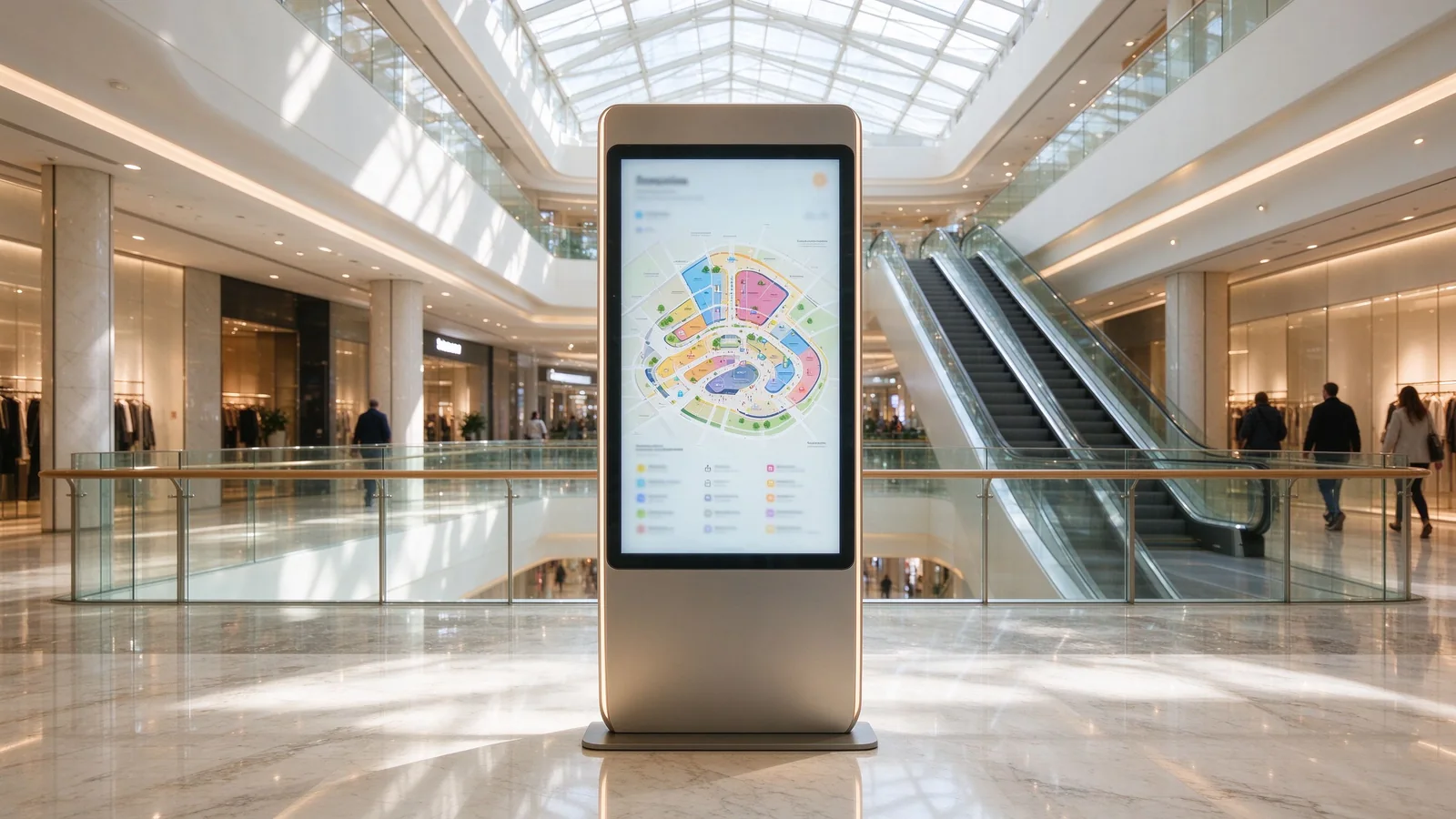
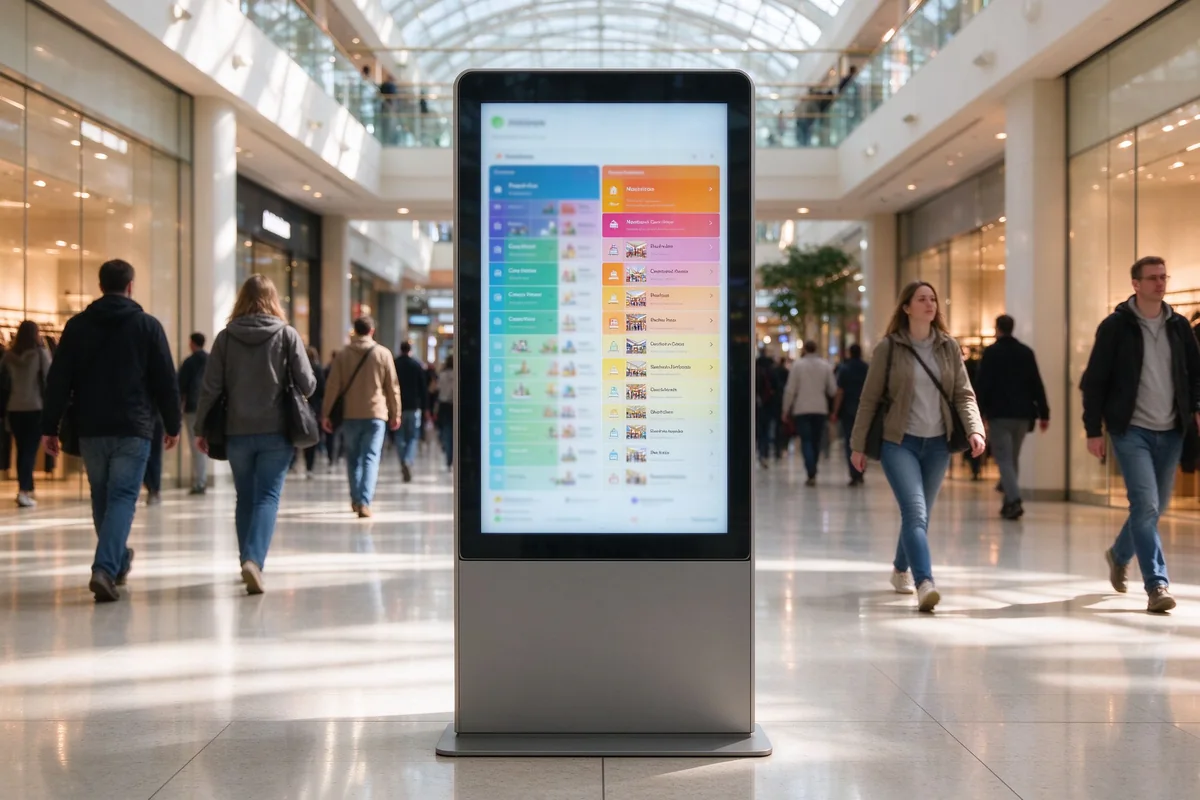
Digital wayfinding kiosk in shopping mall lobby
Floor-standing digital wayfinding kiosk at a shopping mall lobby

Why Shopping Malls Need Digital Wayfinding Kiosks

Large floor areas, hundreds of tenants and continuously changing store layouts make static directory boards the weakest point of the visitor journey. A digital wayfinding kiosk for malls replaces printed floor maps with a searchable touch screen mall directory, so visitors find stores, lifts, toilets and exits without queuing at the information desk.

Mall Navigation and Tenant Discovery

Visitors search tenants by name, category or floor on an interactive mall map. Category browsing, keyword search and facility markers reduce the time people spend looking for a destination — and the number of interrupted staff.

Reducing Front-Desk and Information Desk Workload

Most information-desk questions repeat the same patterns: where is a store, where are the toilets, which floor is the food court. Self-service wayfinding kiosks absorb these routine queries so front-desk staff can focus on member services, lost & found and complaints.

From Static Directory Boards to Interactive Wayfinding Terminals

Static boards need reprinting every time a tenant moves or a store opens. Interactive wayfinding terminals update remotely through a CMS: new tenant maps, floor changes and promotions go live on every kiosk without touching the hardware.

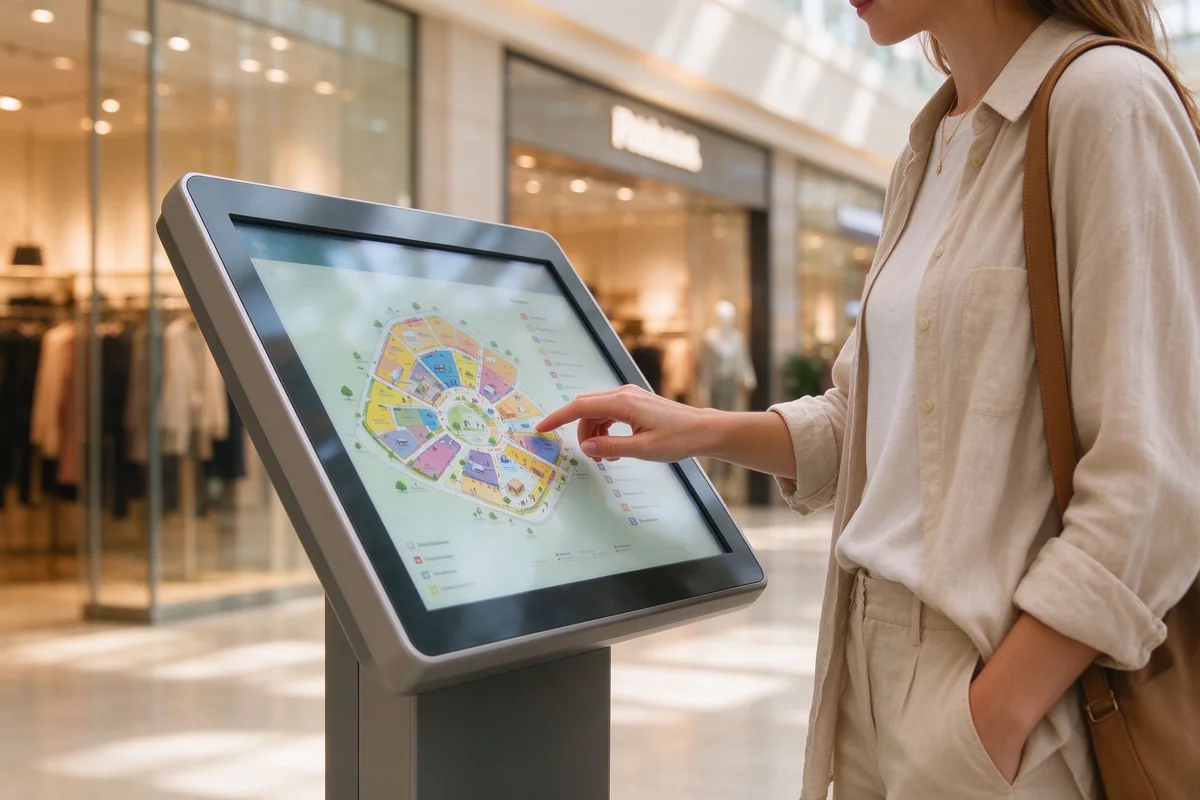
Shopper using mall wayfinding kiosk for tenant search
Touch screen mall directory in daily use

Smart Mall Wayfinding: Interactive Directory and Navigation

Smart mall wayfinding combines an interactive mall map, a tenant directory and mobile handoff on one touch screen. Visitors browse the floor directory, search by category or keyword, and take the route with them after they leave the kiosk.

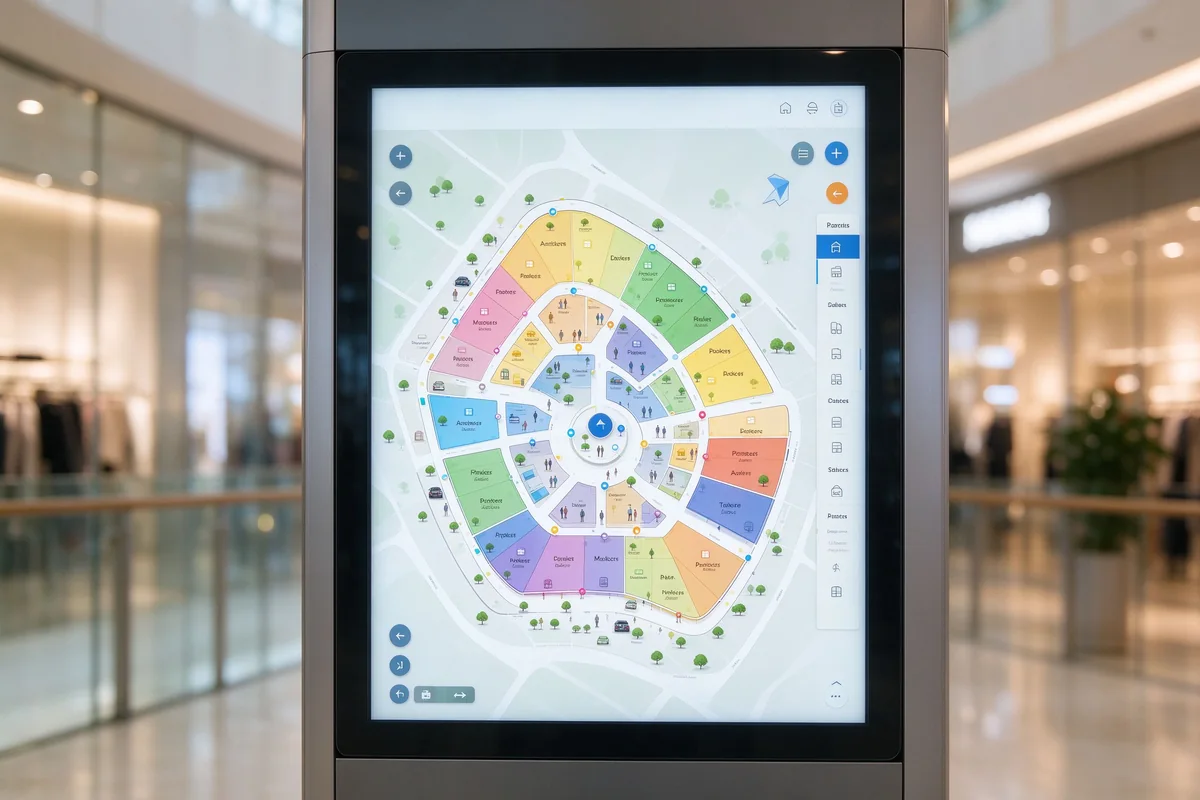
Smart mall wayfinding interactive map directory
Interactive mall map with floor directory
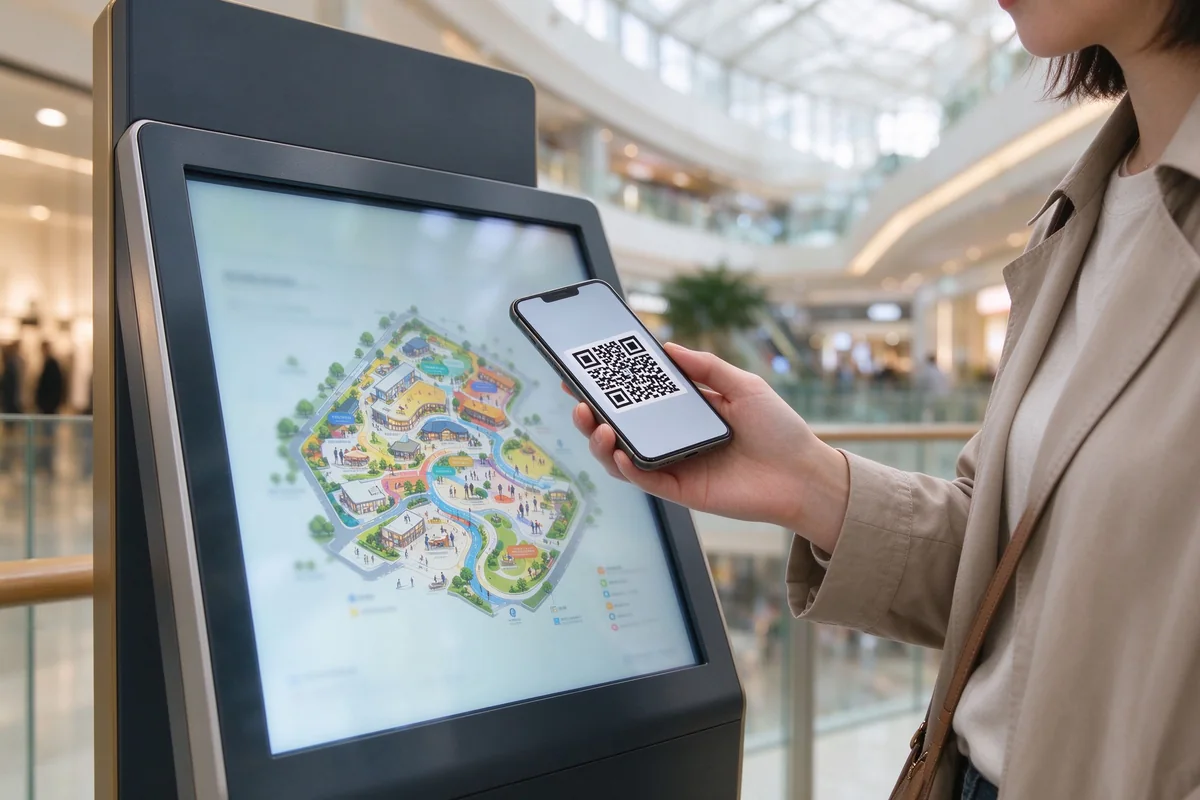
QR code mobile route transfer from mall kiosk
QR code route handoff to a visitor's phone

Interactive Mall Map and Floor Directory

A touch screen mall map with floor switching, zone coloring, facility markers (lifts, escalators, toilets, parking) and a searchable tenant directory. The map is built from your CAD data so it matches the real building.

Tenant Search by Category, Floor and Keyword

Tenants are organized by category, floor and name. Kiosk information wayfinding lets visitors type or tap their way to a store, restaurant or service point instead of scanning a wall of printed names.

Turn-by-Turn and QR Code Mobile Handoff

Visitors scan a QR code on the kiosk and the route opens on their phone. QR wayfinding hands navigation from the kiosk to the visitor's own device, so guidance continues after they walk away.

Multilingual Wayfinding for International Visitors

Language switching is configured per site. International visitors in tourist malls and cross-border retail complexes can switch the directory to their own language in one tap.

Digital Wayfinding Kiosk for Shopping Malls: Hardware and Formats

Wayfinding kiosks come in the formats that match your traffic pattern — from lobby anchors to corridor terminals. Every digital wayfinding terminal is built on commercial-grade touch screens, steel or aluminum enclosures and 24/7-rated components for continuous mall operation.

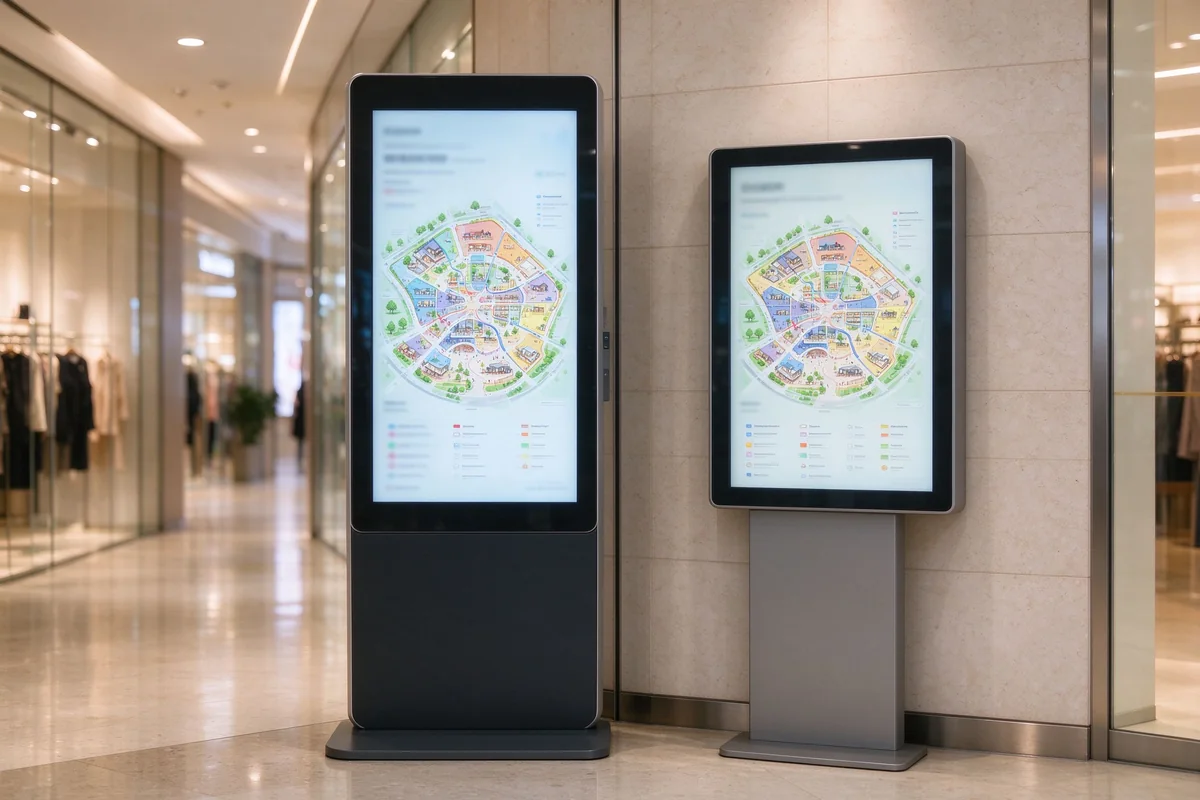
Floor standing and wall mounted wayfinding terminals in mall
Floor-standing and wall-mounted wayfinding terminals
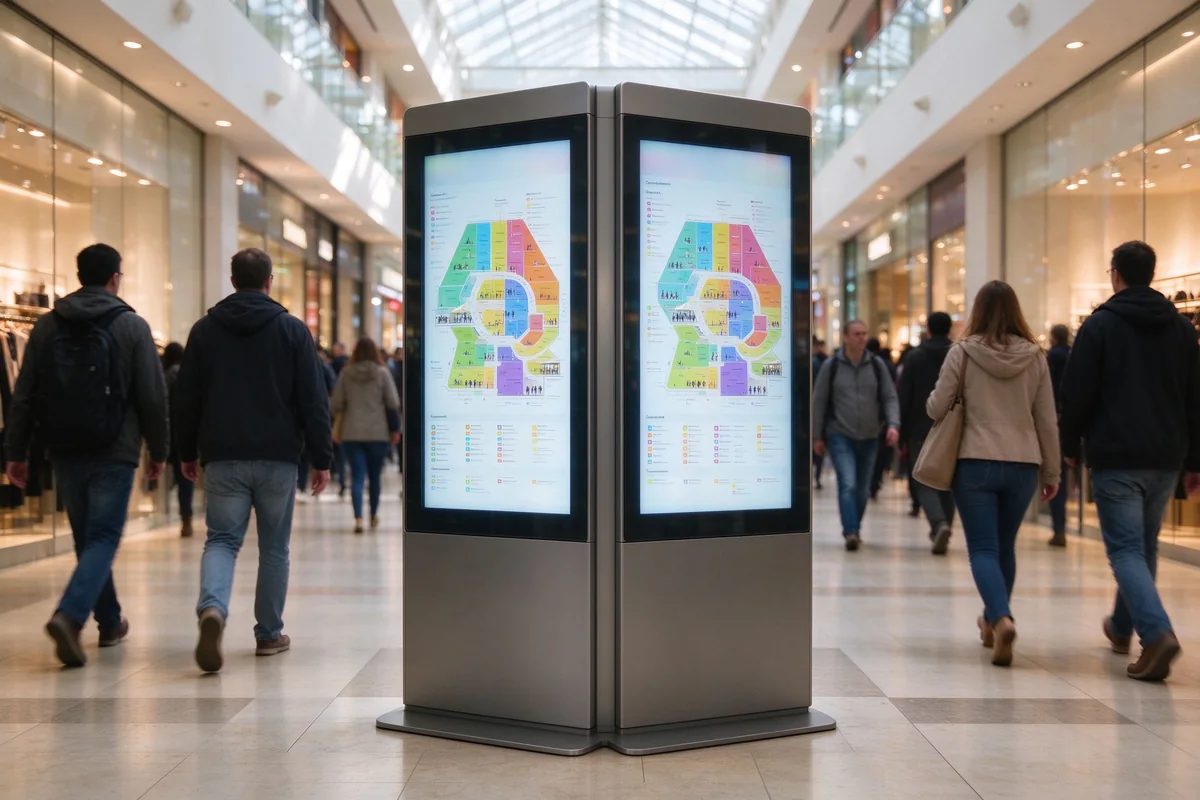
Double sided wayfinding kiosk high traffic mall walkway
Double-sided kiosk in a high-traffic walkway
FormatAm besten fürTypical Location
Floor-standing kioskMain navigation, tenant searchMall entrance, atrium
Wall-mounted terminalFloor directory, category browsingCorridor, elevator lobby
Double-sided kioskHigh-traffic walkwaysCentral walkway
Outdoor wayfinding kioskParking, exterior navigationParking entrance, plaza

Floor-Standing Wayfinding Kiosks for Mall Lobbies

Full-height kiosks for main entrances and atriums. Large vertical touch screens, high visibility and space for brand and service content — designed for the locations where the kiosk is the first thing visitors meet.

Wall-Mounted Directory Terminals for Corridors

Slim terminals for elevator lobbies, corridor junctions and parking entries. Wall-mounted directory terminals keep sight lines clear while putting floor directories and search exactly where visitors make routing decisions.

Touch Screen and Accessibility Options

Anti-glare glass, adjustable screen angle and height options, plus accessibility features such as high-contrast mode and audio assistance, help the directory work for elderly visitors and people with reduced mobility.

Commercial-Grade Hardware for High-Traffic Malls

Industrial mainboards, high-brightness panels, robust touch overlays and ventilated enclosures rated for continuous operation. Components are selected for years of daily use in busy public spaces.

Shopping Mall Information Kiosk: Beyond Wayfinding

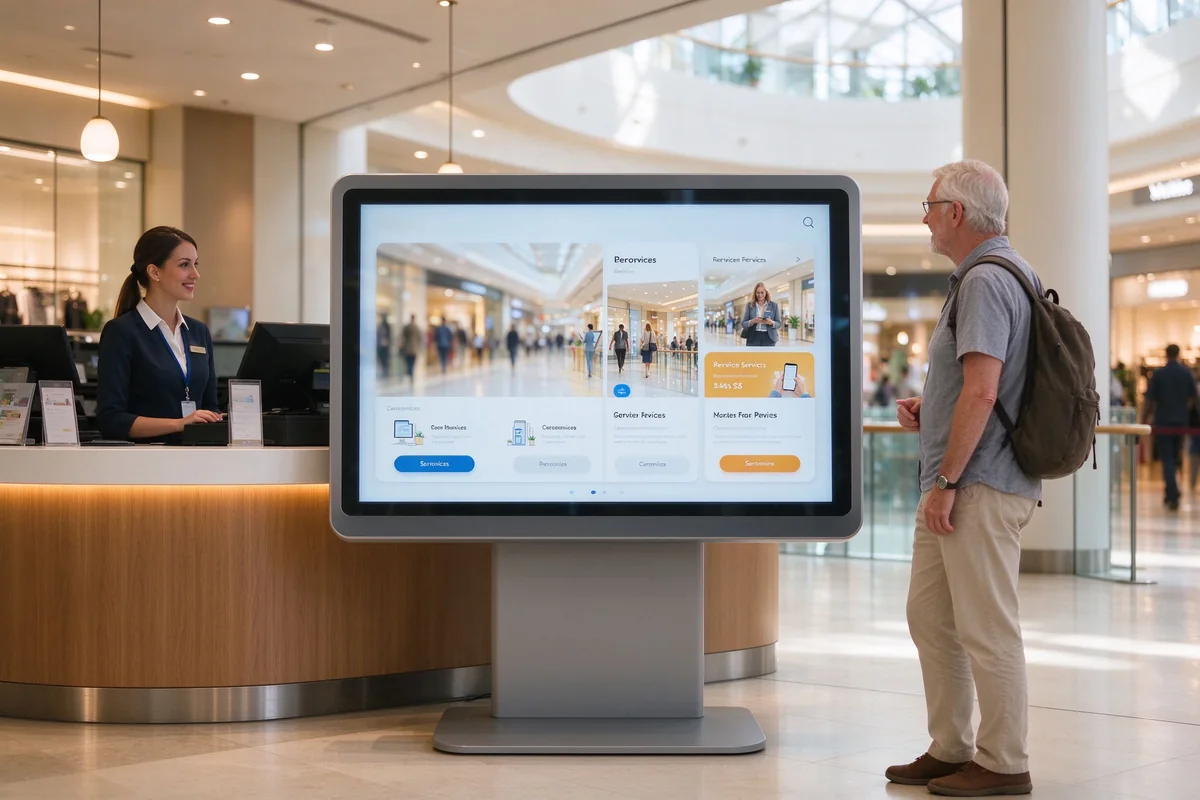
The same interactive kiosk doubles as a shopping mall information kiosk. Opening hours, services, promotions and wayfinding live in one touch point, with kiosk information wayfinding for visitors who arrive with a question rather than a destination.

Shopping mall information kiosk for services and promotions
Shopping mall information kiosk beside the service counter

Mall Service Information and Opening Hours

Mall services, store opening hours, lost & found and access rules are published as structured content on the kiosk — updated remotely whenever schedules change.

Promotions, Events and Tenant Announcements

Promotion pages, event banners and tenant announcements can be scheduled and rotated alongside the directory, turning the kiosk into a marketing surface for the mall and its tenants.

Customer Feedback and Membership Sign-Up

Visitors can leave feedback or scan a code for membership sign-up directly on the kiosk, giving mall marketing a capture point without adding staff.

Queue Ticket and Service Counter Integration

Kiosks can be connected to queue systems at the service counter, ticketing or customer service desks, so the same terminal handles navigation and service flow.

Software and CMS for Mall Wayfinding Kiosks

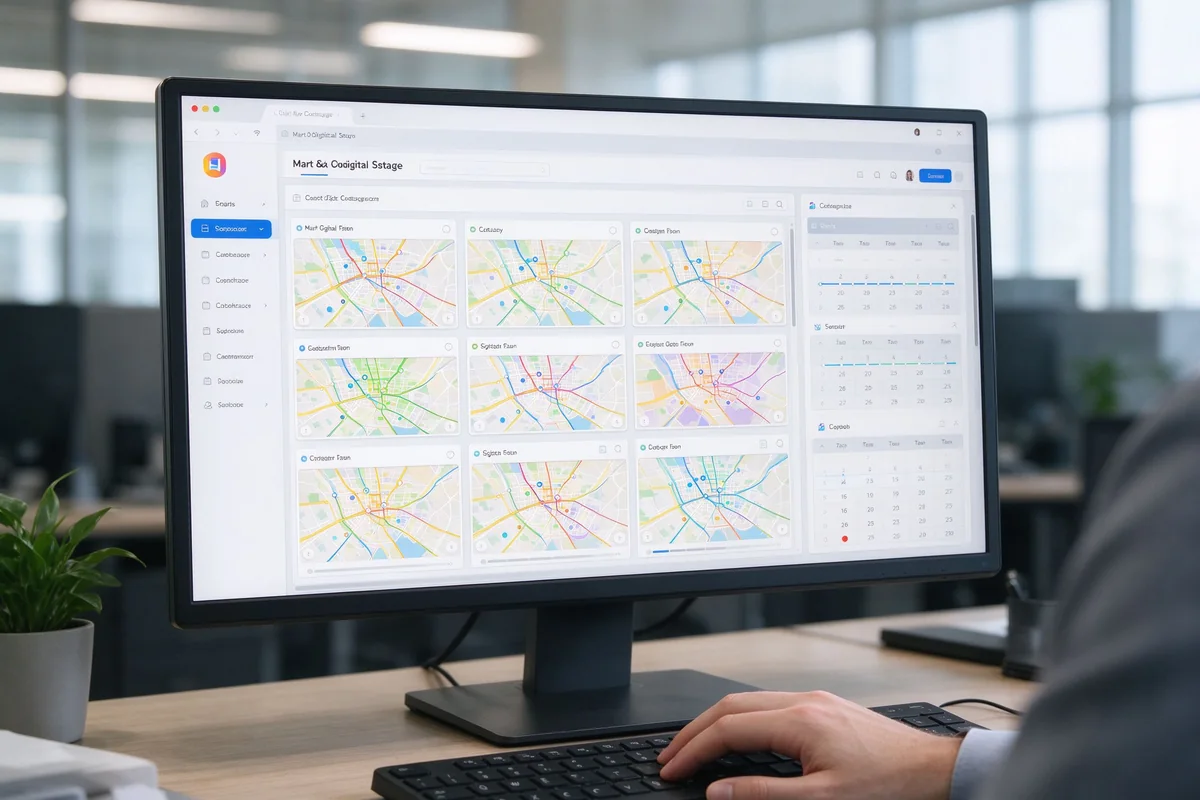
Every mall wayfinding kiosk runs on a web-based CMS that your own team operates. Tenant, map and content updates go live without a developer and without a site visit.

Mall wayfinding CMS dashboard multi kiosk content management
CMS dashboard for managing wayfinding kiosk content

Centralized Tenant and Map Content Management

Edit tenant names, categories, floors and map markers in one dashboard. Publish changes to all kiosks from a single content source.

Multi-Kiosk Content Sync Across Floors and Buildings

Add or replace kiosks without touching each unit: the CMS pushes map, directory and layout updates to the whole network automatically.

Analytics: Tenant Search and Route Data

Search logs show which tenants and categories visitors look for most. This data helps leasing and marketing teams understand tenant discovery and adjust signage content.

Integration with Mall CRM and Directory Systems

CSV import and API options let the kiosk directory stay in sync with your existing mall directory, CRM or property systems.

Interactive Wayfinding Kiosk vs Static Mall Directory

For internal alignment, here is how an interactive wayfinding kiosk compares with the static directory board most malls still use.

FeatureStatic Directory BoardDigital Wayfinding Kiosk
Tenant searchManual browsingKeyword, category, floor search
Map updatesReprint requiredRemote content update
Mobile handoffNoQR code route transfer
MultilingualFixed printed languagesDynamic language switching
AnalyticsKeineSearch and route data

Deployment and Content Planning for Mall Wayfinding Projects

A wayfinding rollout is decided before installation. We work with your team on placement, data preparation, content workflow and compliance so the project runs to schedule.

Mall wayfinding kiosk placement and foot traffic planning
Kiosk placement review against the mall floor plan

Kiosk Placement and Foot Traffic Planning

Placement follows foot traffic: entrances, atriums, elevator lobbies, corridor junctions and parking entries. We review your floor plan and suggest positions where the kiosk solves real navigation decisions.

Map Data and Tenant Directory Preparation

We take your CAD or floor plans and tenant list, then build the map structure, floor directory and categories — including facility markers and service points.

Content Update Workflow and Staff Training

Your marketing or IT team gets hands-on CMS training and a content update workflow, so tenant changes and promotions stay current without external support.

Multi-Language and Accessibility Compliance

Language lists and accessibility settings are agreed before launch: content structure, translation workflow and compliance requirements are checked against your local regulations.

Supplier Verification: Hardware, Software and After-Sales

A mall-scale kiosk order is a long-term decision. Before ordering, verify the points below with any supplier — and with us.

Wayfinding kiosk manufacturer quality control touch screen testing
Touch screen quality control on the production line

Commercial-Grade Hardware and Touch Screen Quality

Ask for panel, touch and enclosure specs, plus the duty rating for continuous public operation. Qtenboard is a Shenzhen-based commercial display manufacturer founded in 2005, producing digital signage, kiosks, video walls and interactive displays in-house, with the factory lines and quality control to back the hardware.

CMS and Third-Party Directory Integration

Confirm the CMS is web-based, self-operated and supports import or API integration with your directory and CRM systems.

Warranty, Remote Support and Spare Parts

Confirm warranty terms, remote diagnostics and spare-part availability. After-sales response and parts continuity matter more than the unit price in a multi-year deployment.

Real Mall Wayfinding Kiosk Project Cases

Mall operators, retail property managers and AV integrators deploy Qtenboard wayfinding kiosks in shopping centers and retail complexes. Two representative configurations:

Mall wayfinding kiosk project case floor standing

Regional Shopping Mall — Floor-Standing Wayfinding Kiosks for Tenant Search

5-floor regional mall180+ tenants4 languagesFloor-standing kiosks
  • Visitors find tenants by name, category or floor without queueing at the information desk.
  • Tenant and map updates are published remotely from the CMS, so the directory stays current.
  • Multilingual switching serves both local shoppers and international visitors.
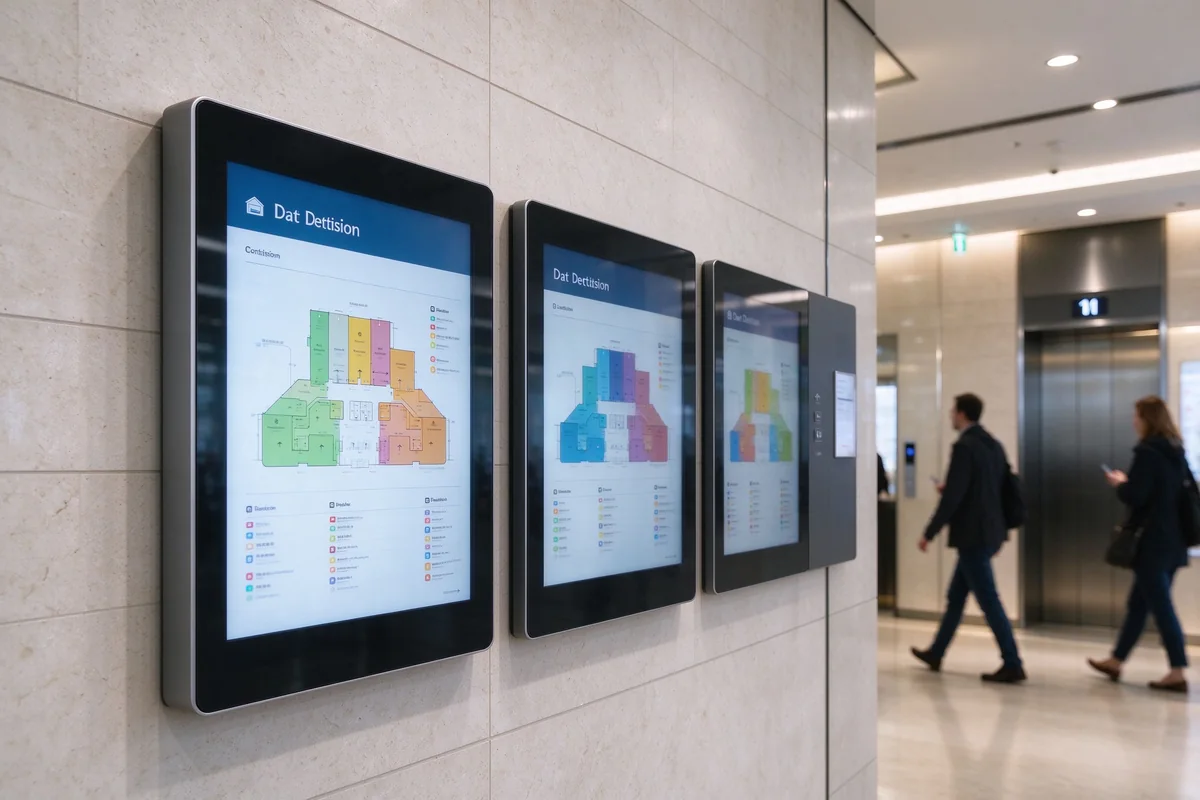
Retail complex multi floor directory kiosk project

Mixed-Use Retail Complex — Multi-Floor Directory Terminals with QR Mobile Handoff

3-tower complexRetail + offices + hotelWall-mounted terminalsQR mobile handoff
  • Corridor and elevator-lobby placements cover the points where visitors make routing decisions.
  • One CMS syncs directory and map content across every terminal in the complex.
  • A single terminal format simplifies spare parts and after-sales management across the site.

FAQ: Digital Wayfinding Kiosk for Malls

What is a digital wayfinding kiosk for malls?

A touch screen kiosk that replaces printed mall directories. Visitors search tenants by name, category or floor, view the mall map and get routes to stores and services — all managed through a web CMS.

How does smart mall wayfinding help visitors find tenants faster?

Category, keyword and floor search cut out manual browsing, and QR code route handoff lets visitors carry the route on their phone. The result is fewer lost visitors and less pressure on the information desk.

What is the difference between a shopping mall information kiosk and a wayfinding kiosk?

A wayfinding kiosk focuses on navigation and tenant discovery. A shopping mall information kiosk covers services, opening hours, promotions and feedback. Qtenboard combines both functions in one unit, so one terminal serves navigation and information.

Can the kiosk map be updated when tenants change?

Yes. Tenant names, categories, floors and map markers are edited in the web CMS and published remotely to every kiosk — no reprinting and no site visit required.

Does the kiosk support multiple languages for international visitors?

Yes. The language list is configured per site, and visitors switch the directory language on the touch screen. This is standard for tourist malls and cross-border retail complexes.

Can wayfinding kiosks integrate with our mall CRM or directory system?

Yes. The CMS supports CSV import and API options, so the kiosk directory can stay in sync with your existing mall directory, CRM or property systems.

What screen sizes are recommended for mall entrance and corridor kiosks?

Floor-standing kiosks at entrances and atriums typically use 43–55-inch touch screens; wall-mounted directory terminals in corridors and elevator lobbies typically use 32–43-inch screens. Final sizing depends on viewing distance and placement.

What hardware is suitable for high-traffic shopping mall environments?

Commercial-grade hardware: anti-glare glass, high-brightness panels, robust touch overlays, industrial mainboards and ventilated enclosures rated for continuous public operation.

Can visitors send the route to their mobile phone?

Yes. Visitors scan a QR code on the kiosk and the route opens on their phone, so navigation continues after they leave the terminal.

What after-sales support do you provide for mall wayfinding kiosks?

Warranty, remote diagnostics and support, spare-part availability and staff training. For multi-site projects we also provide a content update workflow so your team can run the network independently.

Next Step: Plan Your Mall Wayfinding Kiosk Project

Tell us your mall layout, tenant count and visitor languages — we will recommend a wayfinding kiosk configuration, hardware formats and a rollout plan.


Zuhause Whatsapp Post Anfrage