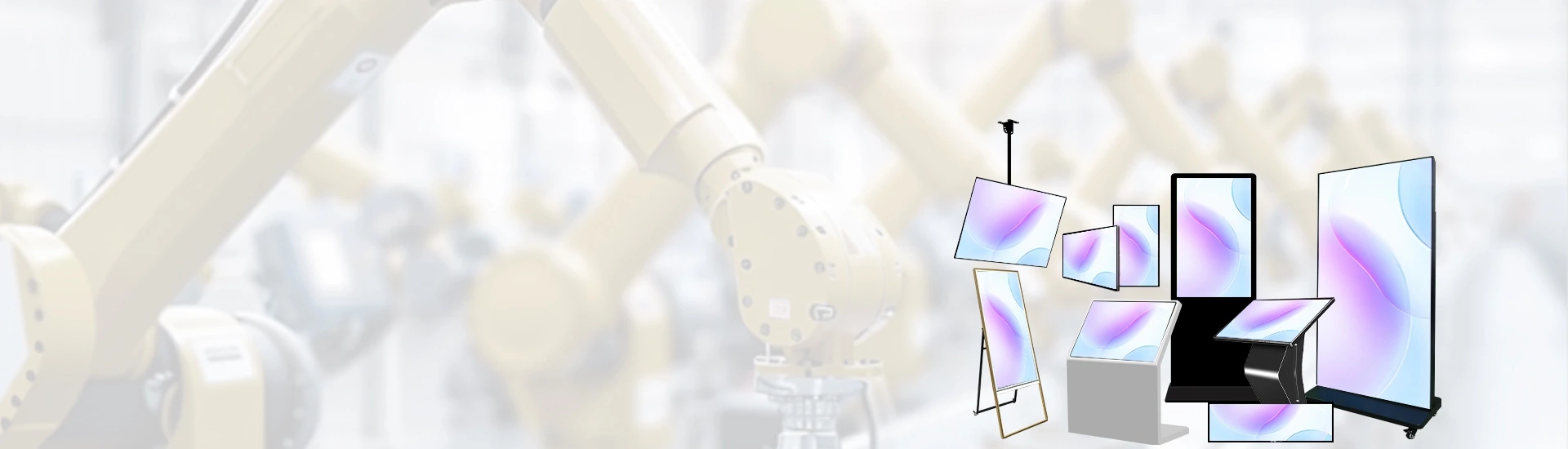
Qtenboard provides wall-mounted displays, wayfinding kiosks, queue displays and patient communication screens for hospitals, clinics and medical centres — a single product range covering hospital digital signage and clinic digital signage, built for B2B stakeholders: healthcare integrators, hospital procurement teams and IT project leads.
Every display is engineered for continuous operation in busy healthcare environments, with content that can be updated in real time across every zone of your facility.
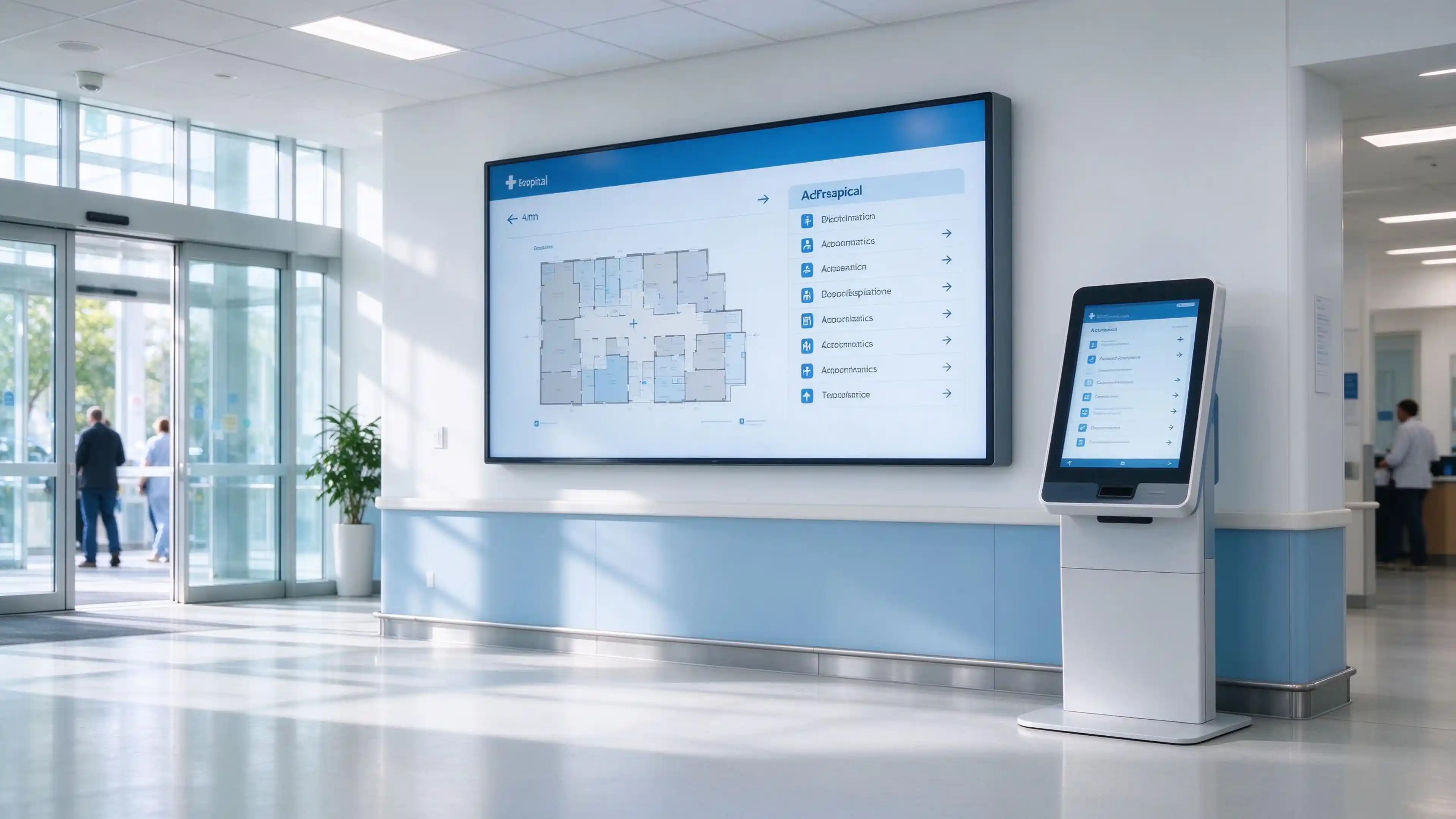
Hospital campuses spread across multiple buildings, front desks answer the same directions all day, waiting patients grow anxious without updates, and paper signage cannot be changed in real time. Digital signage in hospitals removes these bottlenecks at the source: one content platform, screens in every zone, information that is always current.
Wayfinding screens and self-service kiosks let patients find departments, registration desks and elevators on their own. Front-desk teams stop repeating the same answers and focus on patients who actually need help.
Queue status, clinic schedules, visiting hours and notices are pushed from one CMS to every screen at the same moment — accurate across buildings, floors and departments.
According to AVIXA's 2025 market report, 78% of integrators received tender requests that included digital signage. As digital signage health care projects grow, those tenders increasingly specify commercial-grade hardware rather than consumer displays: medical digital signage must run continuously, stay legible under clinical lighting and survive constant cleaning.
Different zones place different demands on a display. Match the application to the zone, and your digital hospital communication displays do the work where patients actually see them — one platform, deployed by area.
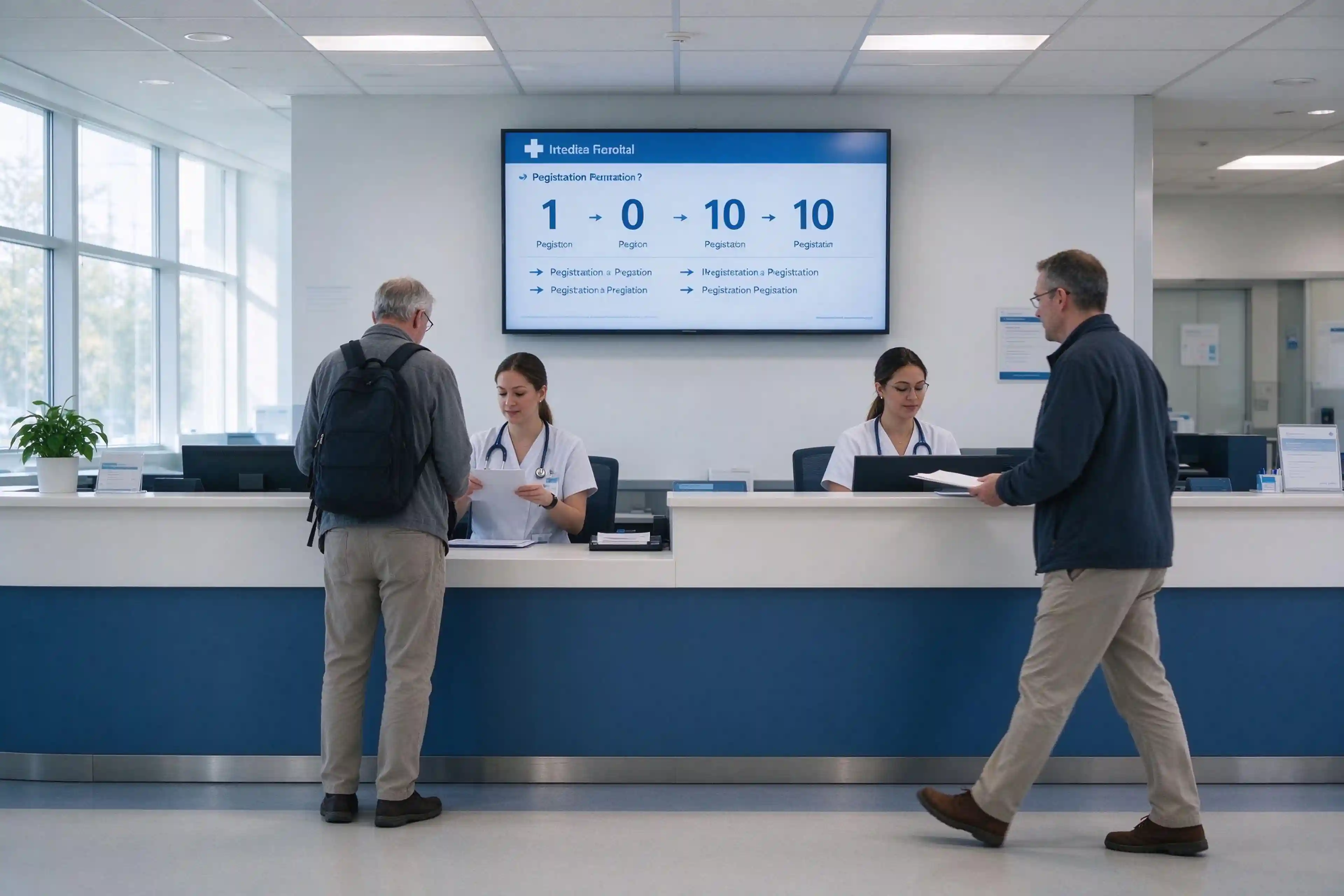
Patients arrive unsure where to register. Lobby displays guide visitors to registration, outpatient clinics and elevators, smoothing patient flow from the first minute. Wall-mounted screens or floor-standing units work best in open lobbies.
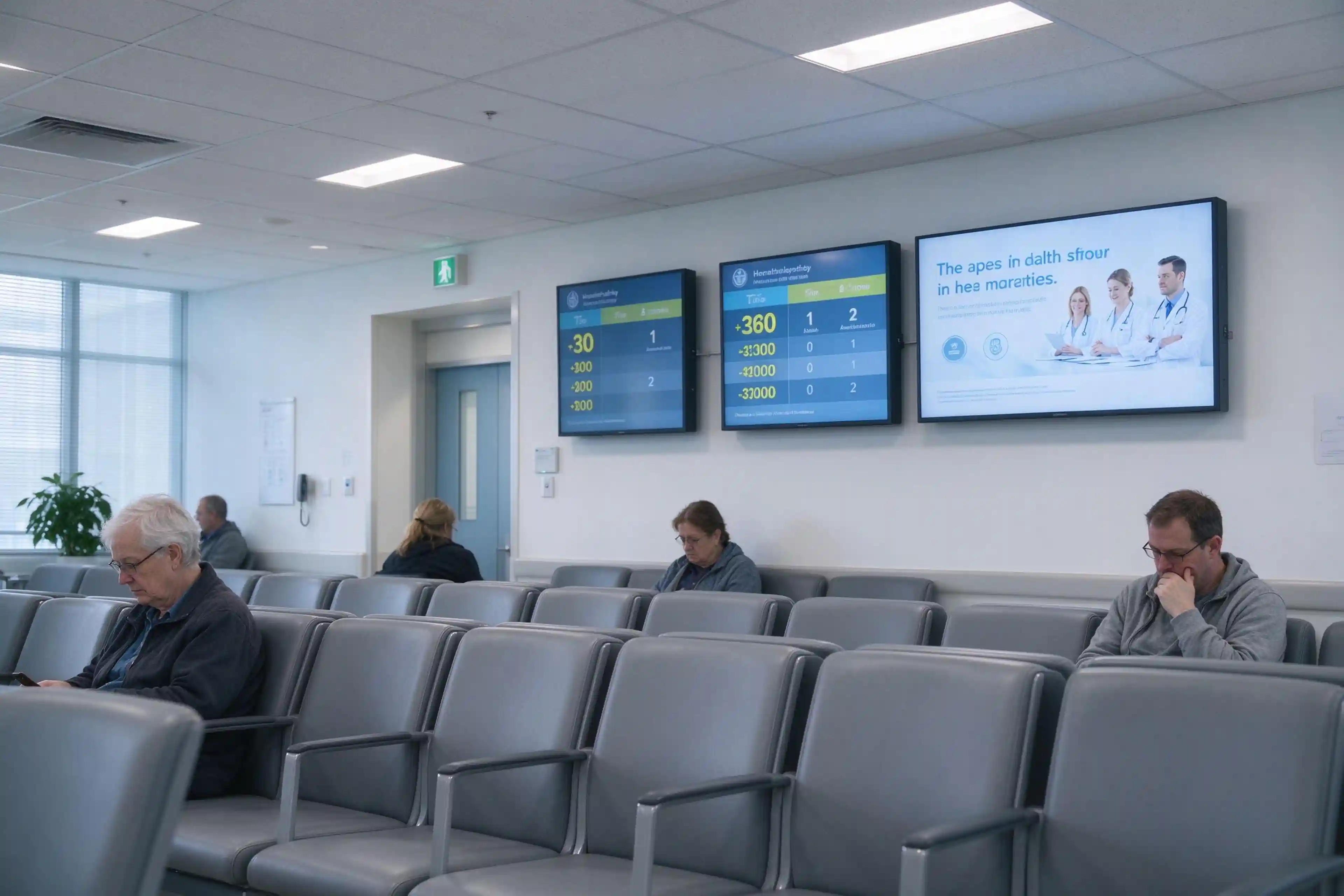
Waiting patients want to know how long they must wait. Queue displays show queue numbers, estimated waiting and health education content, reducing anxiety and repeated questions at the desk. Wall-mounted displays at eye level suit most waiting areas.
Long corridors and multiple wings make directions easy to lose. Wayfinding displays mark the route to departments, labs and pharmacies, and double as emergency communication screens when needed.
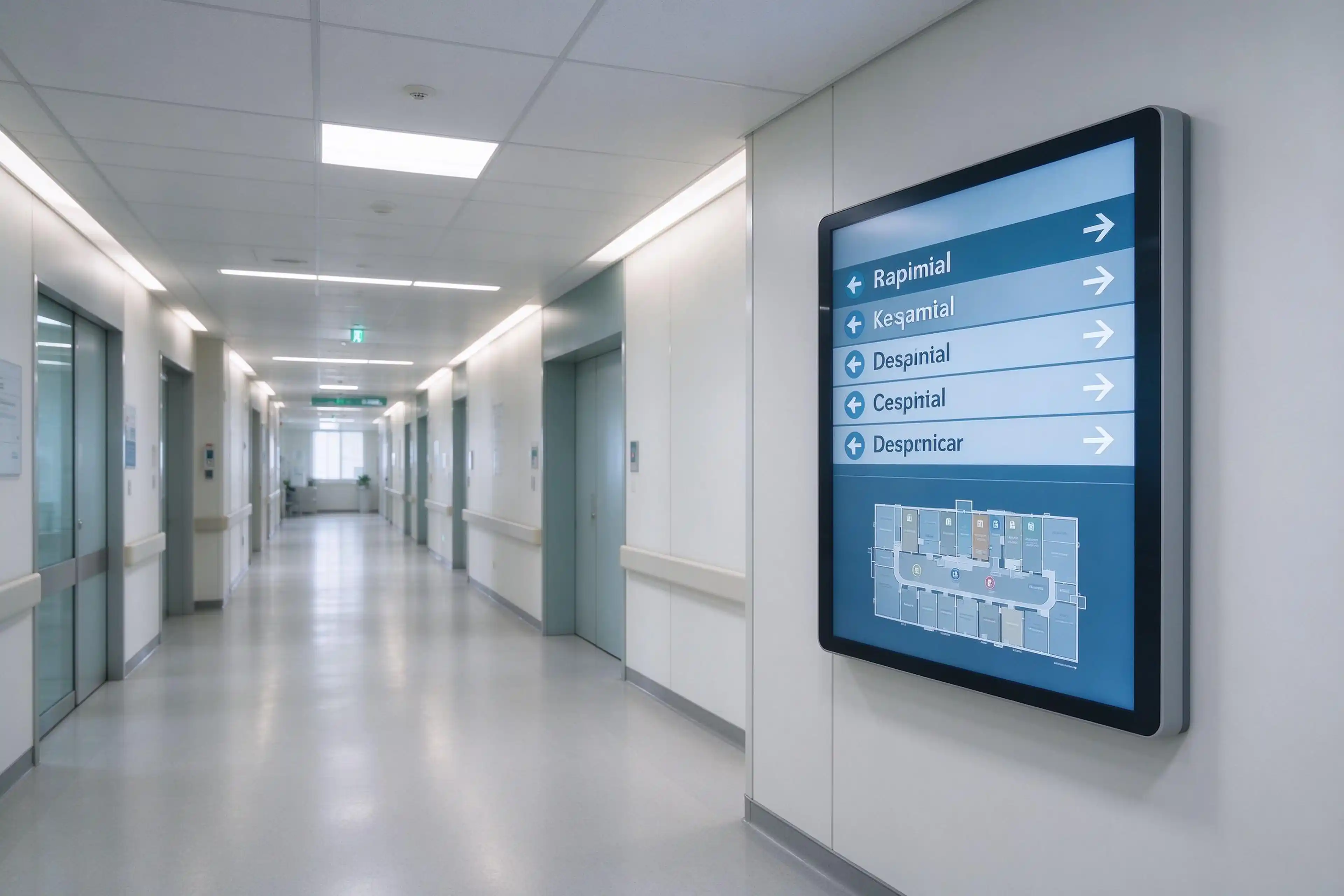
Patients collecting medicine or waiting for tests need service information they can check themselves. Displays show service counters, preparation status and health guidance, keeping pharmacy and diagnostic areas organised.
أ hospital kiosk display turns waiting time into self-service. Our interactive kiosks cover registration, check-in, wayfinding and queue ticketing — the most requested hardware format in digital signage kiosk for hospitals projects. All hospital digital kiosks in the range share one CMS and one support line.
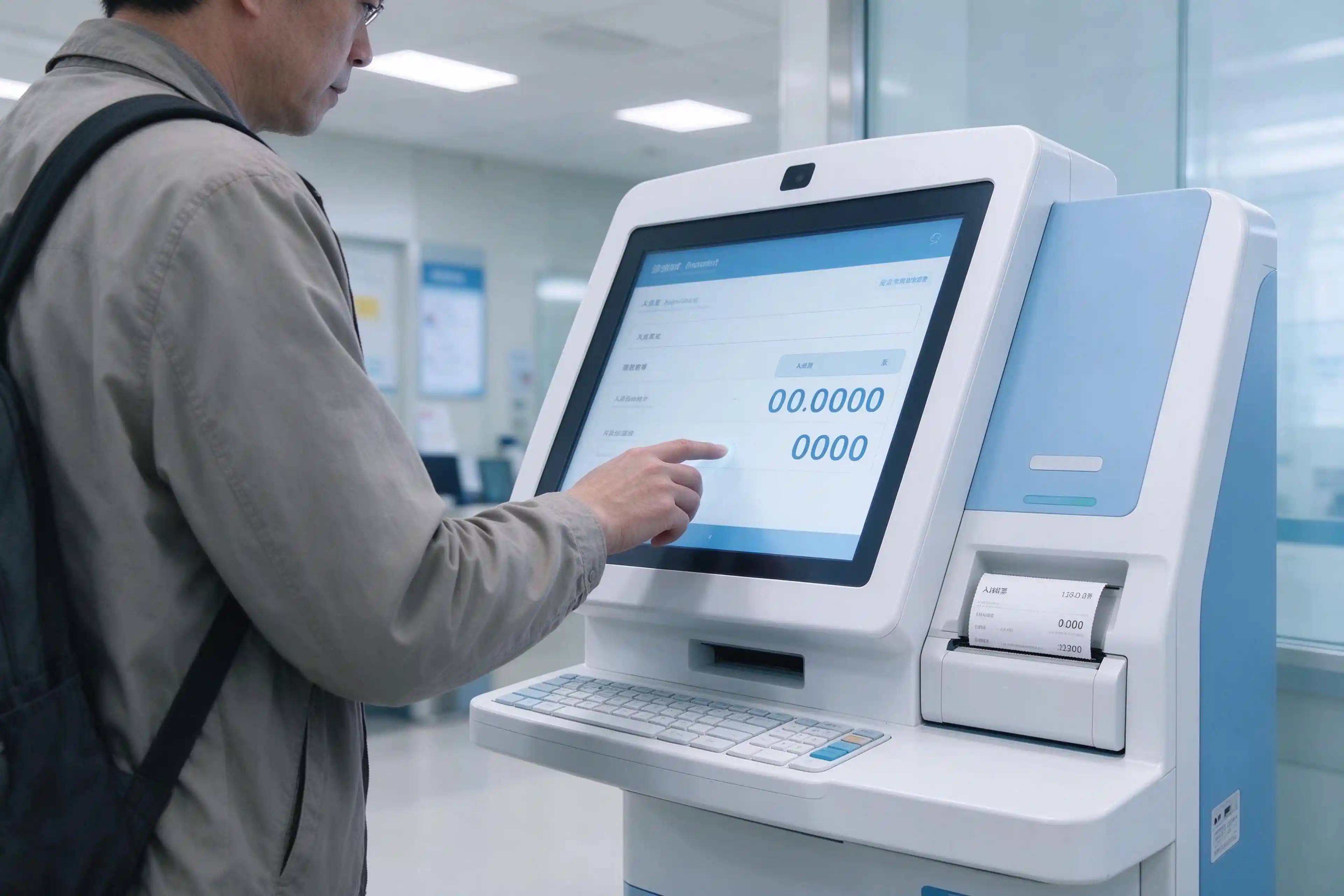
Patients scan an appointment code, confirm registration and print a queue ticket without queuing at the front desk. Self-service kiosks are deployed at entrance and outpatient floors where check-in volume is highest.
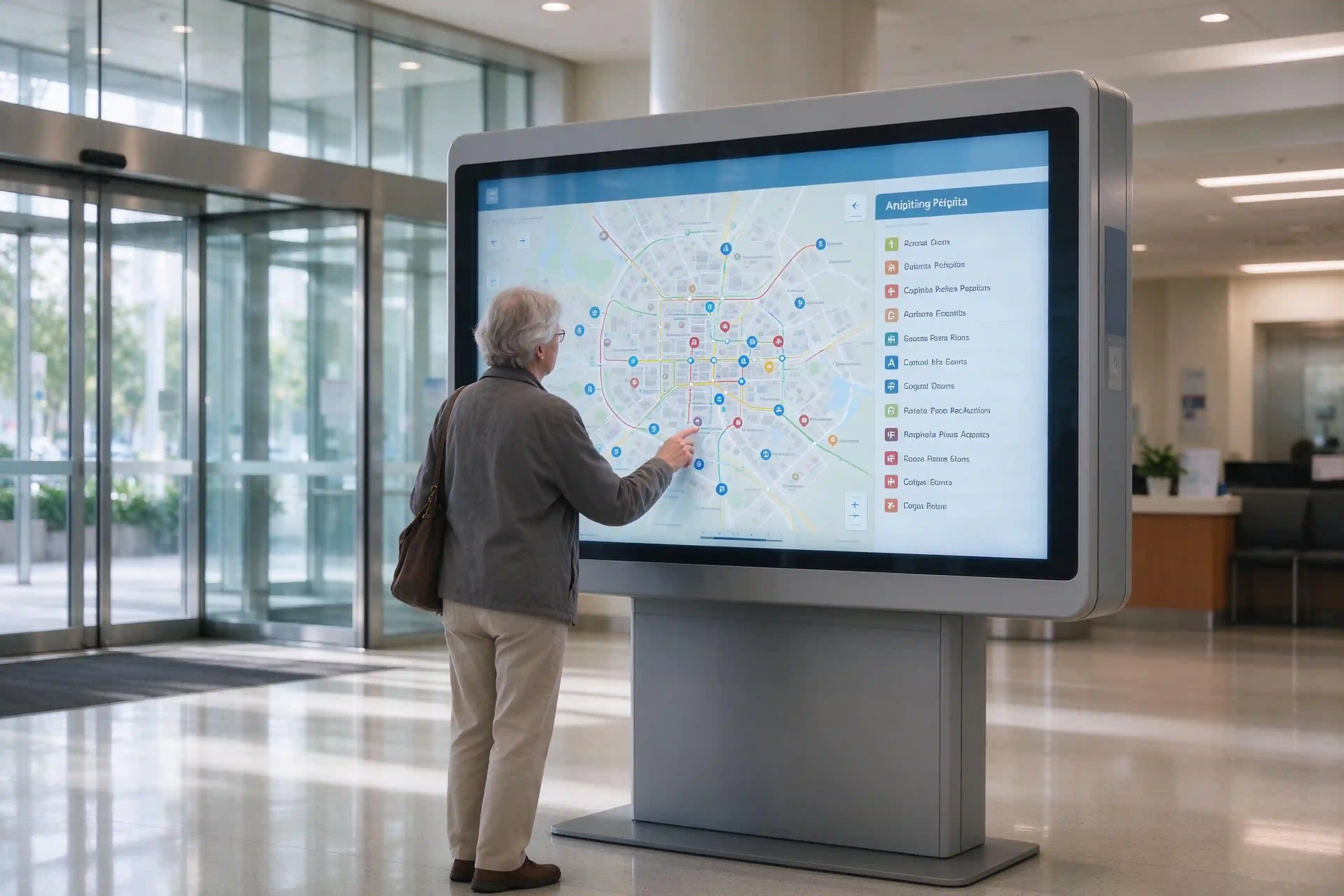
An interactive map with a department directory and step-by-step directions replaces printed floor plans. Digital hospital wayfinding kiosks sit at main entrances, lifts and floor transitions, where orientation decisions happen.
Kiosks print queue tickets, confirm appointments and show personal health information on a private, timed screen. These patient information displays keep sensitive content protected and reduce manual paperwork.
Kiosks for medical settings are built with industrial touchscreens, wheelchair-accessible heights and antibacterial, easy-clean surfaces. They integrate with HIS and queue management systems, and the same hardware family also serves digital kiosks for medical offices and smaller practices.
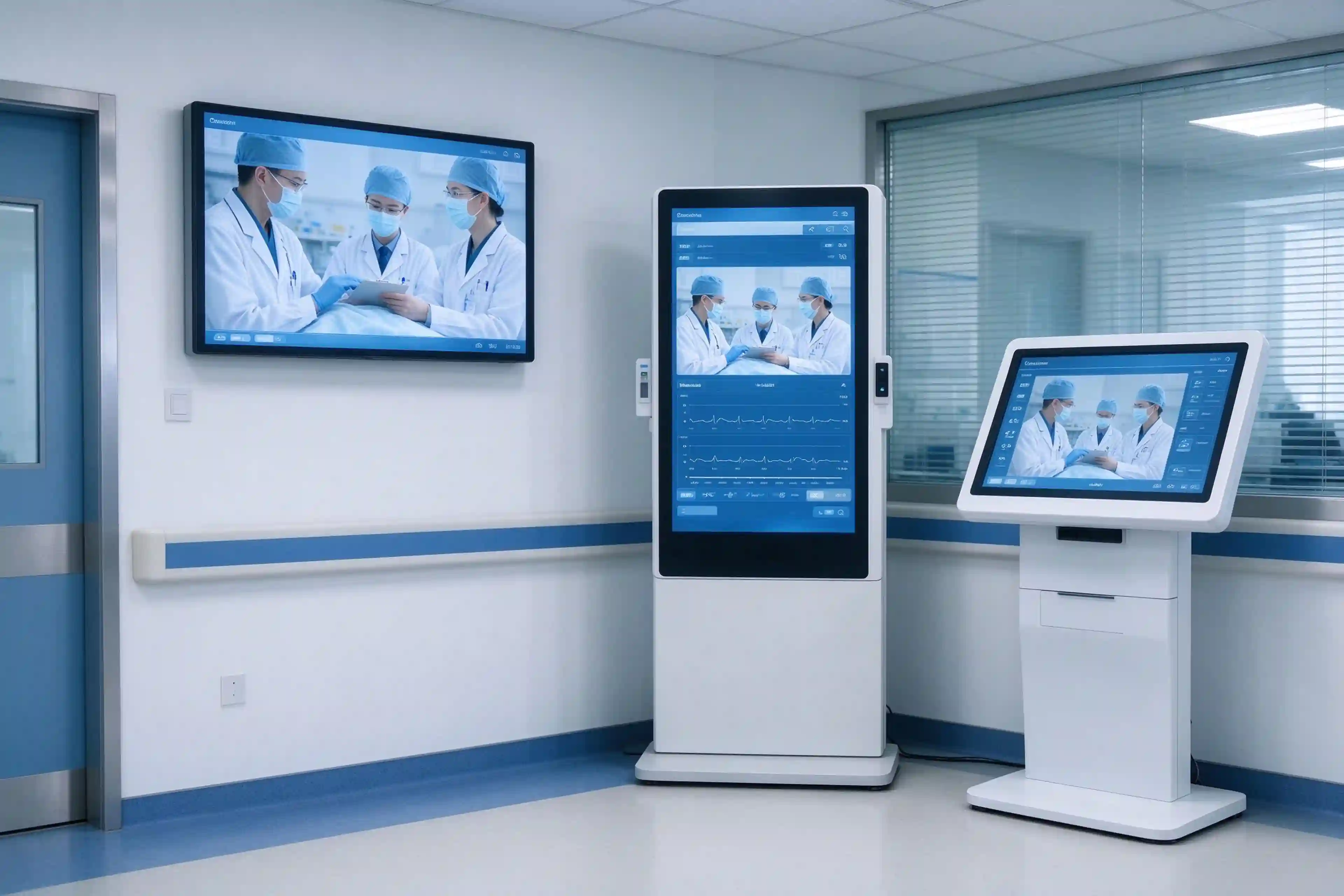
Choose the format by where patients stand, not by screen size — the core question behind any digital hospital display specification. This decision shapes every hospital digital signage display project.
| Format | الأفضل لـ | Typical Zone |
|---|---|---|
| Wall-mounted display | Queue status, health tips, department info | Waiting area, corridor |
| شاشة عرض قائمة على الأرض | Wayfinding, lobby announcements | Main entrance, large lobby |
| Interactive kiosk | Check-in, wayfinding, queue ticket | Lobby, self-service area |
| Video wall | Command center, public information | Control room, large hall |
A digital information screen for hospital corridors and waiting areas is usually wall-mounted, while lobby-level needs are handled by floor-standing units or kiosks. For most zones, an all-in-one digital signage for hospitals simplifies procurement and deployment.
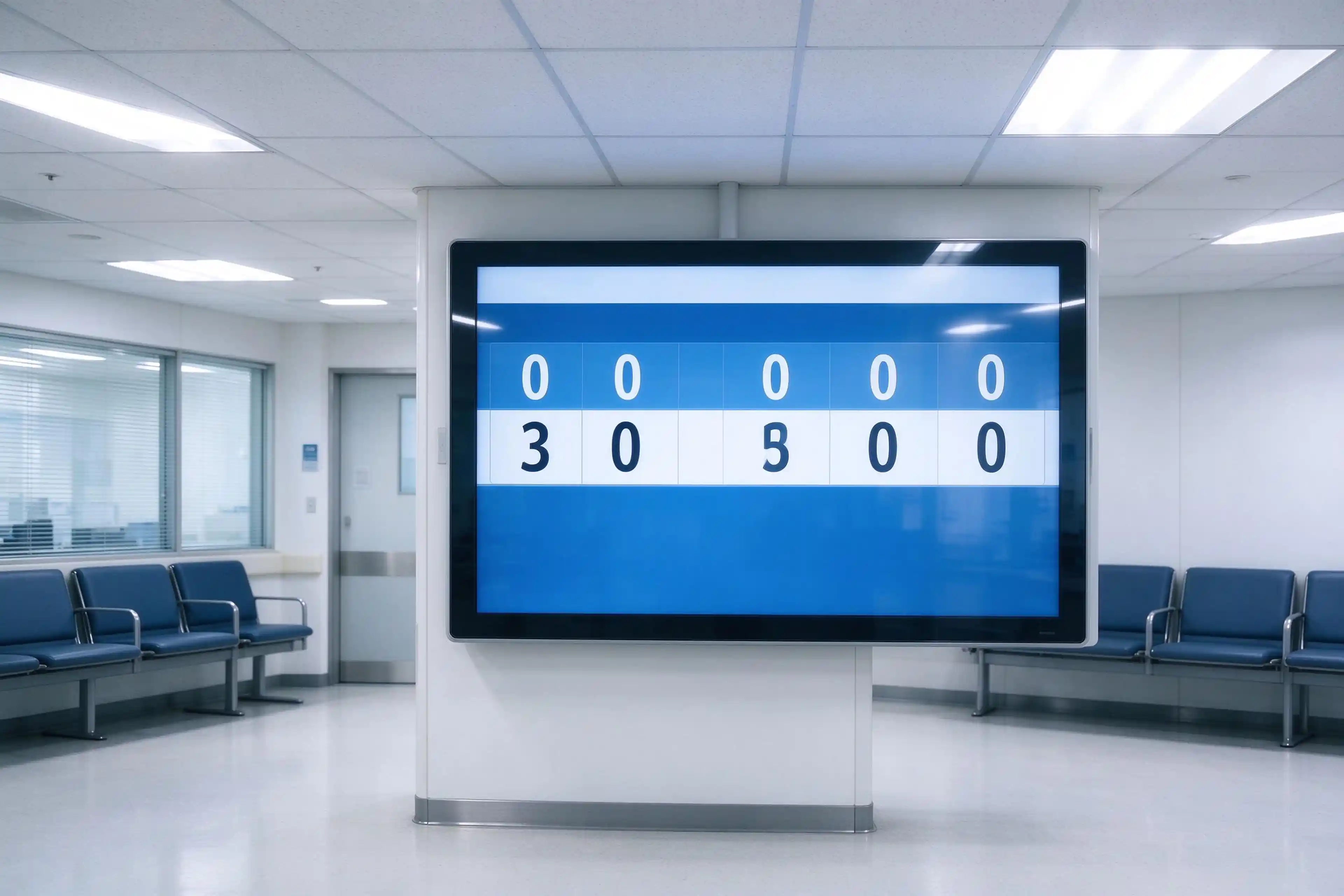
Hospitals are among the hardest environments for a display: bright clinical lighting, long corridors, continuous operation and frequent cleaning. In digital signage hospital projects, hardware is specified first — and these four requirements carry the decision.
Commercial-grade displays with industrial thermal design are rated for continuous operation, so screens in lobbies and corridors run through the day without overheating or image degradation.
Waiting areas and corridors are lit for clinical work, not viewing. Displays with 500–700 nits brightness and anti-glare glass stay legible under strong overhead lighting.
Surfaces are cleaned often and touched by many. Easy-clean, scratch-resistant panels keep displays presentable and low-maintenance in high-traffic zones.
Displays should connect with the systems you already run — HIS, queue management and CMS — so content updates are driven by real data rather than manual uploads. Smart boards in hospitals and interactive displays follow the same integration path.
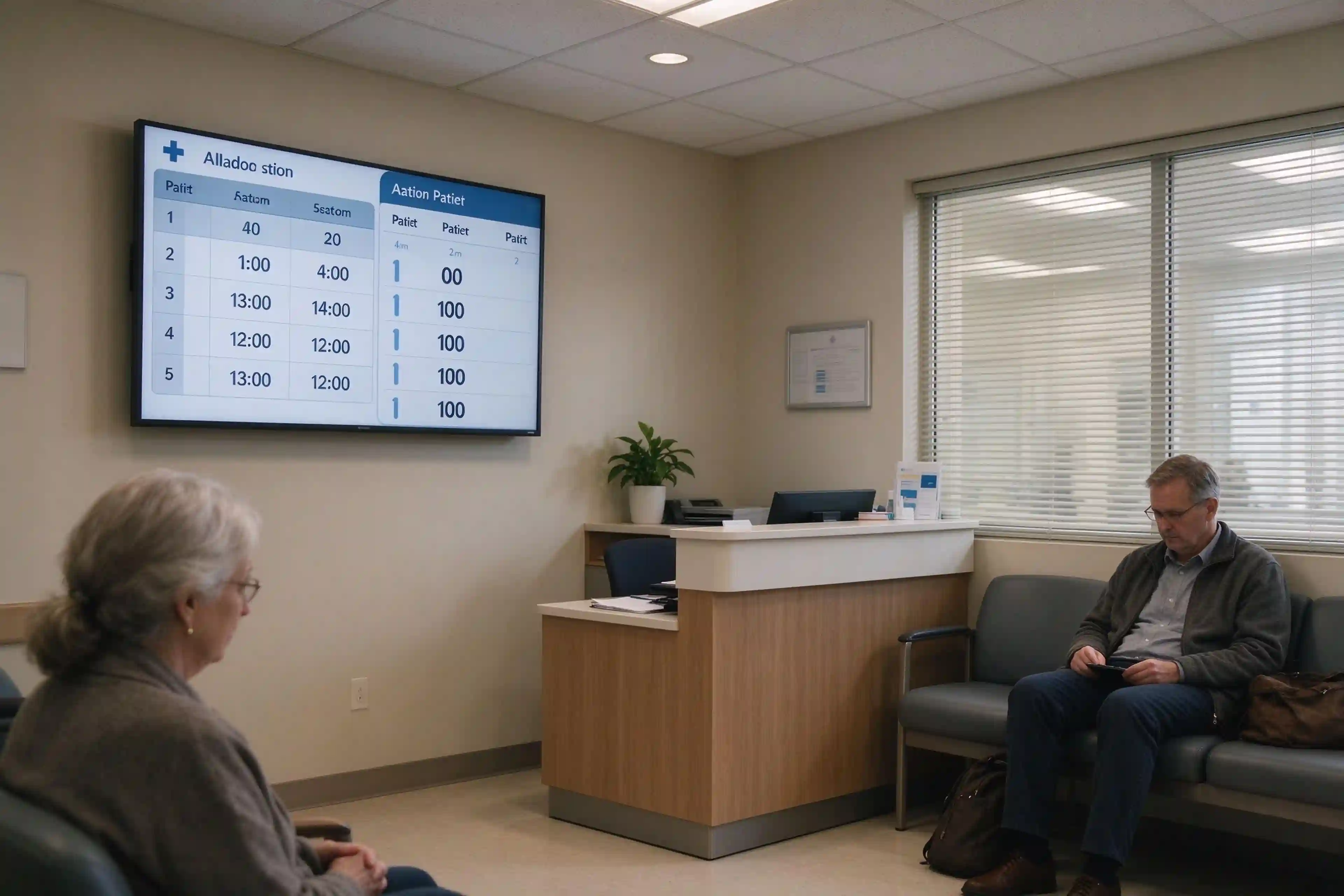
Clinics run on small teams and tight space. Clinic digital signage for medical clinics and small practices should be all-in-one, quick to deploy and simple to operate — not a scaled-down hospital system. For a digital signage medical clinic rollout, one screen and one account are usually enough.
A single wall-mounted screen shows queue status, doctor schedule and practice notices in the waiting room, so reception repeats less and patients stay informed. The same approach scales to medical centre digital signage deployments of several rooms.
Combine queue numbers with doctor schedules on one display to remove the most common questions at the front desk — a core use case in medical clinic digital signage projects of every size.
The same screen runs health education loops and service information during quiet periods, turning waiting time into engagement.
All-in-one displays with a built-in media player and a simple CMS deploy in hours and manage from one account — the practical choice for digital signage for urgent care and digital kiosks for medical offices.
Beyond patient flow, screens are the fastest channel for hospital-wide communication. Digital signage hospital networks — and their digital hospital communication displays — carry routine updates and critical alerts to every zone at the same time.
Clinic changes, visiting rules and staff notices reach waiting areas, corridors and offices instantly — without paging or printed bulletins.
Screens switch to emergency override mode and broadcast priority alerts across all zones from a single control point.
Content in multiple languages, large text and high-contrast modes supports diverse patient populations and accessibility requirements.
Displays connect to existing communication and alert systems, so broadcast channels work with the infrastructure you already have.
Standard options cover most hospital and clinic zones. For custom projects, OEM/ODM adaptation is available at every size. Together they form complete digital hospital display solutions for procurement teams.
The size table below covers the zones most hospitals specify when planning digital hospital display solutions.
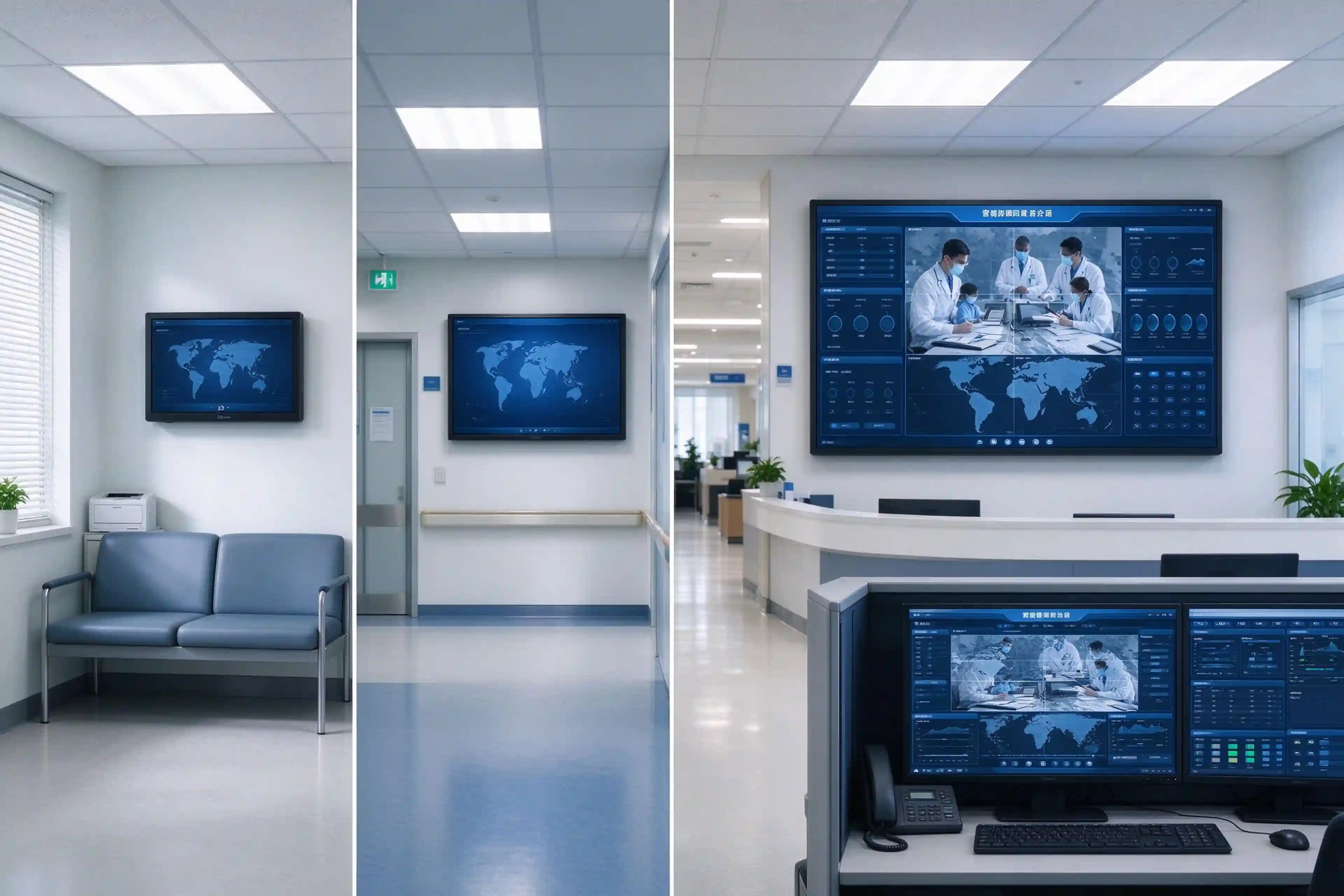
| Zone | Recommended Size | Typical Use |
|---|---|---|
| Clinic waiting room | 32"–43" | Queue status, doctor schedule |
| Hospital corridor | 43"–55" | Wayfinding, department info |
| Main lobby | 55"–65" | Registration guidance, announcements |
| Command center / video wall | 65"+ | Data visualization, public information |
Android displays offer cost-friendly deployment and fast CMS integration for most zones; Windows-based systems support complex integrations, legacy software and advanced data workflows.
Touch models suit kiosks and self-service; non-touch models protect screens in corridors and waiting areas.
Custom sizes, branding, housing colours, mounting and preloaded software are available for integrators delivering complete healthcare projects.
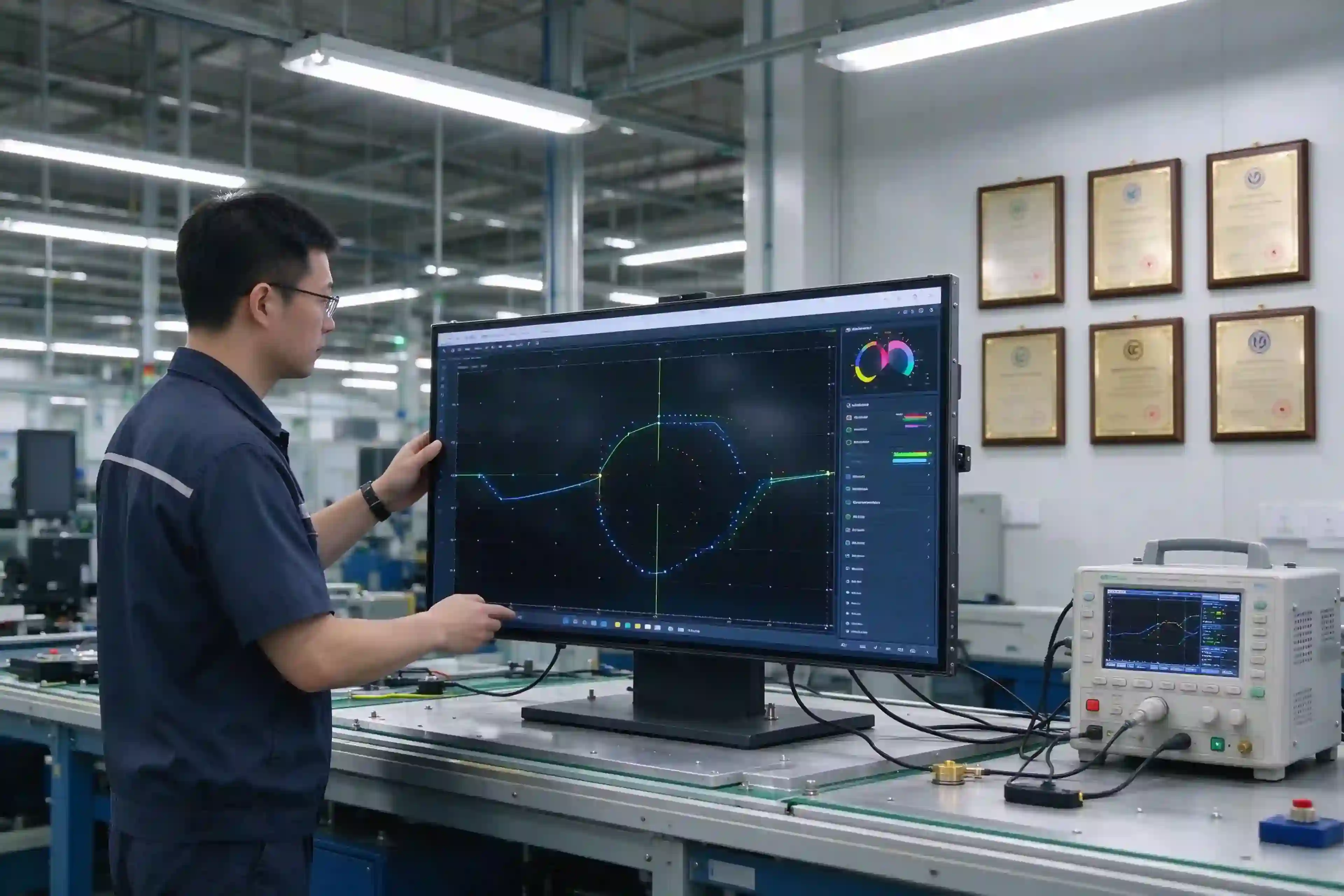
Hospital procurement teams verify more than the screen. The right digital signage for hospitals supplier is checked on certifications, healthcare experience and after-sales.
Ask for CE, FCC, RoHS and ISO 9001 compliance as baseline evidence of a controlled production process.
Suppliers with completed hospital projects understand clinical zones, infection-control constraints and procurement timelines.
Confirm warranty terms, remote technical support and spare-part availability before committing to a deployment.
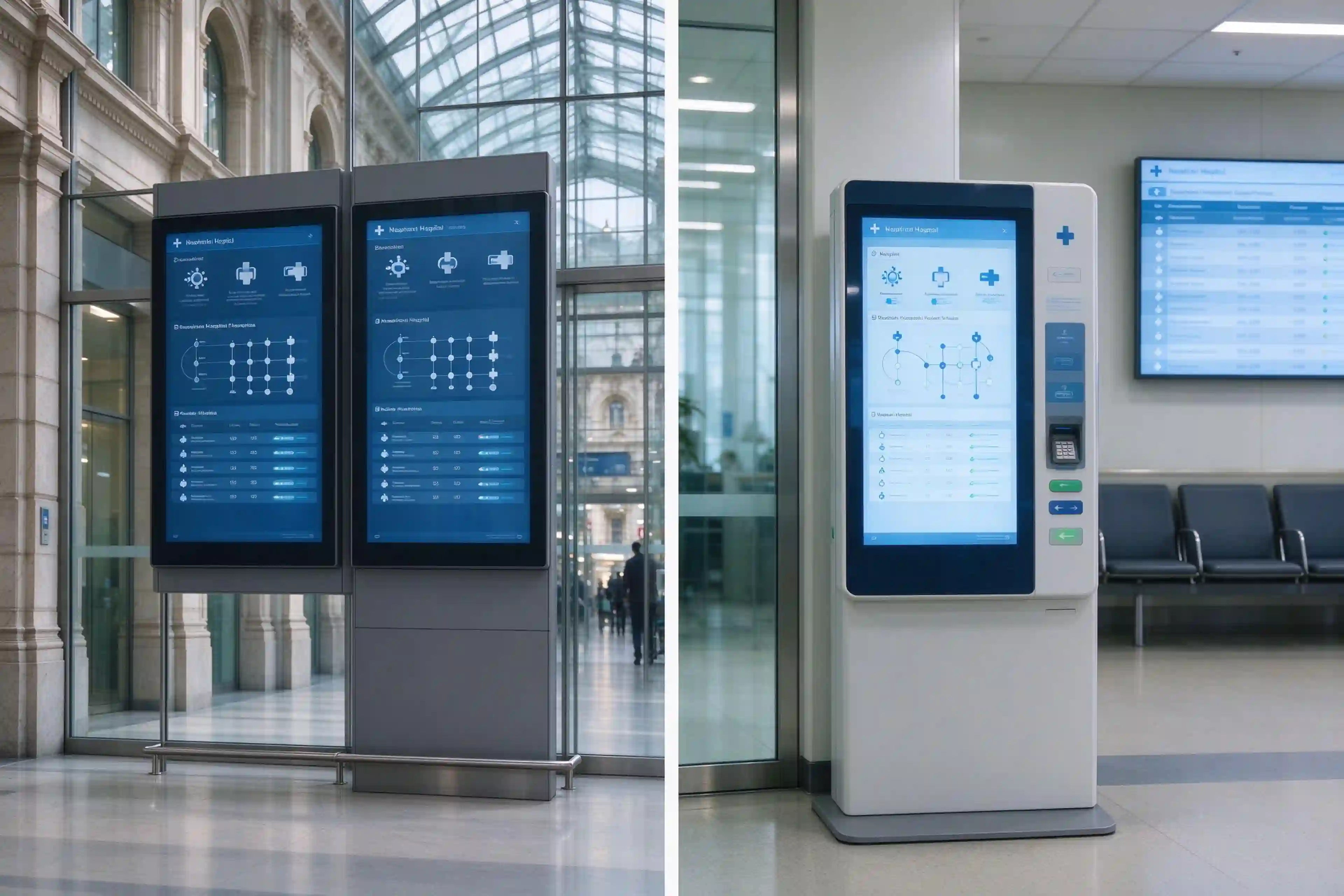
Two recent deployments show how hospital digital signage and clinic digital signage work in practice.
For a German city hospital, Qtenboard supplied wall-mounted displays and wayfinding screens across multiple departments, replacing paper directions and static boards with a centrally managed signage network.
For a Malaysian hospital, Qtenboard delivered digital signage and interactive kiosks covering registration, wayfinding and queue ticketing in one deployment.
Answers to the questions procurement teams and integrators ask most about hospital digital signage, hospital kiosk display and clinic digital signage.
Hospital digital signage is a network of wall-mounted or floor-standing screens that display queue status, wayfinding and patient communication content. A hospital kiosk display is an interactive touchscreen unit for self-service tasks such as check-in, wayfinding and queue ticketing. Most hospital projects use both.
For clinic waiting rooms, 32"–43" wall-mounted displays cover queue status and doctor schedules well; 43"–55" suits larger reception areas and corridors. Viewing distance and wall space decide the final size.
Yes. Displays connect to HIS and queue systems through supported protocols, so queue numbers and schedules update automatically without manual uploads.
Screens and wayfinding kiosks show department directions, floor maps and step-by-step routes, so patients find their way without repeated front-desk inquiries.
Commercial-grade displays with industrial thermal design are rated for continuous operation in lobbies, corridors and waiting areas — the baseline requirement for hospital deployments.
In most cases yes. Clinical lighting is bright, and anti-glare glass with 500–700 nits brightness keeps content legible in waiting areas and corridors.
Yes. Custom branding, multilingual templates and accessibility display modes are standard options across the range.
Baseline evidence includes CE, FCC, RoHS and ISO 9001. Ask suppliers how each certification applies to the specific model proposed for your project.
Lead time depends on configuration and quantity; OEM/ODM customization adds time. Share your zones and quantities to get a project-based schedule from the sales team.
Yes. Sample units are available for integrator evaluation and testing before full deployment. Contact the sales team to arrange one for your project.
Tell us your hospital zones, patient flow and integration requirements, we will recommend a display and kiosk configuration.

 AR
 EN
 DAN
 IT
 ARM
 FIN
 SWE
 NOR
 MAY
 NL
 TH
 KOR
 PL
 RU
 PT
 SPA
 FRA
 DE
 CHT
