
This guide is written for preschool and early years equipment suppliers — distributors, system integrators, and private-label buyers who need to evaluate, configure, and supply interactive whiteboards for kindergarten and early learning projects. It covers product selection criteria, factory verification methods, software licensing boundaries, installation safety planning, bulk procurement workflows, and OEM/ODM supply models. The focus is not on how teachers use a whiteboard in class, but on how suppliers can build a repeatable, deliverable commercial package around the hardware.
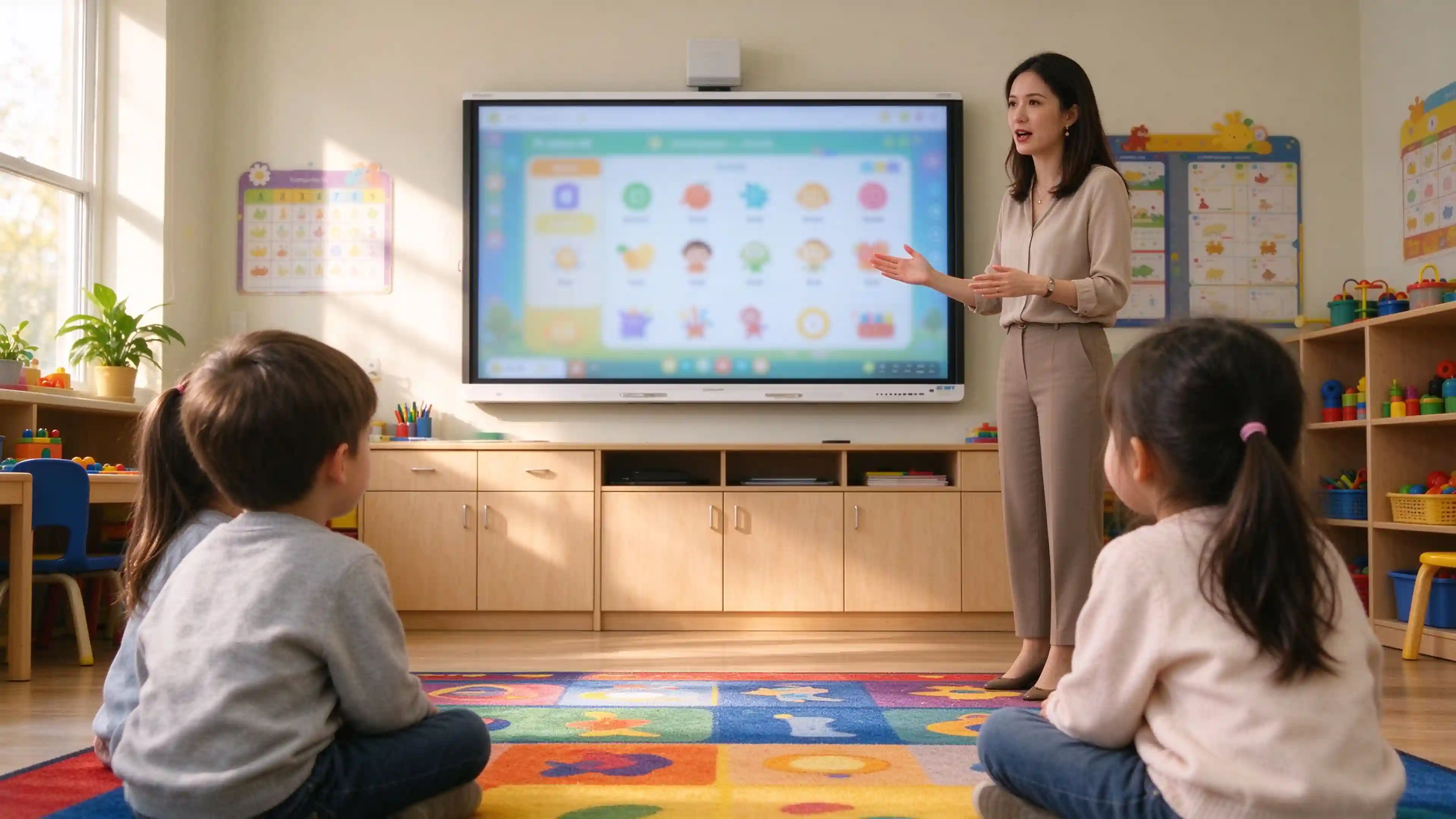
A preschool interactive whiteboard is not sold in isolation. It is part of a classroom delivery package that includes mounting hardware, software configuration, installation, and after-sales support. Suppliers evaluating a product should assess it against three commercial dimensions.
Child-accessible operation areas, teacher-controlled navigation, and physical safety are non-negotiable in early years environments. The display must support touch interaction at heights children can reach, while keeping system controls and cable management zones beyond unintended access.
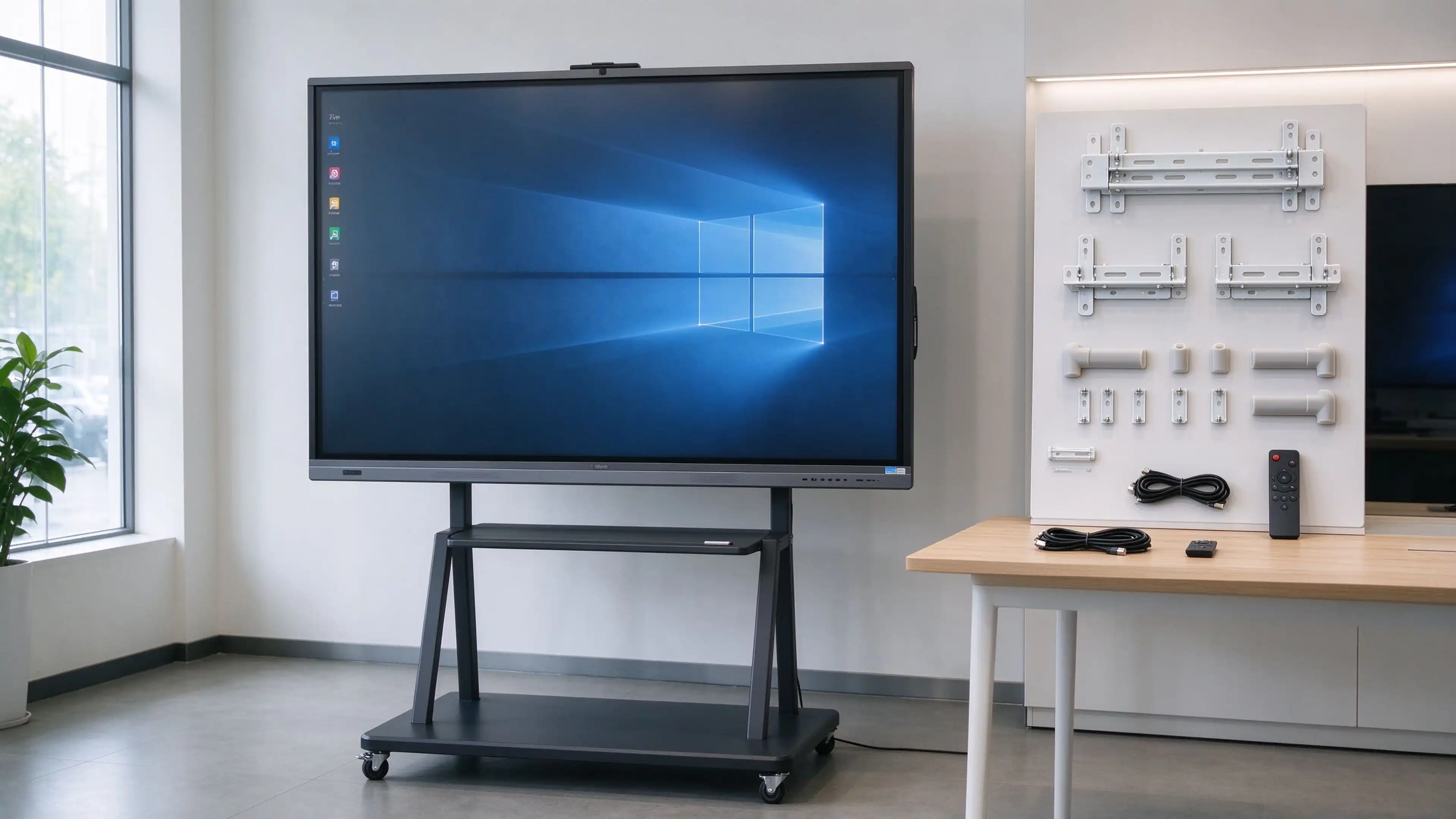
Multi-classroom deployments require standardized configurations. Model numbers, operating system versions, interface layouts, and accessory kits should be documented and repeatable across batches. Qtenboard standardizes on Андроид 14 for interactive flat panels, with optional Windows OPS modules for schools that require legacy software compatibility.
The hardware scope, software licensing model, installation responsibility, and warranty terms must be defined before quotation. A factory that cannot articulate these boundaries clearly is likely a trading company. Qtenboard provides factory-direct pricing with documented OEM/ODM scope, supporting distributors and system integrators in 50+ countries.
| End-Customer Requirement | Supplier Evaluation Item | Factory Documentation Needed |
|---|---|---|
| Multi-student group activity | ≥20-point simultaneous touch | Touch performance test data |
| Existing curriculum software | OS compatibility, pre-installed app support | Software compatibility matrix |
| Multi-classroom rollout | Batch configuration consistency | QC batch records, BOM confirmation |
| Local installation | Mounting accessory kit completeness | Installation manual, accessory list |
Each classroom activity translates into a verifiable product requirement. Suppliers should test the display against the actual software and workflows their customers will use — not against generic demo content.
| Application Scenario | Interactive Activity | Supplier Verification Condition |
|---|---|---|
| Language & story activities | Image sequencing, character selection, pronunciation playback | Audio clarity, content language support, software compatibility |
| Number & shape recognition | Sorting, matching, drag-and-drop counting | Drag stability, touch target size, child-reachable screen area |
| Group drawing | Turn-taking coloring, collaborative picture creation | Multi-user simultaneous operation, save/export function |
| Music & movement | Rhythm prompts, action demonstrations | Playback controls, volume management, classroom space planning |
| Physical work sharing | Displaying books, artwork, observation materials | Visualizer interface, input switching, annotation workflow |
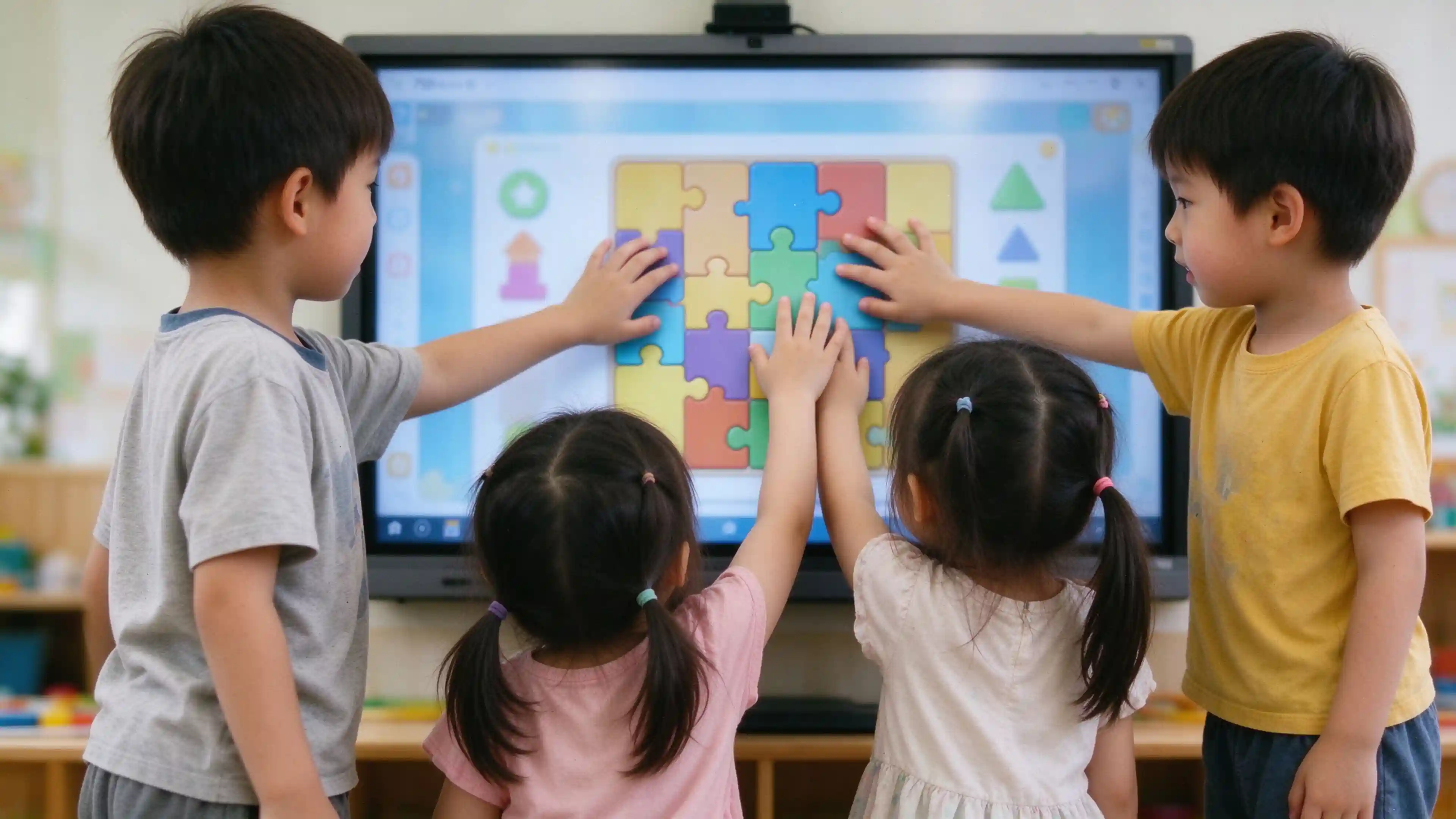
In Chinese kindergarten tenders, ≥75 inches is the mainstream minimum display size, with 65-inch models suitable for small-group rooms and 86–110-inch panels for larger teaching spaces. However, larger screens do not mean the entire display area is suitable for direct child operation. Suppliers should provide customers with a classroom layout confirmation form covering:
Kindergarten tenders commonly require ≥20-point simultaneous touch to support group activities such as multi-student puzzle completion and number games. Qtenboard's interactive teaching panel supports 20-point simultaneous touch with latency controlled under 6ms, enabling multiple students to write, mark, and operate simultaneously.
Test the following before approving a configuration:
Qtenboard interactive whiteboards support dual operating systems (Android 14 + Windows OPS) with one-click switching, ensuring compatibility with mainstream teaching software and courseware formats. Android configurations include 4+32G, 8+128G, and 16+512G options.

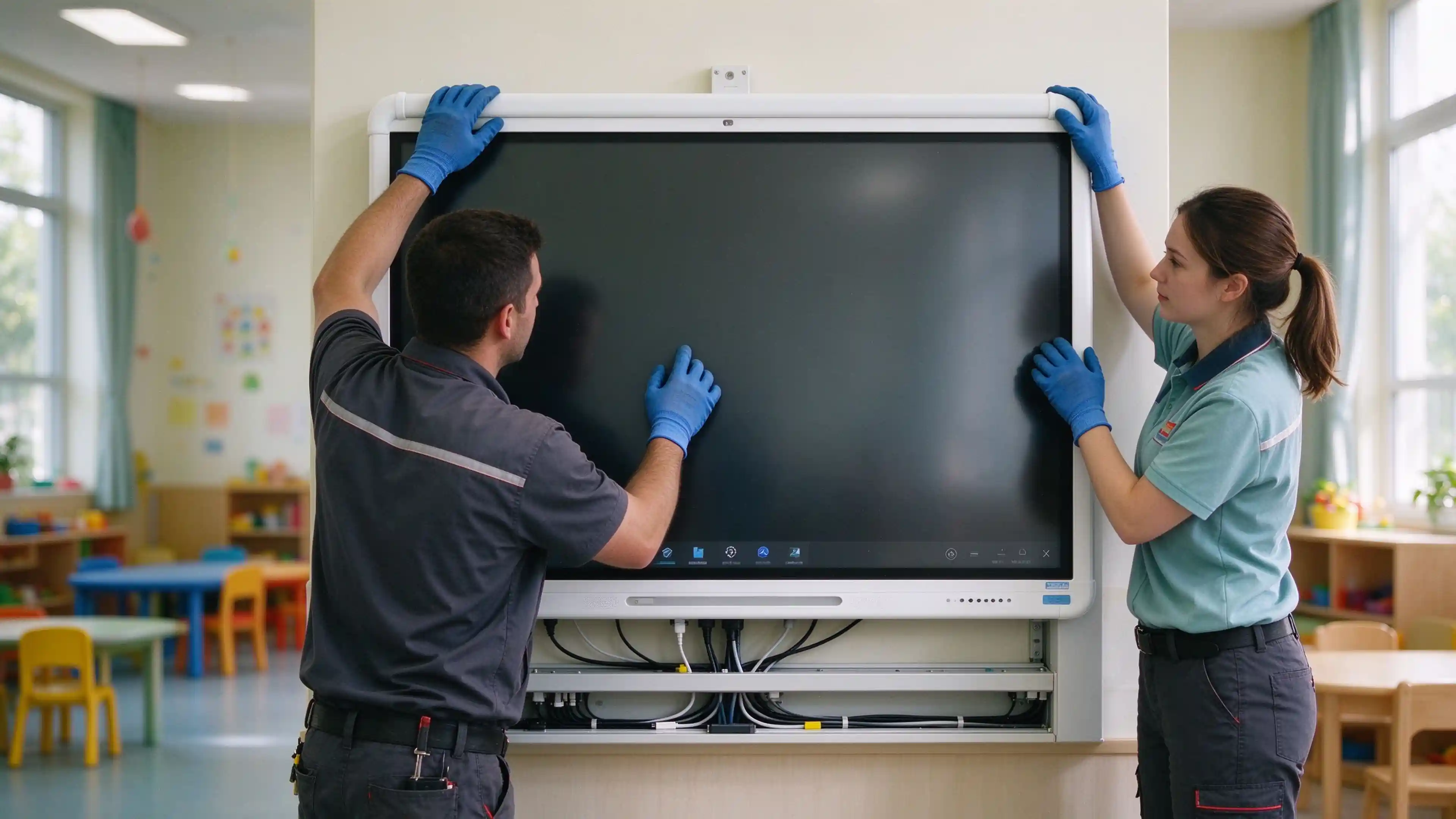
Installation responsibility must be explicitly assigned: who installs, who inspects, and who signs off on acceptance.
Plan the interactive zone based on the actual reach of children in the classroom. Route power cables, data cables, and external device connections outside child-accessible areas. Avoid creating trip hazards or obstacles in circulation paths.
For preschool teaching content, request copyright registration certificates for all curriculum software and courseware. Verify that the content complies with local early years education guidelines. When hardware and software come from the same manufacturer, compatibility and upgrade paths are more predictable.
Do not bundle "interactive whiteboard," "teaching software," and "curriculum content platform" as a single default deliverable. Each component has separate licensing and support implications.
The following package frameworks are designed to help suppliers organize quotations and customer conversations. They should be aligned with actual supply capabilities before being presented as standard offerings.
| Package | Target Project | Proposed Contents | Pre-Quotation Confirmation |
|---|---|---|---|
| Basic Classroom Pack | Single classroom, new equipment | Interactive panel, mounting kit, basic whiteboard tools | Existing equipment and software at customer site |
| Interactive Teaching Pack | Institutions with defined curriculum software | Basic pack + software compatibility testing + training | Licensing, language, teacher workflow requirements |
| Multi-Classroom Deployment Pack | Kindergarten chains, centralized procurement | Standardized configuration, batch installation docs, after-sales plan | Quantity, network, device management requirements |
| Private Label Pack | Distributors, brand buyers | Evaluated branding and packaging customization | MOQ, cost, lead time, and support boundaries |
Before committing to volume orders, verify that the supplier is an actual manufacturer with documented production capability — not a trading company.
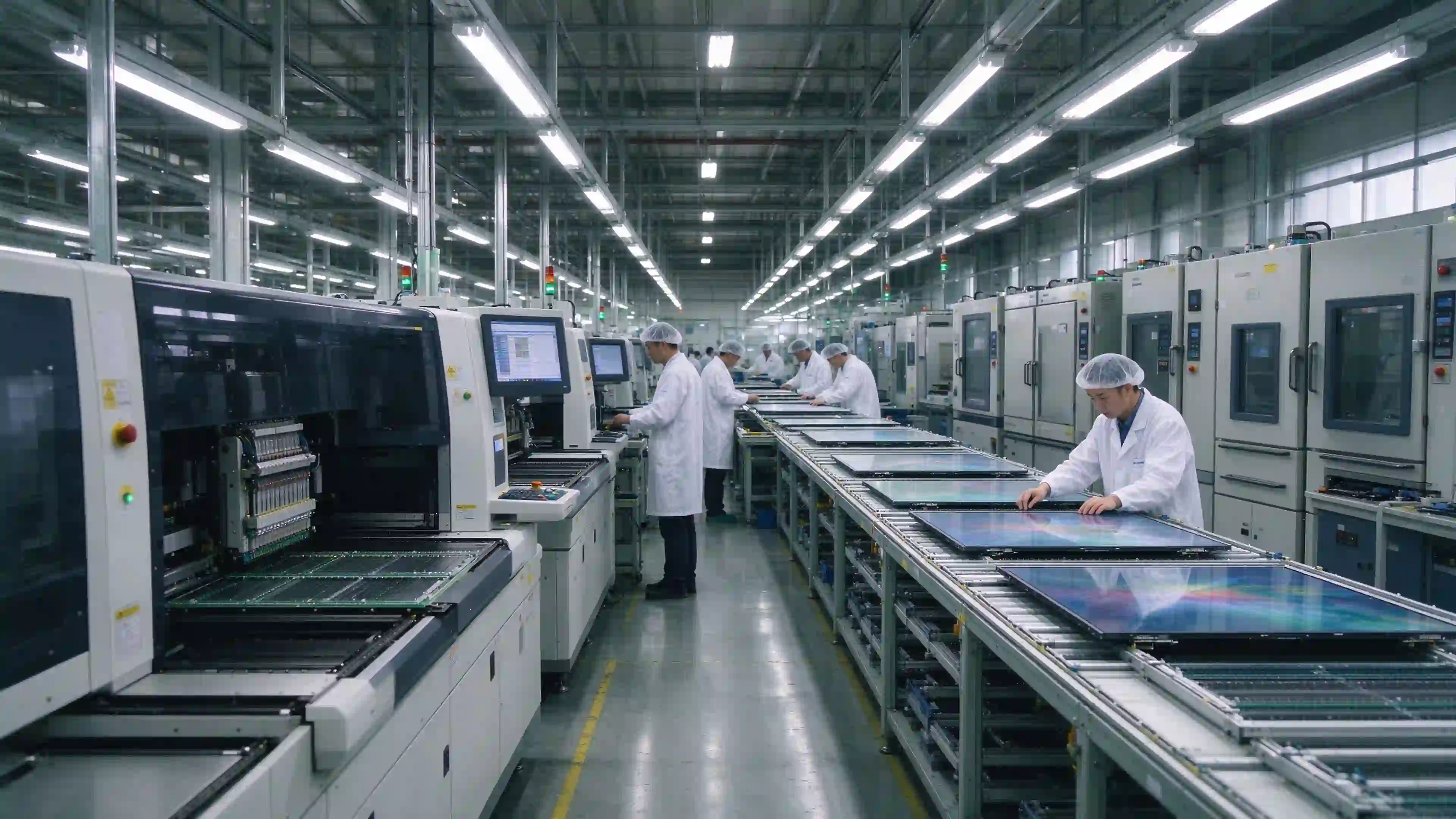
Request the supplier's business license and check the registered business scope. Manufacturers list production activities (生产/制造/加工). Trading companies list distribution activities (贸易/经销/进出口). Qtenboard operates an 840,000㎡ factory in Shenzhen specializing in interactive whiteboards, with a daily capacity of 200+ units.
A real factory can provide live video of its SMT lines, assembly lines, and aging test chambers on request.
Qtenboard holds ISO 9001 И ISO 14001 certifications, along with CE, FCC, and RoHS compliance. The display hardware has passed TÜV Rheinland low blue light and flicker-free eye protection certification. Request test reports issued directly to the manufacturer's legal entity — not documents forwarded from upstream suppliers.
Every hardware component undergoes continuous aging testing, high and low temperature cycling, and electrostatic detection before leaving the factory. For multi-classroom orders, confirm that batch configuration records are maintained and accessible.
Qtenboard provides full OEM/ODM services for education equipment distributors and brand owners, with 20+ years of manufacturing experience and exports to 50+ countries.
A pilot test should cover at minimum:
The cost comparison should cover: equipment, mounting accessories, software licensing, shipping, installation, training, license renewals, spare parts, and ongoing maintenance. Value assessment can observe classroom startup time, teacher operation issues, and maintenance response times — using measured data rather than unverified percentage claims.
Verify child-safe physical design (rounded corners ≥10mm radius), touch performance (≥20-point simultaneous touch), OS compatibility with the customer's curriculum software, and batch configuration consistency for multi-classroom deployments.
≥75 inches is the mainstream minimum for kindergarten projects. 65-inch panels suit small-group rooms, while 86–110-inch models serve larger teaching spaces. Provide customers with a classroom layout confirmation form covering wall dimensions, child-reach height, and transport clearance.
This depends on the supply model. Qtenboard supports hardware-only supply, hardware with pre-installed educational games (as seen in the Kids Smart Interactive Touch Table), and customer-owned software integration. Clarify the licensing model and content scope before quotation.
Qtenboard supports Android 14 and optional Windows OPS with one-click switching, ensuring compatibility with mainstream teaching software and courseware formats. Test the specific software on a sample unit before bulk orders.
Only if the customer's software requires native Windows execution. Android 14 handles most preschool whiteboard and interactive activities. The OPS module is an optional add-on for legacy software or Windows-specific applications.
Test the sample with the customer's actual curriculum software, verify touch response at child-reachable heights, confirm batch configuration documentation, and check that safety test reports match the specific model ordered.
Qtenboard offers logo printing, custom boot animation, UI theme, packaging design, hardware configuration, and full CKD/SKD export models for local assembly. MOQ is flexible from 1 unit for sample evaluation to bulk orders.
Model-specific installation manuals, accessory checklists, compliance certificates, warranty terms, and spare parts documentation. Qtenboard provides end-to-end tender bidding support and channel after-sales coordination.
To receive a project-specific configuration and quotation, provide the following information:

 RU
RU
 EN
EN  AR
AR  DAN
DAN  IT
IT  ARM
ARM  FIN
FIN  SWE
SWE  NOR
NOR  MAY
MAY  NL
NL  TH
TH  KOR
KOR  PL
PL  PT
PT  SPA
SPA  FRA
FRA  DE
DE  CHT
CHT 