When planning a meeting room in Kazakhstan, businesses often compare two options: a large TV with a flipchart or an interactive whiteboard. Both can support presentations, but they offer different ways to write, collaborate, save meeting content and manage equipment.
A TV and flipchart may be sufficient for offices that mainly display presentations and hold occasional briefings. An interactive whiteboard is generally more suitable for teams that frequently annotate documents, collaborate on screen and save or share meeting results. For businesses in Astana, Almaty and other Kazakhstan cities, the right choice depends on meeting frequency, workflow requirements and total ownership costs.
The main difference is not simply screen technology. It is how much of the meeting workflow each setup can handle without relying on separate equipment and manual processes.
A large TV can display presentations, videos and documents from a connected computer. A flipchart provides a familiar surface for handwritten notes. This combination can be practical when meetings are mainly presentation-based and participants rarely need to save or distribute handwritten content.
An interactive whiteboard combines an LCD display, touchscreen writing and built-in digital whiteboard software. Participants can write directly on the screen, save content, export files and share meeting materials through supported functions. For companies with frequent collaboration sessions or multiple meeting rooms, this integrated workflow may offer greater long-term value.
Neither option is automatically more economical for every office. Buyers should compare the complete equipment setup, software requirements, installation, maintenance and expected usage over three to five years.
A fair comparison should consider all the equipment needed to complete a meeting, rather than comparing the purchase price of one display with the price of an interactive whiteboard.
A conventional meeting room setup may include a large TV or commercial display, a laptop or external computer, connection cables or a wireless casting device, and a flipchart stand with paper and markers.
If the office also holds video conferences, it may need a compatible camera, microphone, speaker and meeting software. File sharing, digital note-taking and content archiving may depend on the connected computer and additional applications.
An interactive whiteboard integrates several meeting functions into one LCD display. A typical configuration includes infrared multi-touch, digital whiteboard software, an operating system and wireless screen-sharing capabilities.
Qtenboard interactive whiteboards include built-in whiteboard software that supports writing, saving, exporting and sharing meeting content. This allows teams to move from on-screen discussion to digital meeting records without relying on photographs of paper notes as their main record-keeping method.
Android is available as an integrated operating environment, while optional Windows OPS configurations can be considered for organizations that require a Windows-based desktop environment. Camera and microphone configurations are optional and should be confirmed according to the selected model or project.
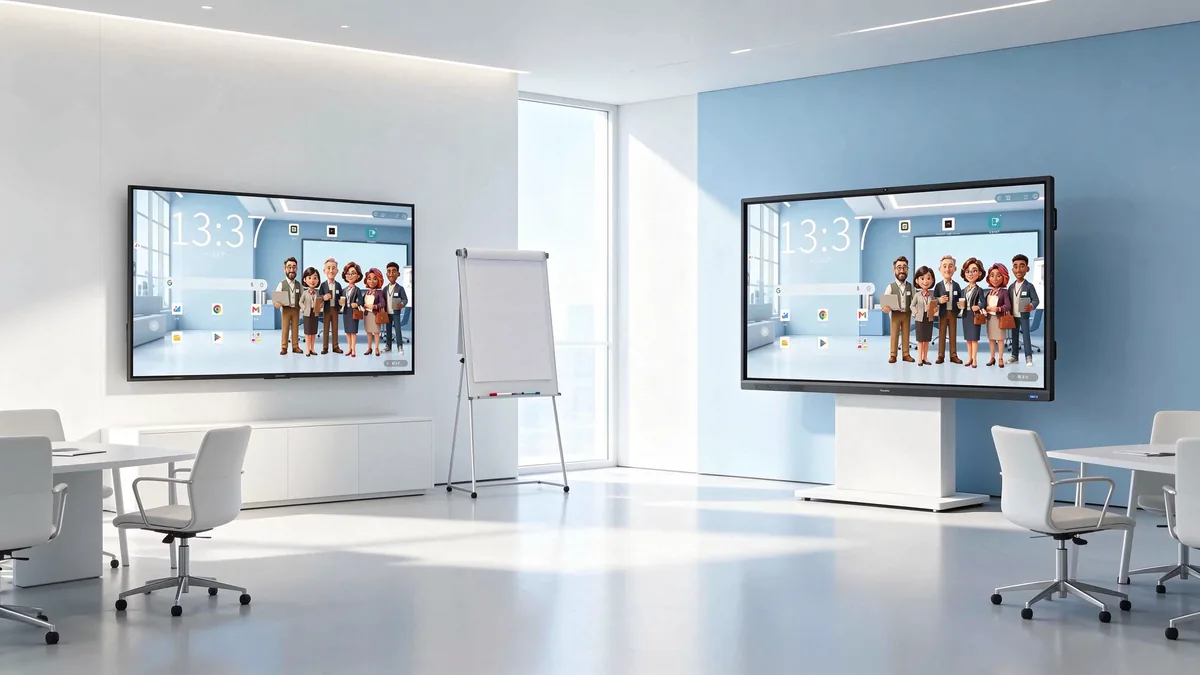
Two meeting room equipment setups with different approaches to presentation and collaboration.
For business buyers, the most useful comparison is how each setup supports everyday meeting tasks. The following table compares common functions and the additional equipment or processes that may be involved.
| Perbandingan | Large TV + Flipchart | Qtenboard Interactive Whiteboard |
|---|---|---|
| Presentation | Displays content from a connected computer or other compatible source. | Supports direct display and connections to external devices. |
| Writing and annotation | Uses paper, markers or separate digital tools. | Supports on-screen writing and annotation through infrared multi-touch. |
| Content saving | Usually requires a connected computer, photographs or manual note-taking. | Built-in whiteboard software supports saving and exporting content. |
| Content sharing | Depends on the connected computer and compatible applications. | Built-in whiteboard software supports sharing meeting content. |
| Multi-user collaboration | Participants mainly use a physical flipchart or take turns using external devices. | Supports multi-touch collaboration, with touch-point specifications depending on the model. |
| Video conferencing | Requires compatible computers, software and conferencing peripherals. | Can work with compatible meeting software; camera and microphone are optional configurations. |
| Device management | TVs and external devices may need to be managed separately. | DMS centralized management is supported across the Qtenboard interactive whiteboard range. |
| Workspace | Usually requires a separate display and flipchart setup. | Combines display and digital whiteboard functions in one device. |
A physical flipchart is straightforward for handwritten notes and quick diagrams. However, participants may need to photograph the pages or manually transfer the information into digital documents after the meeting.
An interactive whiteboard allows participants to write directly on the display and work with digital content. Depending on the model, multiple users can interact with the screen during brainstorming, project reviews and training sessions.
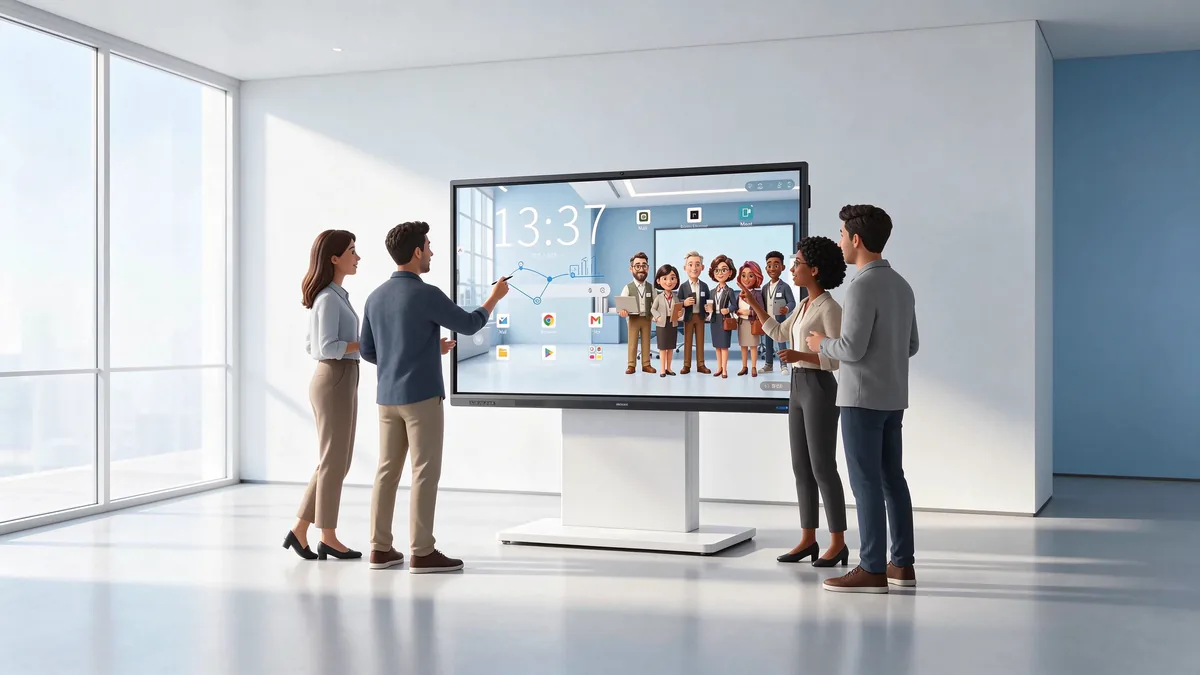
A team writes, annotates and discusses ideas together directly on the interactive whiteboard.
Meeting records are important when decisions, action items and project discussions need to be reviewed later. With a paper-based setup, someone usually needs to organize handwritten notes, take photographs or re-enter information into a digital document.
Qtenboard's built-in whiteboard software supports saving, exporting and sharing content. This gives teams a more direct way to retain digital meeting materials and distribute them after a discussion. The available export formats and sharing methods should be checked against the software configuration used in the project.
Managing several meeting rooms can create additional work for IT and facility teams, especially when equipment is deployed across different departments or office locations.
Qtenboard supports DMS centralized management across its interactive whiteboard range. Depending on the deployment and software configuration, administrators can use device management functions for status monitoring, remote commands, alerts, application management, updates and operational records.
For businesses with offices in Astana, Almaty and other locations, centralized management can help maintain a more consistent approach to device administration. This is an important consideration when comparing a collection of separate display and computer devices with an integrated interactive whiteboard solution.
The right equipment depends on what employees actually do during meetings. A company that mainly presents reports has different requirements from a team that regularly reviews documents, develops ideas and records decisions together.
| Meeting Scenario | Suitable Setup to Consider | Reason |
|---|---|---|
| Weekly presentations | TV + Flipchart or Interactive Whiteboard | Depends on whether participants need to annotate or save content. |
| Short internal briefings | Large TV | Basic presentation requirements may not need interactive functions. |
| Project brainstorming | Papan putih interaktif | Supports digital writing and collaborative discussion. |
| Employee training | Papan putih interaktif | Allows trainers to annotate content and retain digital materials. |
| Technical document reviews | Papan putih interaktif | Supports on-screen annotation and group review. |
| Remote branch meetings | Interactive Whiteboard with compatible conferencing equipment | Supports collaboration alongside suitable meeting software and peripherals. |
| Multi-room corporate offices | Papan putih interaktif | Offers consistent configurations and DMS centralized management. |
A conventional setup can be a reasonable choice for small offices with limited meeting frequency, straightforward presentations and little need for digital annotation. It may also suit organizations that already own compatible computers and conferencing equipment.
If employees rarely write on the display or need to retain meeting content, the additional interactive functions of a smart whiteboard may not provide enough value to justify the initial investment.
An interactive whiteboard is worth considering when teams frequently brainstorm, review technical documents, conduct training or collaborate across departments. Built-in content saving and sharing can make meeting follow-up more organized, while DMS provides a centralized management option for the device range.
For companies operating multiple offices or meeting rooms, a consistent interactive whiteboard configuration can also simplify equipment planning and administration.
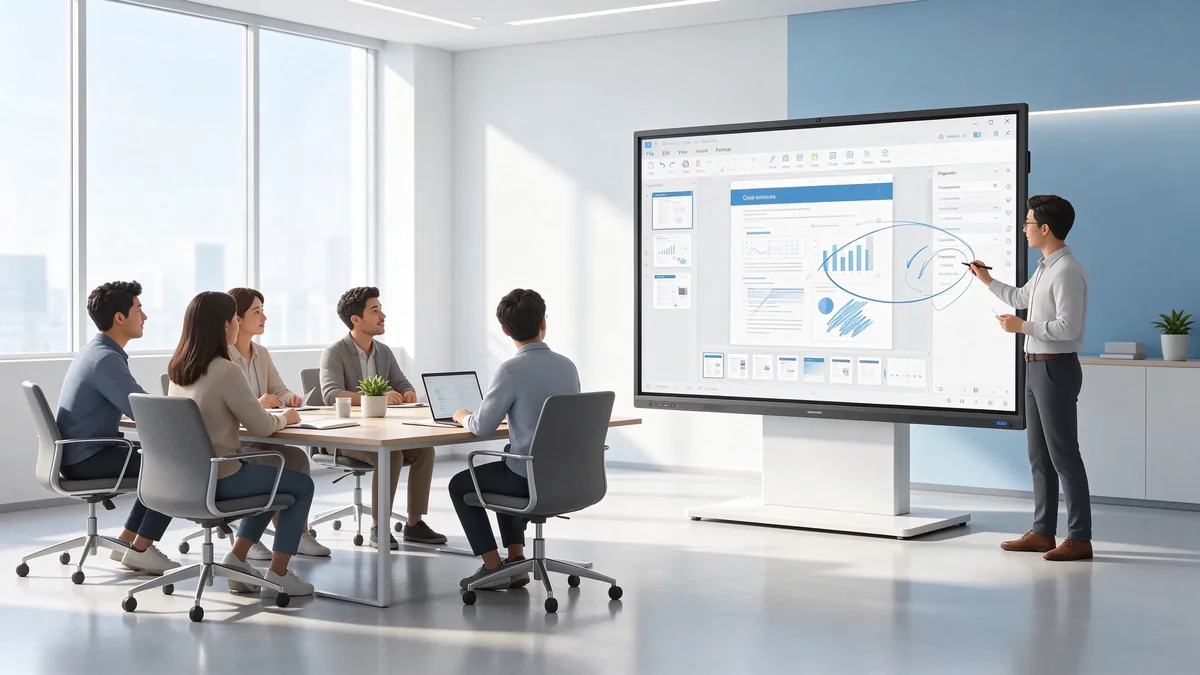
Trainers can annotate training materials on screen and retain digital session records.
Initial purchase price is only one part of a meeting room equipment investment. Businesses should compare the total cost of ownership (TCO) over an expected period of three to five years, including installation, accessories, software, maintenance and operation.
| Kategori kos | TV + Flipchart | Papan putih interaktif |
|---|---|---|
| Initial equipment | TV, flipchart and any required external devices. | Interactive whiteboard and selected configuration. |
| Pemasangan | TV bracket, wiring and installation work. | Mounting bracket or stand, wiring and installation work. |
| Aksesori | Paper, markers, cables and casting equipment. | Project-specific accessories and optional peripherals. |
| Perisian | External computer software and any required meeting applications. | Built-in software and any additional licenses required by the project. |
| Penyelenggaraan | Maintenance of the TV and separate devices. | Maintenance of the display and related components. |
| Operasi | Electricity and daily operating costs. | Electricity and daily operating costs. |
| Replacement | Replacement of consumables and external equipment when needed. | Replacement of the device or accessories when needed. |
Before comparing quotations, prepare a cost worksheet for each proposed setup. Use actual supplier quotations and the organization's expected usage rather than relying on general market estimates.
For an office that holds occasional presentations, a TV and flipchart may have a lower initial investment and meet its requirements. For a team that collaborates every day, the time spent organizing paper notes, connecting separate devices and distributing meeting materials may become a more relevant part of the overall cost.
An interactive whiteboard may reduce some of these manual steps through integrated writing, saving and sharing functions. However, the financial benefit depends on actual usage, software requirements, equipment configuration and the organization's working practices.
Companies purchasing meeting room equipment in Kazakhstan should consider more than display size and hardware specifications. Language requirements, network infrastructure, certification and support arrangements can all affect how successfully a solution is deployed.
Business meetings in Kazakhstan may involve Kazakh, Russian and English, depending on the organization and participants. Buyers should check the available system interface languages, keyboard input and any AI-assisted meeting functions separately.
Qtenboard interactive whiteboards support English, Russian and Kazakh system interfaces, as well as Russian and Kazakh keyboard input. AI Speech to Text and Meeting Minutes support English, Russian, Kazakh and Chinese, helping multilingual teams work with meeting content.
Before ordering, check whether each meeting room has suitable wired or wireless network access, power connections and the required cable routes. Companies should also confirm compatibility with existing laptops, operating systems and meeting applications.
If video conferencing is required, specify the camera and microphone needs in advance. These components are optional and should be selected according to the model and project requirements rather than assumed to be included in every display.
For projects in Kazakhstan, buyers should confirm whether the selected model has the EAC certification required for the intended market and application. Certification status and scope should be checked against the exact model before the purchase order is finalized.
For larger projects in Astana, Almaty, Shymkent and other cities, it is also useful to confirm product documentation, installation guidance, warranty terms, technical support and spare-parts arrangements. Distributors and system integrators should discuss configuration consistency when equipment will be deployed across several customer sites.
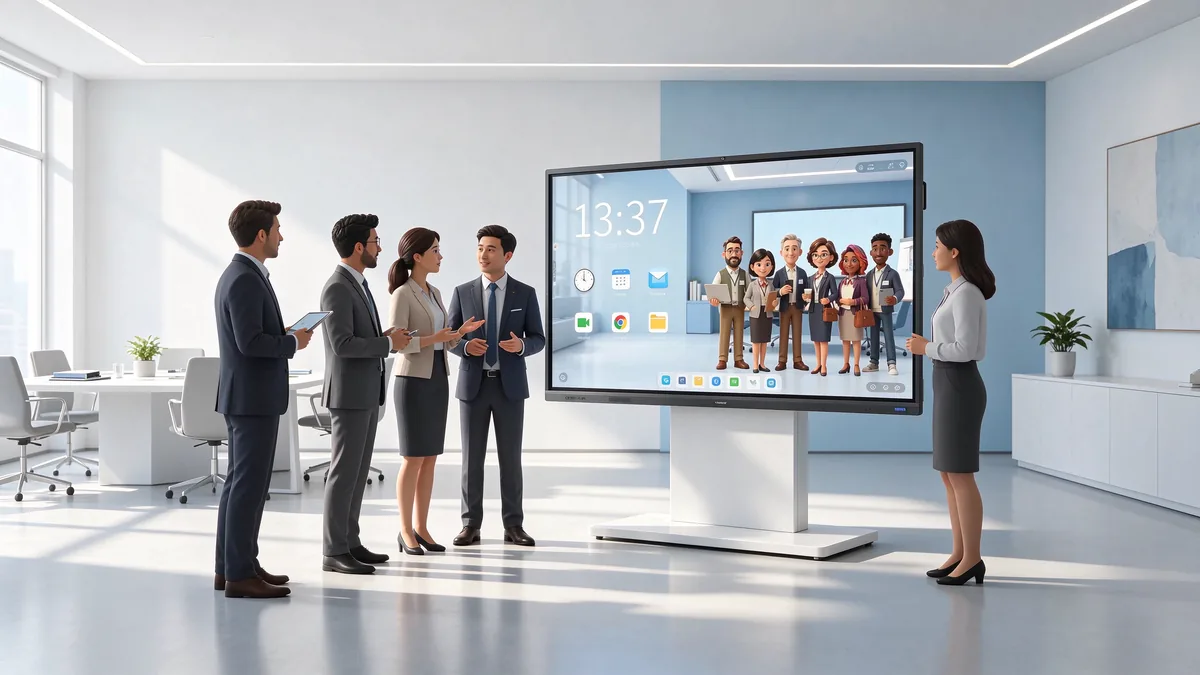
Multilingual collaboration and centralized device management are relevant considerations for Kazakhstan office projects.
Before selecting a meeting room display solution, use the following checklist to connect the equipment specification with actual business requirements.
For businesses with several meeting rooms, also consider whether standardized configurations and centralized DMS management would simplify future administration.
A large TV can meet basic presentation requirements when connected to a suitable computer or media source. However, businesses that need touchscreen writing, digital content saving, exporting, sharing and centralized device management may find an interactive whiteboard more suitable.
Not necessarily. An interactive whiteboard can handle many digital writing and discussion tasks, but a physical flipchart can still be useful for temporary notes or activities where paper-based recording is preferred. The two tools can also be used together.
Not necessarily. An interactive whiteboard provides an integrated operating environment and touchscreen controls, but employees may need basic guidance on writing, saving and sharing content. A product demonstration and short user training session can help teams become familiar with the functions.
Standard Qtenboard models can be ordered from one unit. OEM and ODM minimum order quantities are confirmed according to the project's branding, software, hardware and packaging requirements. Standard models typically have a lead time of 7–10 working days, while customized orders typically require 15–25 working days, subject to project confirmation.
Choosing between a TV with a flipchart and an interactive whiteboard depends on how your organization presents information, collaborates and manages meeting content. For businesses that need digital writing, content saving, sharing and centralized device management, Qtenboard provides interactive flat panels designed for corporate meeting rooms and professional collaboration.
Qtenboard offers 55–110-inch interactive whiteboards, Android configurations, optional Windows OPS, built-in whiteboard software, DMS management, OEM/ODM customization and CKD/SKD cooperation. Standard models start from one unit, with project-specific configurations available for distributors, system integrators and corporate buyers in Kazakhstan.
Share your number of meeting rooms, preferred screen sizes, software requirements and installation plans to discuss a suitable configuration for your project.
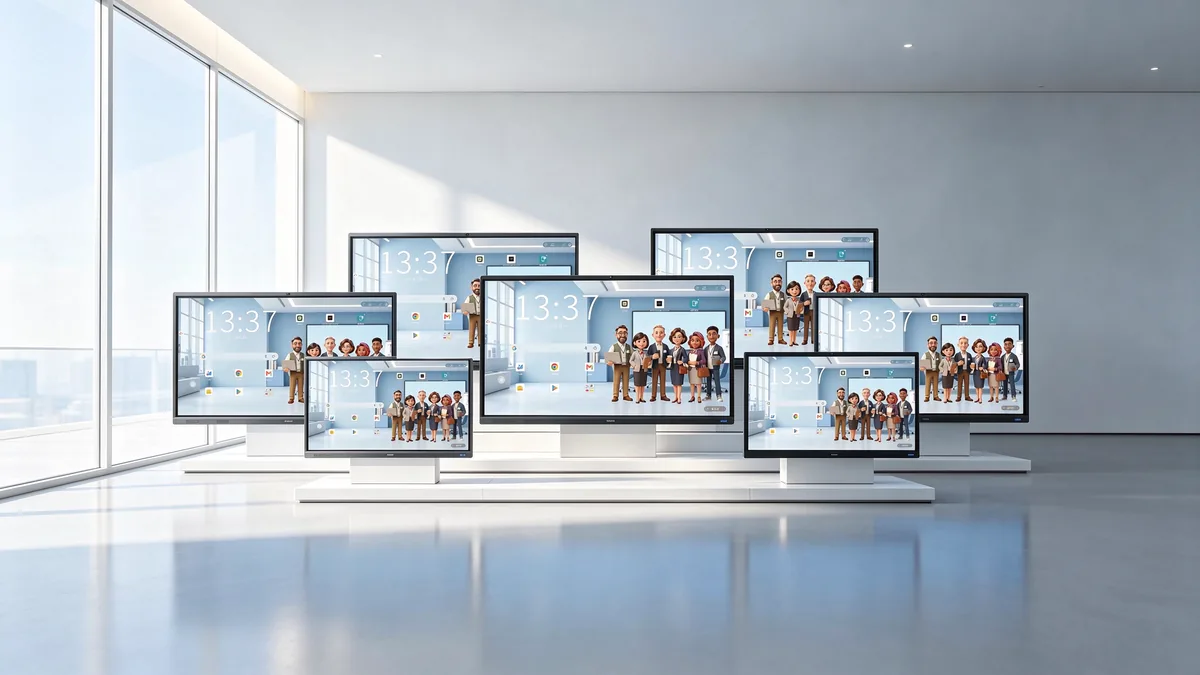
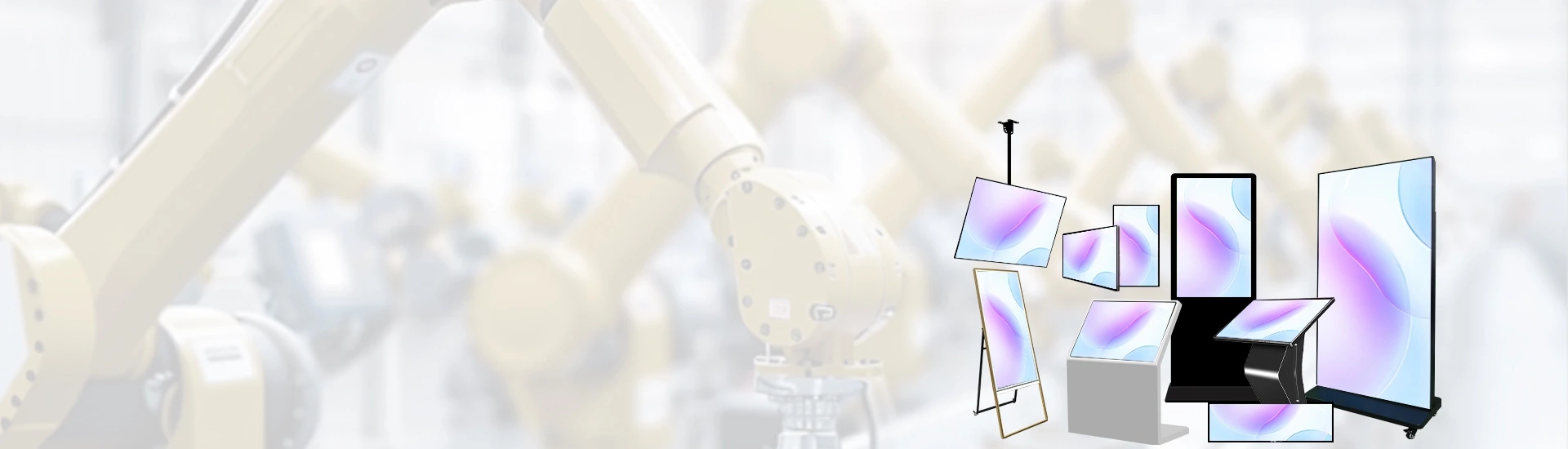
Qtenboard interactive whiteboards are available in multiple sizes for corporate meeting rooms.
Contact Qtenboard to compare interactive whiteboard configurations, request model specifications and obtain a quotation for your Kazakhstan project.
Product sizes: 55-110 inci
Standard MOQ: From 1 unit
Standard lead time: 7–10 working days
OEM/ODM lead time: Typically 15–25 working days, subject to confirmation
Supply options: Standard models, OEM/ODM and CKD/SKD

 MAY
 EN
 AR
 DAN
 IT
 ARM
 FIN
 SWE
 NOR
 NL
 TH
 KOR
 PL
 RU
 PT
 SPA
 FRA
 DE
 CHT
