Government Digital Signage Solutions for Public Sector
2025-09-23
QQtenboard Government Solutions
Government Digital Signage & Self-Service Kiosks
Government Digital Signage & Self-Service Kiosk Solutions for Public Sector and Local Councils
Qtenboard supplies municipal halls, local councils and public sector facilities with one accountable supplier for government digital signage and self-service kiosks: policy announcements, intelligent queue guidance, e-government transactions, emergency alerts and multilingual citizen services — all managed from a secure cloud CMS.
Free full-feature CMS licenseIndustrial-grade 24/7 hardwareFactory-direct OEM/ODM since 2005
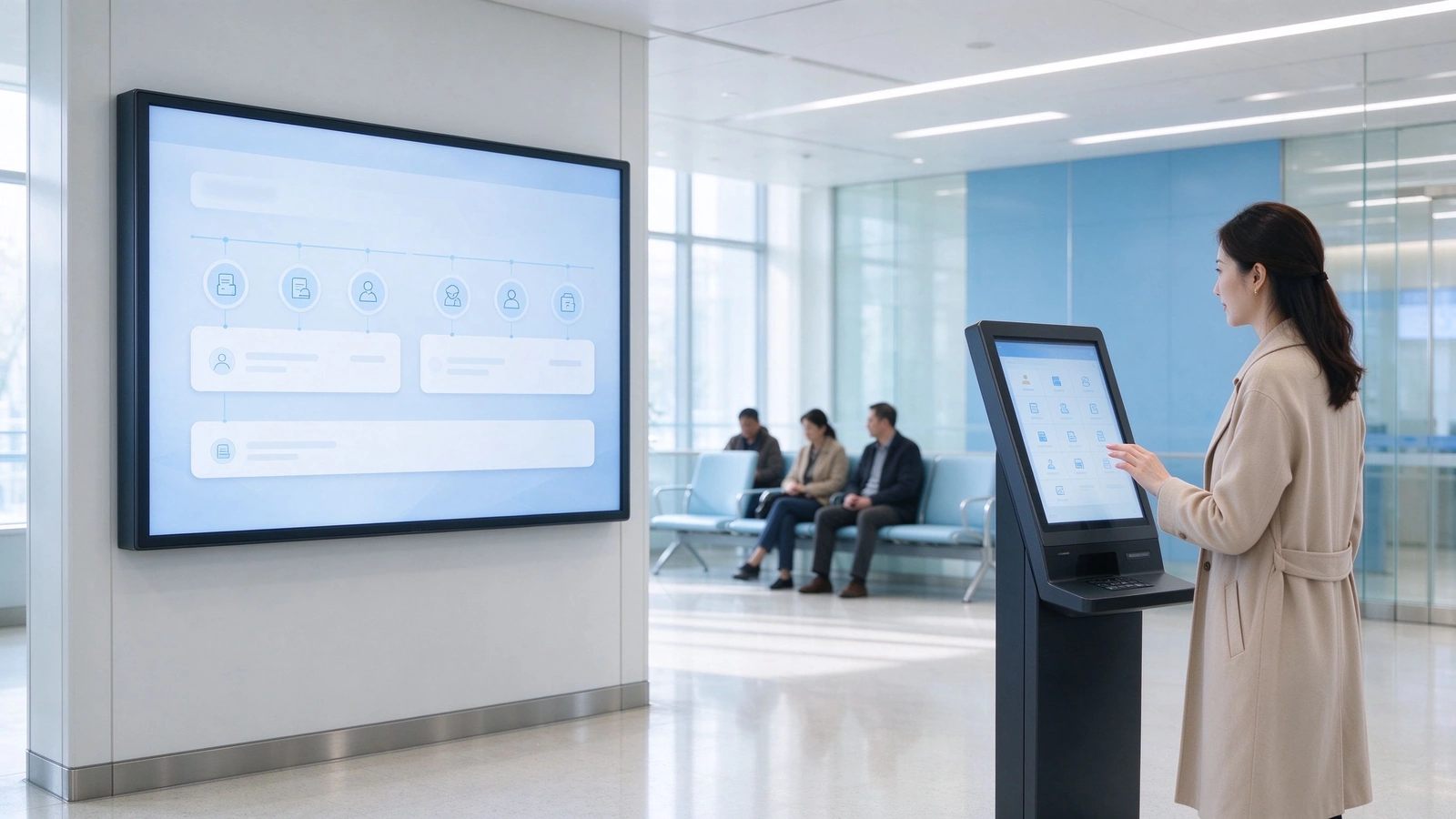
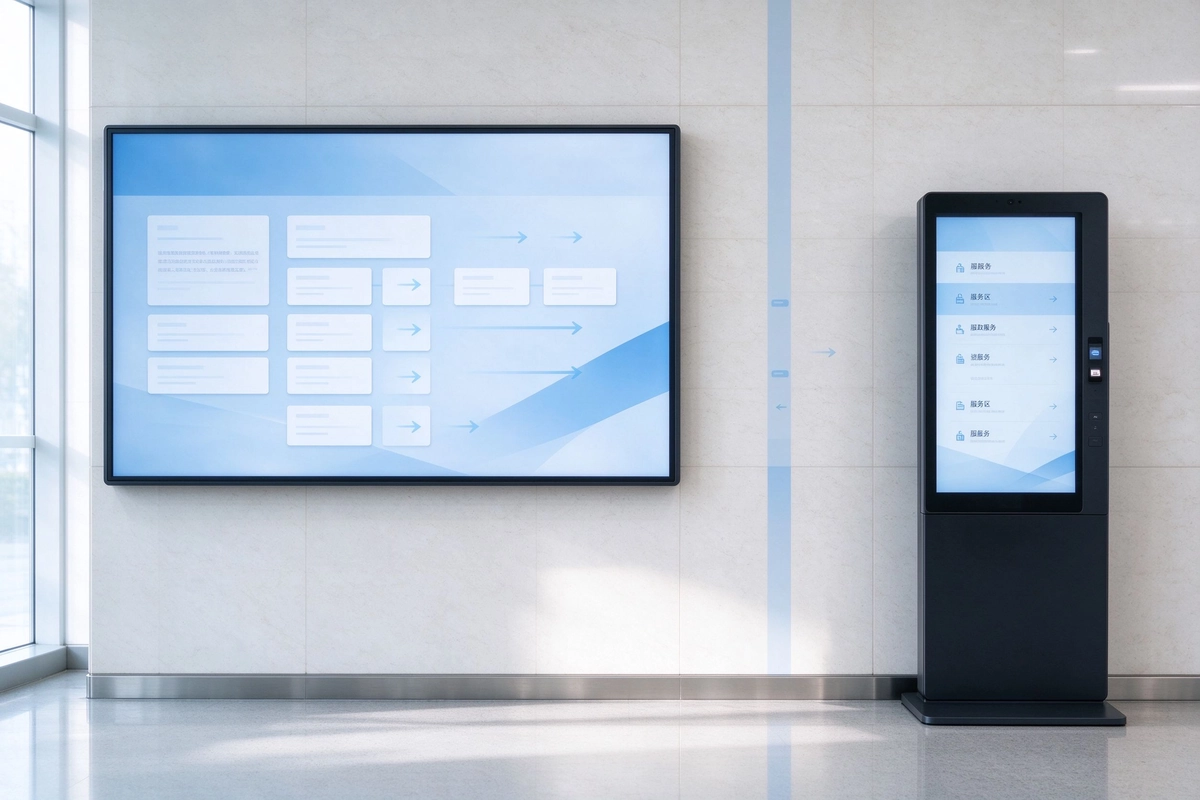
Municipal service hall with synchronized digital signage and citizen self-service kiosks
Why Modern Government Offices Need Digital Signage and Self-Service Kiosks
Citizens expect the same speed and clarity from a municipal service hall that they get from a bank or an airport. For government offices, government digital signage turns scattered paper notices into one synchronized public communication network, while self-service kiosks remove the highest-volume counter transactions. Together they cut queue pressure, reduce repetitive staff work, and deliver a consistent experience across every branch and building — in one language or in dozens.
Citizen Experience and Operational Efficiency
Waiting areas equipped with digital displays and queue guidance reduce perceived waiting time and confusion about service windows. Residents reach the right counter on the first visit, staff answer fewer repeat questions, and service quality stops depending on one busy front desk.
From Static Paper to Real-Time Public Communication
Paper notices are printed once and outdated the next day. Digital displays update policy announcements, office hours, holiday schedules and public warnings in real time from a single CMS — no reprinting, no redistribution, no version drift between branches.
Where Signage Ends and Self-Service Kiosks Begin
Signage informs; kiosks transact. When citizens must take a queue number, apply for an ID, print a document or pay a fee, a touch kiosk completes the task without a counter visit. For high-traffic service halls, combining queue displays with e-government kiosks is the fastest way to remove bottlenecks — while our Solutions de signalisation numérique for government keep every screen consistent through the same CMS. Multilingual guidance for elderly residents, foreign nationals and visitors with accessibility needs is handled at the screen level, so no citizen is left without direction.
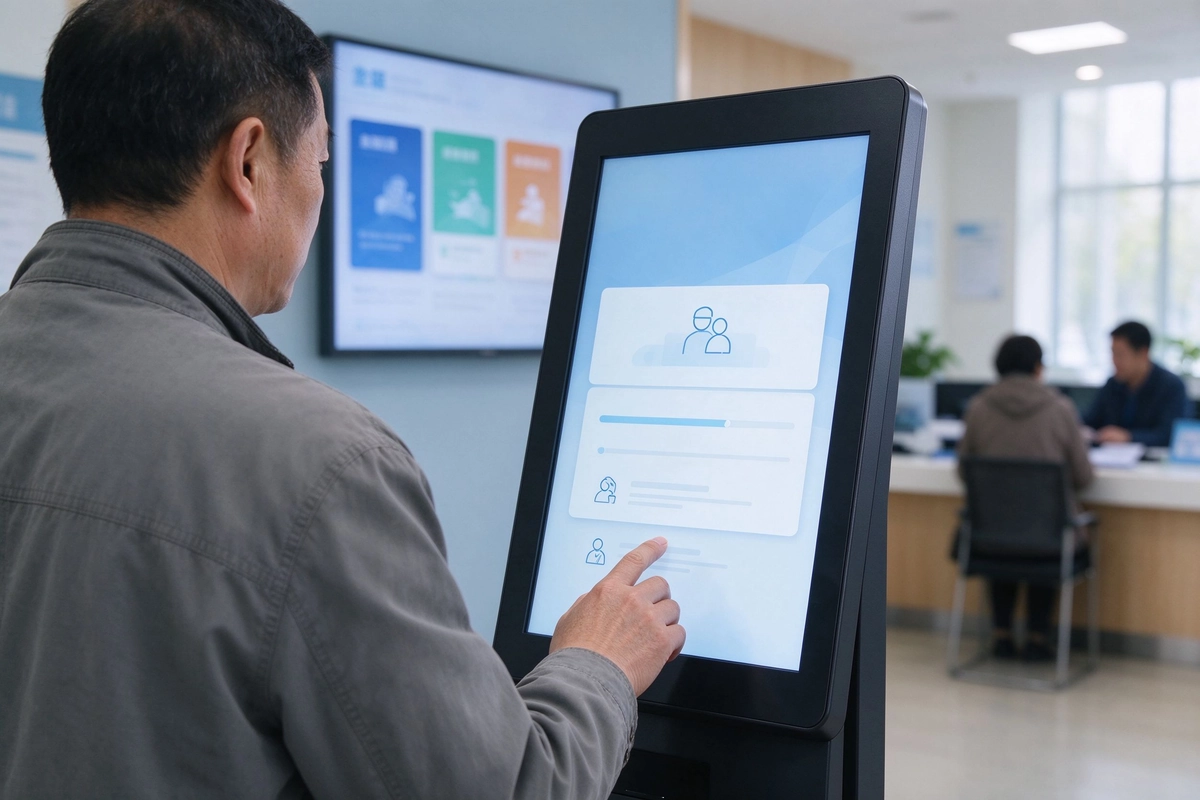
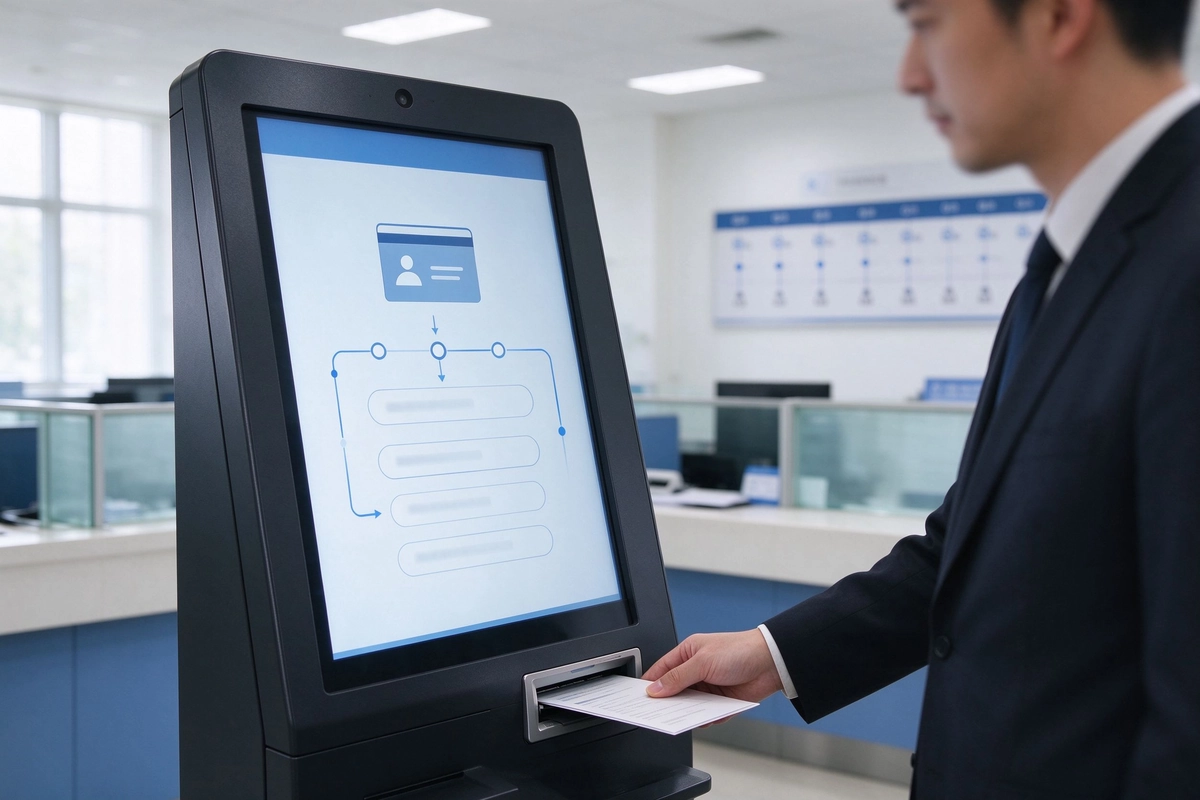
Citizen completing a self-service transaction with real-time public information on display behind
Core Pain Points Solved By Government Digital Signage
Most public sector projects start from the same operational pain points. Qtenboard's government digital signage and kiosk solutions remove them at the system level — not screen by screen.
Emergency early warning information cannot be pushed synchronously
Alerts must reach every site at once; a manual notification chain fails exactly when it matters most.
Multi-scene public service points lack unified content control
Every branch runs its own version of the truth, with no single owner of public information.
Paper notices consume printing labor and material costs
Printing, distributing and replacing notices is a permanent operational burden for communication teams.
Elderly, foreign residents and special groups cannot obtain clear multilingual guidance
Language and accessibility gaps leave a large share of visitors without direction at the point of service.
Community councils lack interactive channels for citizen feedback
Residents have nowhere to submit feedback or service requests while they are still in the building.
Self-service queueing and ID processing remain slow in high-traffic service halls
Counter staff spend most of the day on repetitive, standardizable transactions that a kiosk can complete alone.
Every module on this page — signage, kiosks, CMS and emergency alerting — maps to one of these six problems.
8 Main Application Scenarios of Government Digital Signage Solutions
Qtenboard has deployed public sector display systems across municipal, judicial, healthcare, tourism and command center environments. These eight scenarios are the most requested configurations, each with recommended hardware matched to the workload.
Municipal Hall Policy Announcement & Intelligent Queuing Guidance
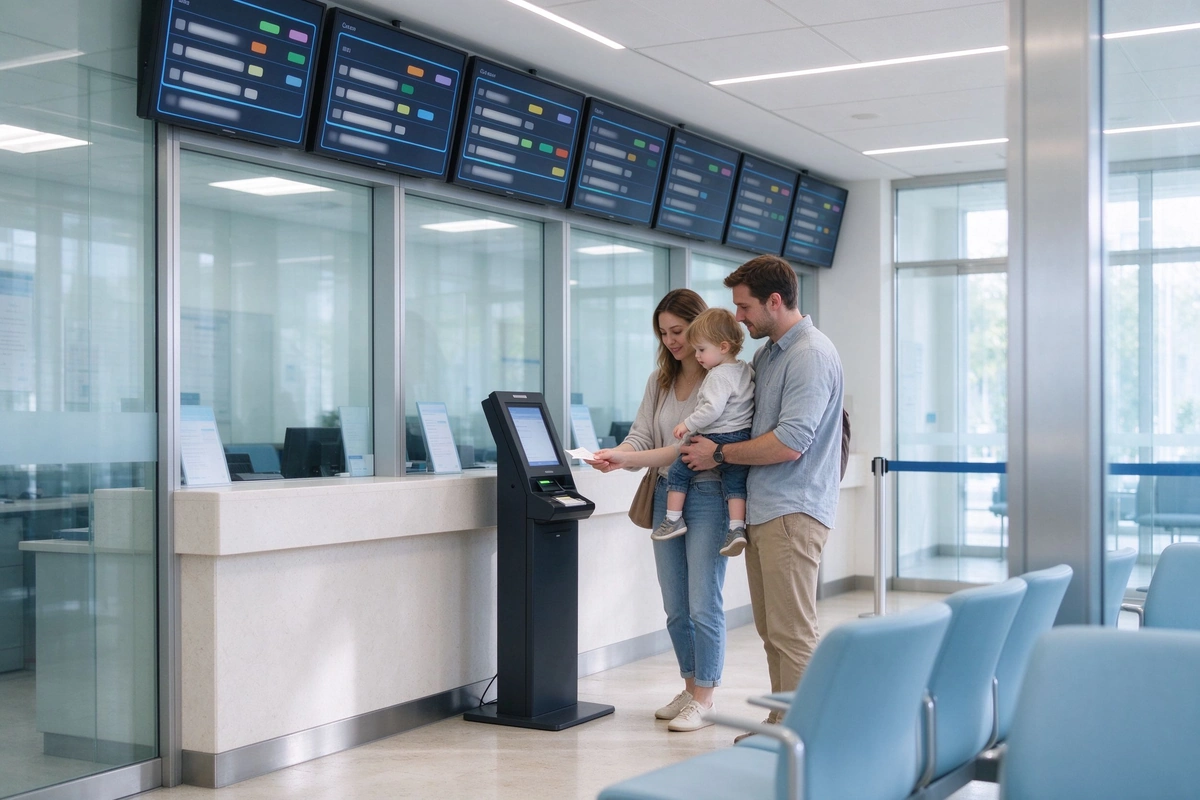
City halls and district offices publish policy updates, service guides and real-time queue status on synchronized displays, while visitors take queue numbers at a floor-standing kiosk and watch their turn on wall-mounted screens.
Recommended hardware: wall-mounted digital signage + floor-standing queue kiosk
Full-City Emergency Early Warning & Public Safety Notification
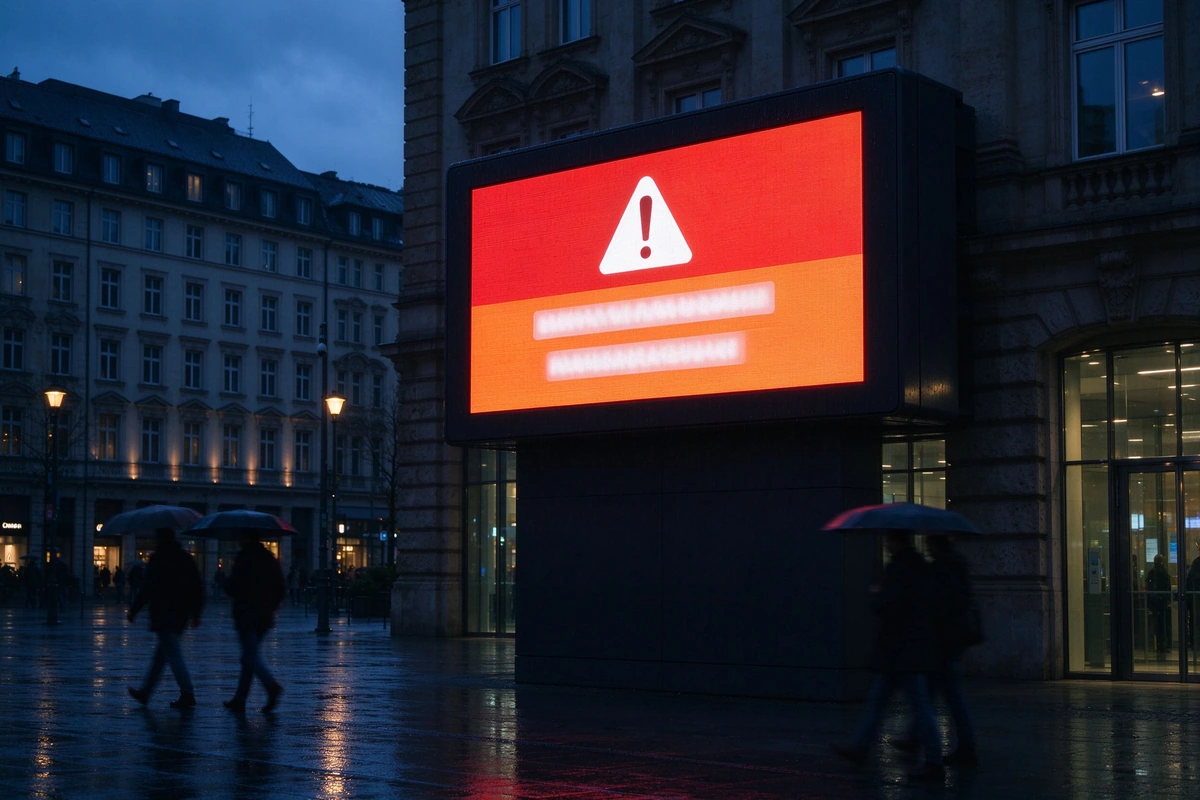
Outdoor and lobby displays receive one-click full-screen alerts for storms, fires, public safety incidents and transport disruptions, with alert priority over regular content until the event is cleared.
Public Health Popularization & Medical Resource Guidance
Health centers and hospitals use digital signage for epidemic reminders, vaccination schedules and department navigation, updated instantly as official guidance changes.
Community Grassroots Publicity & Resident Interaction Collection
Community service centers combine policy publicity with touch kiosks that collect resident feedback, satisfaction surveys and service appointments at the point of service.
Courts publish case schedules, hearing rooms and session status on lobby displays, replacing printed dockets and reducing manual coordination between hearing rooms.
Tourist information points and city landmarks promote attractions, events and navigation on outdoor high-brightness displays that stay readable in direct sunlight.
Urban Command Center Large Video Wall Visualization
Command centers aggregate city monitoring, IoT and emergency data on splicing video walls for real-time decision making and multi-agency coordination.
Recommended hardware: splicing video wall / control room displays
Multilingual Public Service For Immigrant Gathering Areas
Service points in immigrant districts switch content between dozens of languages, so foreign residents and special groups can self-serve without translator support.
Digital Signage vs. Self-Service Kiosks: Which Does Your Government Project Need?
A common procurement question: should we buy digital signage, an information kiosk, or both? The answer depends on whether citizens only need to see information or also need to complete a transaction.
Information Display vs. Transactional Self-Service
Signage broadcasts; kiosks transact. If the goal is awareness — announcements, directions, queue status — wall-mounted signage is the efficient choice. If citizens must act — take a queue number, complete a form, apply for an ID — a government smart kiosk takes over.
When a Wall-Mounted Signage Is Enough
Waiting areas, corridors, entrances and staff notice zones: anywhere a message must be seen but not acted on is a signage job.
When a Touch Kiosk Is Required
Self-service areas, lobbies and offices with repetitive form, queue and ID work benefit from kiosks that operate without counter staff during and after office hours.
Combined Deployment: Signage + Kiosk in One Service Hall
The strongest configuration in most municipal projects: queue displays guide, kiosks transact, and both are managed from the same CMS.
Wall-mounted signage for guidance alongside a touch kiosk for self-service transactions
Need
Recommended Device
Scénario typique
Policy announcement / queue status
Wall-mounted signage
Municipal hall, waiting area
Wayfinding / form download
Kiosque tactile
Self-service area, lobby
ID application / ticket dispensing
e-Government kiosk
Passport office, tax center
Emergency alert
High-brightness signage / outdoor display
Public square, entrance
Data visualization
Video wall
Urban command center
Self-Service Kiosks for Government: e-Government, ID and Queue Applications
For government kiosk projects, Qtenboard supplies citizen self-service terminals that handle the highest-volume counter tasks — ID applications, document printing, ticket dispensing and queue management — built as secure public kiosk ports with remote maintenance.
e-Government Kiosk: ID Applications, Document Printing and Ticket Dispensing
Citizens select the service, scan documents, print forms and receive queue tickets at a single terminal. ID, passport and tax offices cut counter workload wherever applications are standardized.
Queue Management and Citizen Flow
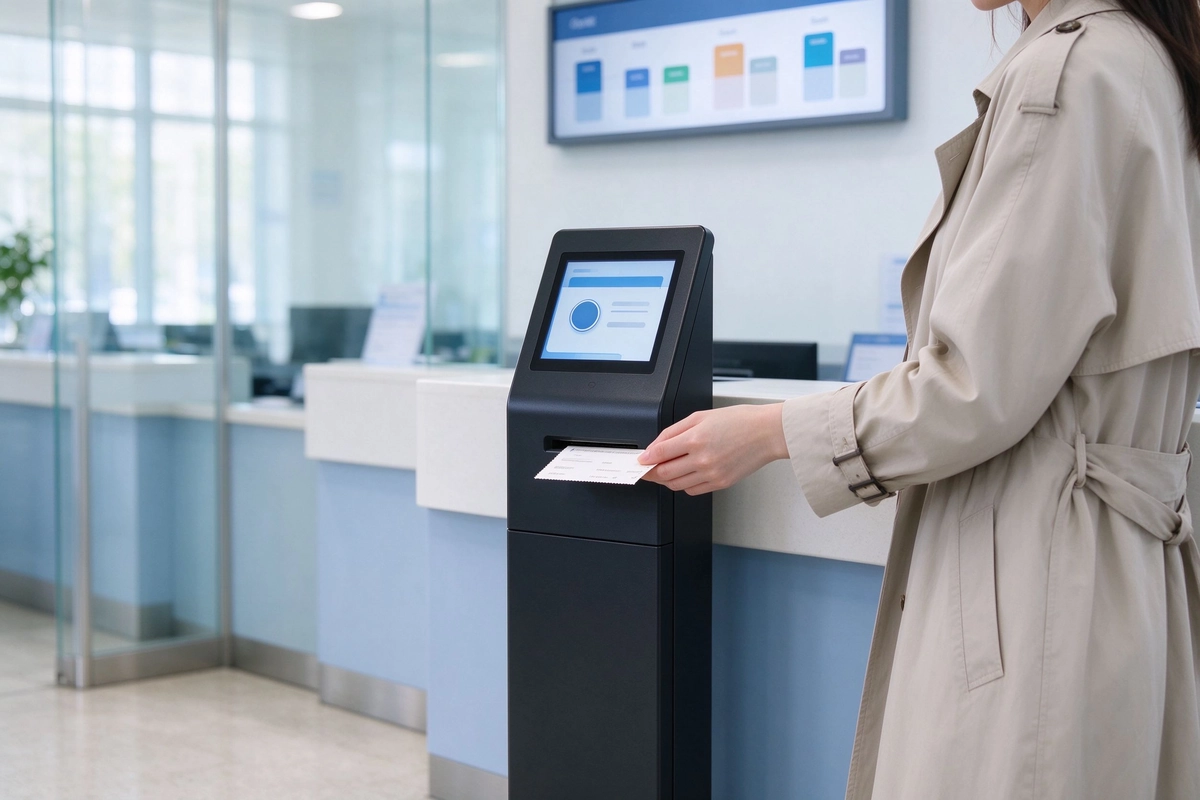
Kiosks issue queue numbers, displays show the current window and expected wait time, and hall managers monitor flow per window in real time to reallocate staff where demand is highest.
Multi-Language and Accessibility Support
Interfaces switch between local, national and immigrant community languages; height, touch targets and audio guidance are designed for elderly and disabled visitors.
System Integration with Government Databases
Kiosks integrate with existing citizen databases and service systems through controlled APIs, so identity verification and application records sync back automatically.
Remote Maintenance and Secure Public Kiosk Ports
Device status, card readers, printers and touch panels are monitored remotely; USB and network ports are locked down to prevent unauthorized access in public locations.
Fast Processing — complete ID applications, form printing and ticket dispensing in minutes instead of a counter queue.
Accuracy & Security — guided input and controlled access reduce data-entry errors and protect citizen records.
User-Friendly — multilingual, touch-optimized interfaces need no staff assistance.
Data Management — every transaction is logged and exportable for reporting and service planning.
e-Government kiosk handling ID applications and document printing without a counter visitQueue ticket dispenser guiding citizen flow through the service hall
Kiosk Module
Government Application
ID application & identity verification
Passport office, tax center, resident registration
Document printing & form download
Service halls, registration counters
Queue number & ticket dispensing
Municipal halls, clinics, motor vehicle offices
Fee & payment integration
Municipal fee counters (per project requirement)
Multilingual interface
Immigrant service points, tourist areas
Remote device management
Multi-branch municipal networks
Kiosk modules, peripherals and system integration scope are confirmed during project selection.
Reference: Amsterdam Municipal Service
An e-government kiosk deployment covering ID-related applications and document printing, integrated with the municipality's citizen service system. The project cut counter workload while keeping every transaction logged and auditable — a model we replicate in self-service kiosks for government projects worldwide.
Benefits of Digital Signage in Government: Long-Term Value for Public Sector
Beyond the immediate upgrade from paper, public sector digital signage changes how a municipality communicates with citizens every day. The effects below are documented in Qtenboard municipal deployments.
Improved Citizen Satisfaction and Perceived Waiting Time
Real-time queue status and service guidance reduce uncertainty and perceived waiting time; residents rate the hall experience higher without adding staff.
Reduced Printing and Manual Update Workload
Content is scheduled and published from the CMS; communication teams stop producing, distributing and replacing printed notices.
Centralized Multi-Site Content Control
One account manages every display across branches, districts and buildings, with per-site and per-group publishing rules.
Data-Driven Service Layout Optimization
Playback and kiosk usage logs show which content and which counters attract the most interaction, supporting layout and staffing decisions.
Flexibility and Scalability for Future Expansion
Add screens, kiosks or new building sites to the same platform without re-buying software or rebuilding the network.
35%
shorter perceived waiting time in queued service halls
Zero
printing cost for public notices and forms
1-Click
batch release to every display in the network
Core Advantages of Public Sector Digital Signage Over Traditional Paper Media
Municipalities replace paper notice boards with public sector digital signage because the operating model is fundamentally different — not just the medium.
Remote Unified Centralized Management
Every screen in every building is managed from one web console: schedule content, define display groups, and release new notices in minutes instead of days.
Ultra-Long Service Life & Low Energy Consumption
Industrial-grade panels are designed for continuous 24/7 operation with low-power consumption suited to always-on public buildings.
High Information Flexibility & Real-Time Update
Content changes at any time — office hours, emergency notices, meeting schedules — with no reprint lead time.
Information Security & Multi-Level Permission Control
Role-based accounts, publishing approval workflows and operation logs keep content control inside the authorized team.
Caractéristique
Signalisation statique traditionnelle
Qtenboard Signalisation numérique
Mise à jour de la vitesse
Days (reprint and redistribution)
Seconds (cloud publish)
Content types
Text and static images
Text, images, video, live feeds, emergency overlay
Multi-site management
Per-site manual work
One console for all sites
Emergency alerts
Not possible in real time
One-click full-screen override
Access control
Aucun
Multi-level roles and approval workflows
Printing workload
Recurring printing, delivery, replacement
Eliminated — content updated digitally
Secure CMS for Government Digital Signage Software
Secure cloud CMS dashboard: scheduling, device monitoring and approval workflows in one console
Every Qtenboard deployment runs on a secure cloud CMS built for the public sector: free full-feature license, multi-level approval and TLS-protected publishing.
Free Full-Feature CMS vs. Annual Subscription Models
Most digital signage software vendors charge an annual per-screen license. Qtenboard's government digital signage software ships with a free full-feature CMS license — no per-screen subscription, no annual platform fee — so the platform fee stays predictable for the lifetime of the deployment.
Multi-Level Roles and Approval Workflows
Draft, review and publish roles match municipal approval chains; only authorized staff can push content, and every change is logged.
TLS Encryption and Government Data Compliance
All management traffic is TLS-encrypted, accounts are role-scoped, and content operations are auditable to support public sector data compliance requirements.
API Integration with Emergency, Queuing and IoT Platforms
REST APIs connect the CMS to emergency management platforms, queue systems, IoT sensors and weather feeds, so displays react to live data instead of static playlists. Group management, scheduled power on/off, real-time device monitoring and intelligent fault alerts are standard across the network.
Public Safety Digital Signage and Emergency Alert Integration
Public safety digital signage turns a communication network into a safety infrastructure. Qtenboard's emergency alert module works with the same displays you already use for daily content.
Instant Full-Screen Emergency Alerts
Any authorized administrator can push a full-screen alert to selected displays or the entire network in seconds, overriding normal content until the event is cleared.
Integration with Municipal Emergency Management Platforms
The CMS receives trigger signals from municipal emergency platforms or IoT detectors and automatically displays the corresponding alert template.
Outdoor High-Brightness and Weatherproof Models
Outdoor units are built with high-brightness panels, weatherproof housings and wide-temperature operation for squares, entrances and roadside locations.
Multi-Channel Notification: Signage + Kiosk + Mobile
The same alert can appear on lobby signage, kiosk screens and mobile-accessible pages simultaneously, so the message reaches citizens wherever they are.
The outdoor emergency configuration is shown in the Full-City Emergency Early Warning & Public Safety Notification scenario above.
Key Matters For Government Digital Signage Project Implementation
Public sector procurement is judged on reliability, compliance and longevity. Four implementation principles guide every Qtenboard government project.
Industrial Grade Hardware Selection Standard
Panels, players and power supplies are selected for 24/7 public operation, with cooling and brightness matched to the installation environment and confirmed per project configuration.
Network Information Compliance & Security
Deployments follow network security and content compliance requirements: role-based access, TLS publishing, operation logs, and hardened public kiosk ports with remote maintenance access controlled by policy.
Multilingual & Accessibility Compliance Design
Interface language sets, font sizes, heights and touch targets follow accessibility guidance for elderly and disabled users and immigrant communities.
System Expandability Reserve
The platform reserves expansion paths for system integration with existing citizen databases, queue systems and IoT platforms, and for adding screens or kiosks as the network grows.
Qtenboard Complete Government Digital Signage Solutions Matrix
One supplier covers the full public sector display stack — from a single lobby screen to a city-wide signage and kiosk network. With in-house hardware, software and OEM/ODM engineering under one roof in Shenzhen since 2005, Qtenboard has delivered over 230 overseas digital signage projects since 2018.
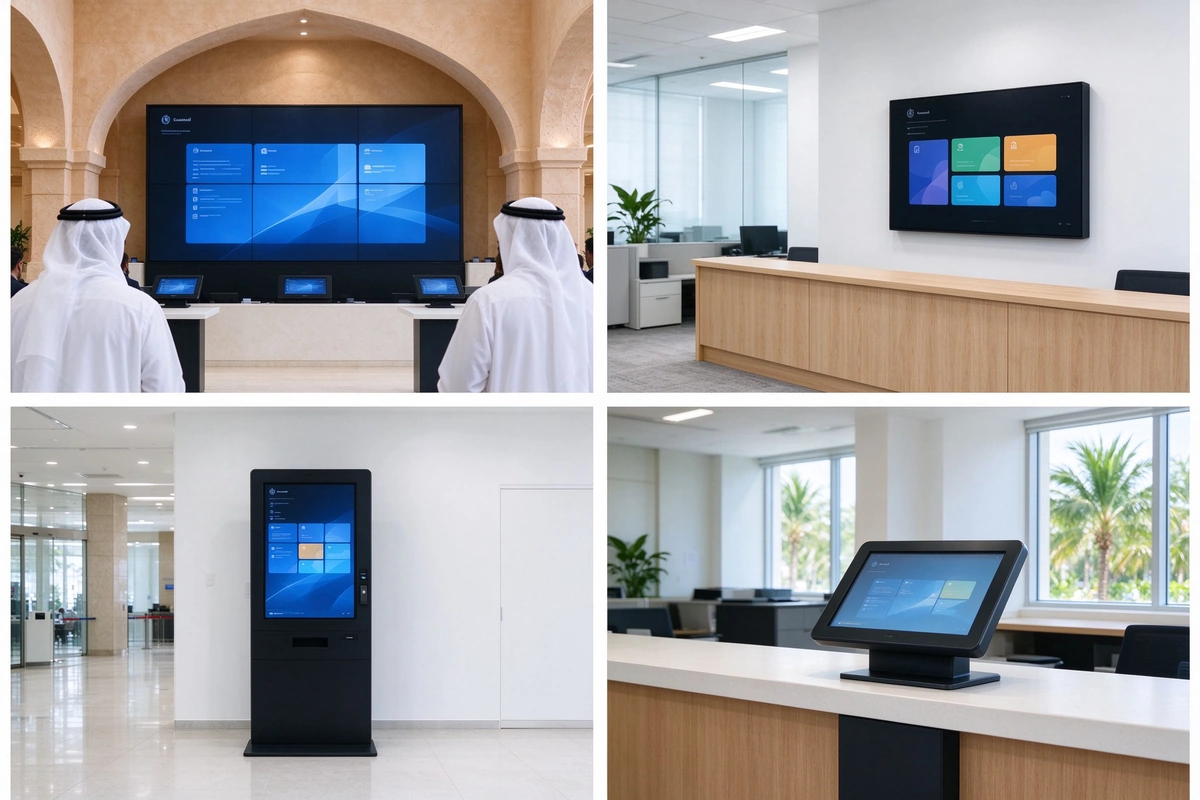
Wall-mounted indoor government digital signage — lobby, waiting area and corridor displays.
Vertical touch self-service kiosks — self-service information and form queries.
e-Government kiosks for ID / printing / ticketing — counter-task terminals with queue integration.
High-bright outdoor public sector digital signage — squares, entrances, roadside and tourism points.
Splicing video walls for command centers — multi-screen data visualization.
Real Global Government Digital Signage & Kiosk Project Cases
Qtenboard government digital signage and kiosk projects across four continents
Government projects carry the highest procurement risk, so proof matters. Qtenboard's public sector deployments span municipal service centers, local council networks and e-government kiosk programs on four continents — and the same delivery model extends to government digital signage canada, usa and nepal projects through our global partner network.
Saudi Arabia — Mega Municipal Service Center
Large-format municipal information and queue guidance
Large-format digital signage for policy announcements and citizen guidance
Queue management displays integrated with service windows
Centralized CMS control across all hall zones
Sweden — Kommun Digital Skyltning Network
Local council display network across kommun offices
Local council display network covering multiple kommun offices
Scheduled content for council news, office hours and public meetings
Remote management from a single municipal console
Japan — デジタルサイネージ 自治体
Municipal digital signage for disaster and public information
Municipal digital signage for disaster and public information
Multilingual-ready content for international visitors
Content workflows aligned with municipal information processes
Colombia — Señalización Digital para Oficinas
Office signage modernization for public sector buildings
Office signage modernization for public sector buildings
Real-time updates for service windows and announcements
Touch kiosks for visitor self-service
Netherlands — Municipal Service Hall + e-Government Kiosk
Service hall modernization with e-government self-service
e-Government kiosk covering ID applications and document printing
Queue and citizen flow management in a busy service hall
Integration with municipal citizen service systems
FAQ: Government Digital Signage and Kiosk Procurement Questions
Is the Qtenboard CMS really free with no annual fees?
Yes. The full-feature cloud CMS license is included with the hardware — no per-screen subscription and no annual platform license fee. The final scope is confirmed during project selection.
Can the system integrate with emergency alert or city IoT platforms?
Yes. The CMS exposes REST APIs for emergency management platforms, queue systems, IoT sensors and weather feeds, and alert templates can be triggered automatically.
How is data security and access control handled?
Role-based accounts, approval workflows, TLS-encrypted publishing and full operation logs are standard; hardened ports on public kiosks prevent unauthorized access.
How durable are outdoor models in extreme climates?
Outdoor units use high-brightness panels, weatherproof housings and wide-temperature designs. Exact specifications are matched to your climate during project selection.
Can the system handle multiple languages simultaneously?
Yes. Content can be scheduled per language, per site and per time slot, and kiosk interfaces support multilingual and accessibility configurations.
What is the typical deployment timeline for a city-wide project?
A multi-site rollout is typically planned in phases from a pilot hall. The schedule depends on site count, network readiness and integration scope, and is confirmed during project planning.
What is the difference between government digital signage and a self-service kiosk?
Signage shows information — announcements, queue status, directions. Kiosks complete tasks — queue numbers, ID applications, document printing. Most service halls deploy both.
Which government offices benefit most from self-service kiosks?
High-volume counter offices: ID and passport offices, tax centers, municipal service halls, motor vehicle offices and community service centers.
Can kiosks integrate with existing government databases?
Yes. Through controlled APIs, kiosks verify identities and sync application records with existing citizen service systems. Integration scope is confirmed per project.
What certifications and warranties do you provide?
Industrial-grade displays ship with standard warranty and after-sales support. Certification and warranty coverage are documented per project and market.
Next Step: Plan Your Government Digital Signage Project
Tell us your service hall layout, citizen flow and language requirements — our engineers will recommend a signage + kiosk configuration and a phased rollout plan for your municipality.
Nous utilisons des cookies et des outils similaires pour fournir nos services. Si vous ne voulez & #039;t accepter tous les cookies, cliquez sur Personnaliser les cookies.
Préférences de cookie
Cookies essentiels (requis)
Ces cookies sont strictement nécessaires pour permettre l'accès et l'utilisation de notre Plateforme. Ils fournissent les fonctionnalités nécessaires pour assurer les performances, la sécurité et la fonctionnalité appropriées de notre Plateforme. Ces cookies ne peuvent pas être désactivés.
Cookies analytiques
Ces cookies nous aident à déterminer et à comprendre comment les utilisateurs interagissent avec notre Plateforme et l'utilisent.
Cookies de personnalisation
Nous utilisons ces cookies pour rendre les messages publicitaires plus pertinents pour vous. Ces cookies remplissent également des fonctions telles que la prévention de la réapparition continue de la même annonce, l'assurance que les annonces sont correctement affichées pour les annonceurs et, dans certains cas, la sélection de publicités en fonction de vos intérêts.
Cookies de marketing
Ces cookies nous aident à vous fournir un marketing plus ciblé et pertinent et à évaluer l'efficacité de nos communications marketing en surveillant le taux d'ouverture et les conversions.
Cookies de réseaux sociaux
Nous utilisons ces cookies pour vous permettre de partager des pages et du contenu que vous trouvez intéressants sur notre Plateforme via des réseaux sociaux tiers et d'autres sites Web.

 FRA
 EN
 AR
 DAN
 IT
 ARM
 FIN
 SWE
 NOR
 MAY
 NL
 TH
 KOR
 PL
 RU
 PT
 SPA
 DE
 CHT